


OMH Maps Client Library
Overview
OMH Maps Client Library is an Android SDK that simplifies the integration of maps on both Google Mobile Services (GMS) and non-GMS devices. It provides a unified interface and components for a consistent map experience, eliminating the need for separate codebases for different Android builds. This repository contains a detailed Getting Started guide to help developers learn and effectively implement the OMH Maps Client Library into their Android projects. For a general overview and understanding of the philosophy behind OMH, please visit the official website at https://openmobilehub.org.
A single codebase, running seamlessly on any device
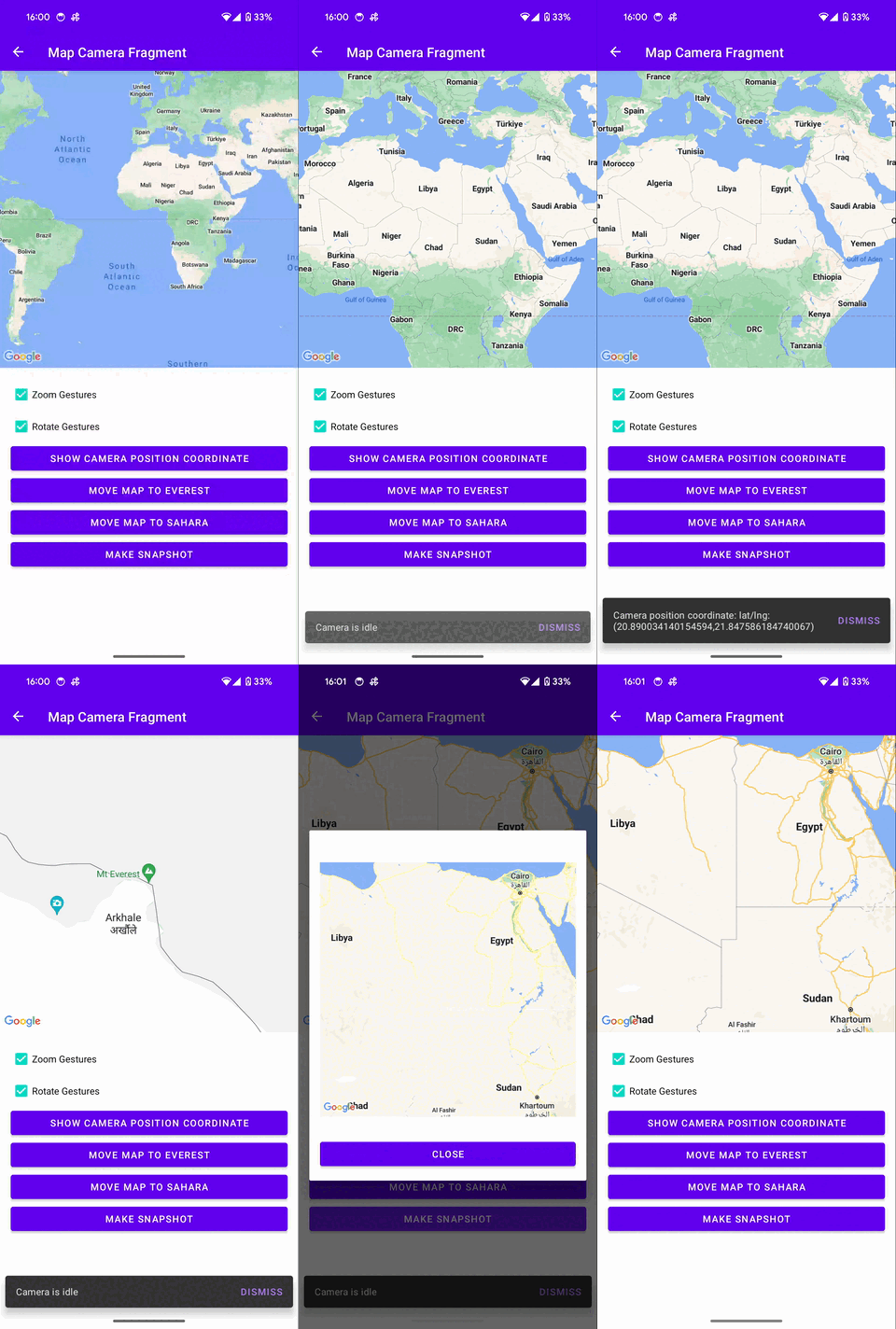
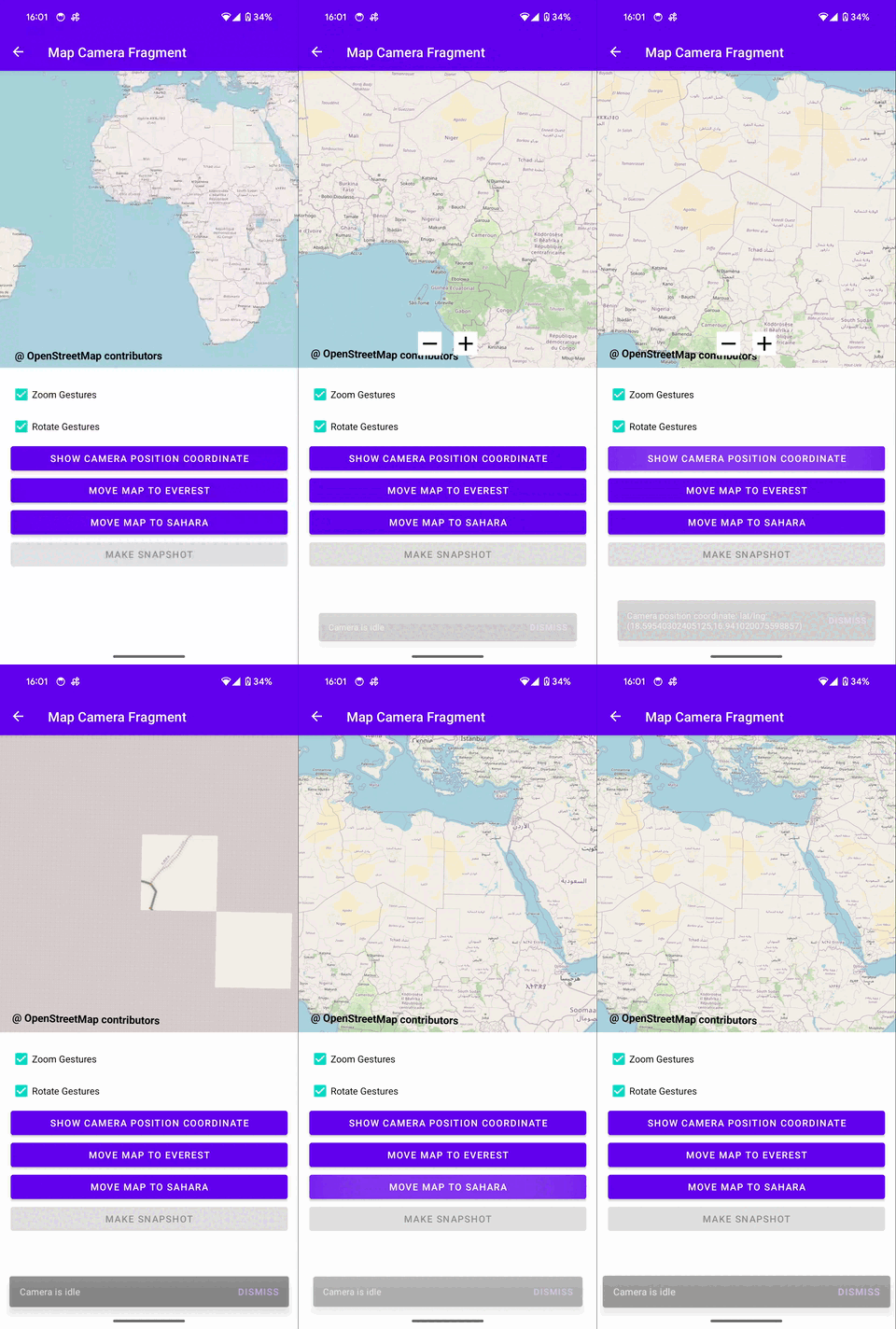
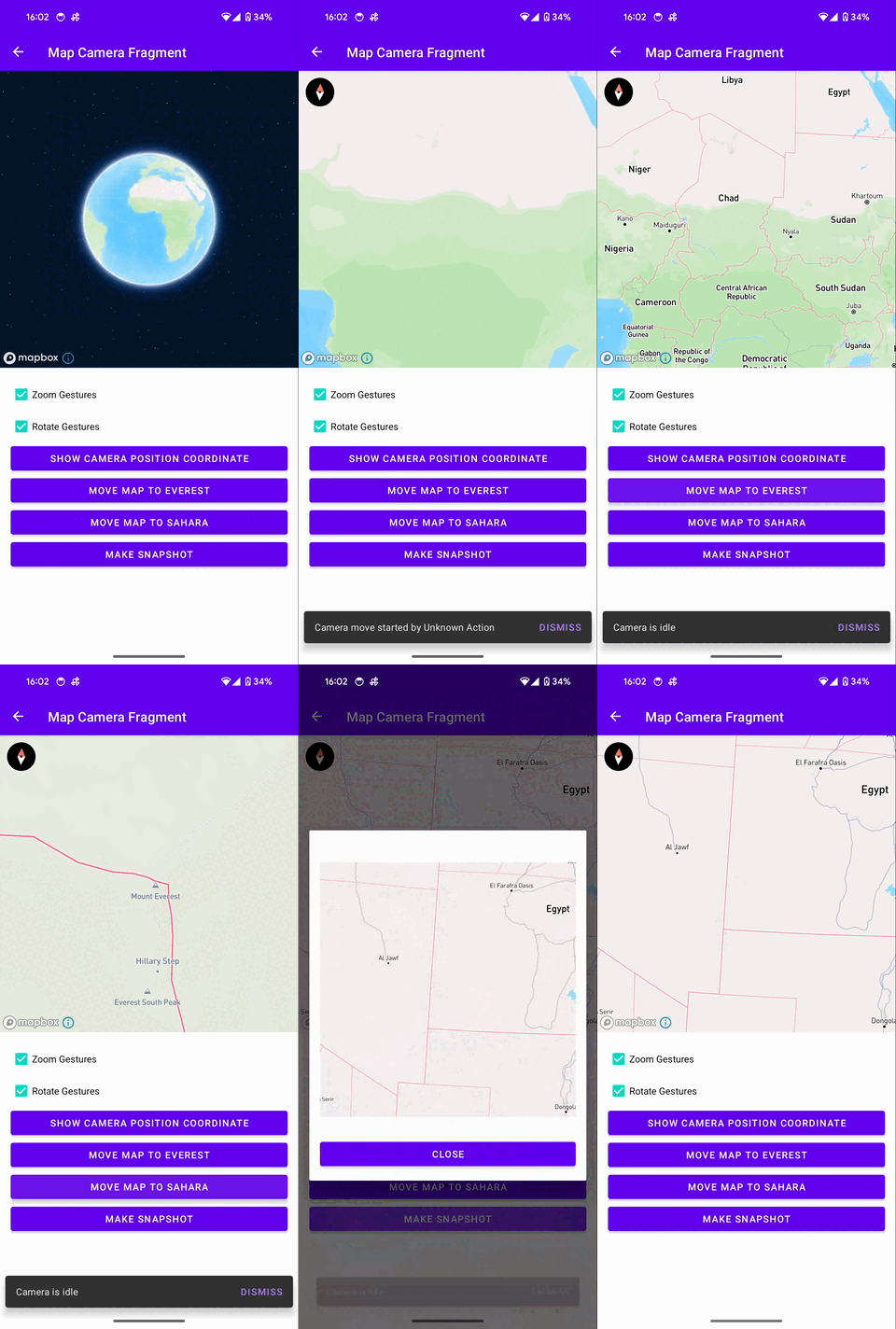
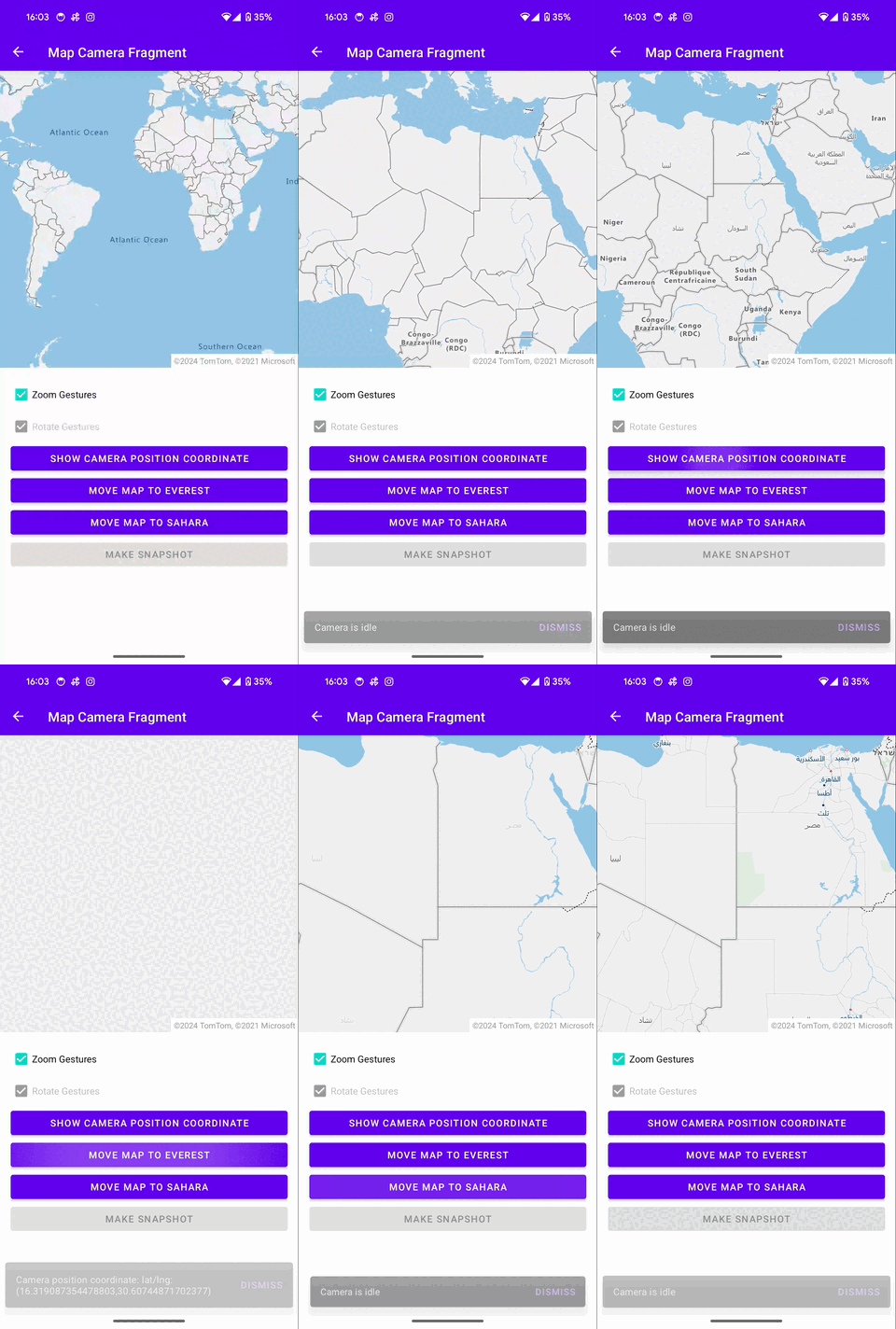
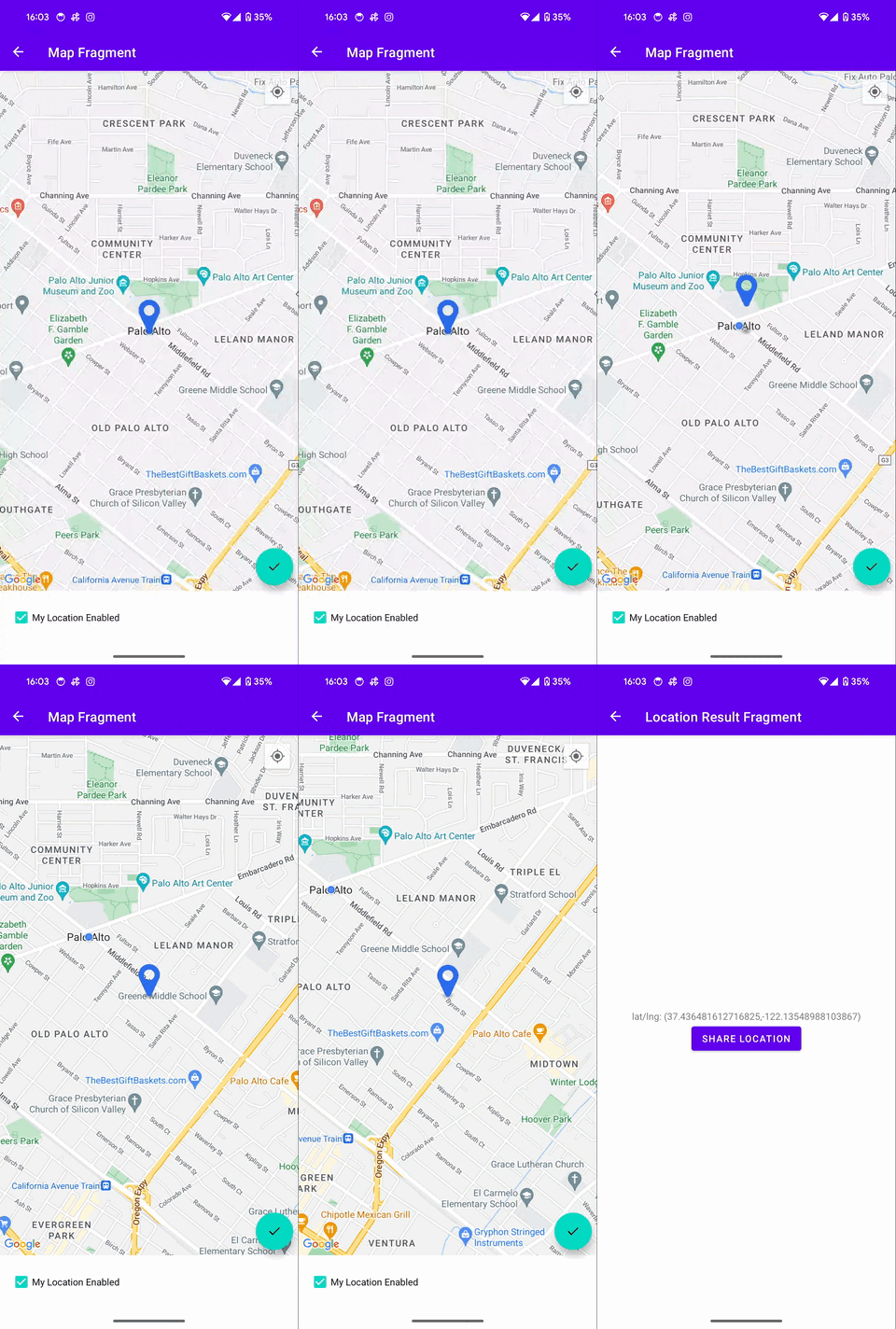
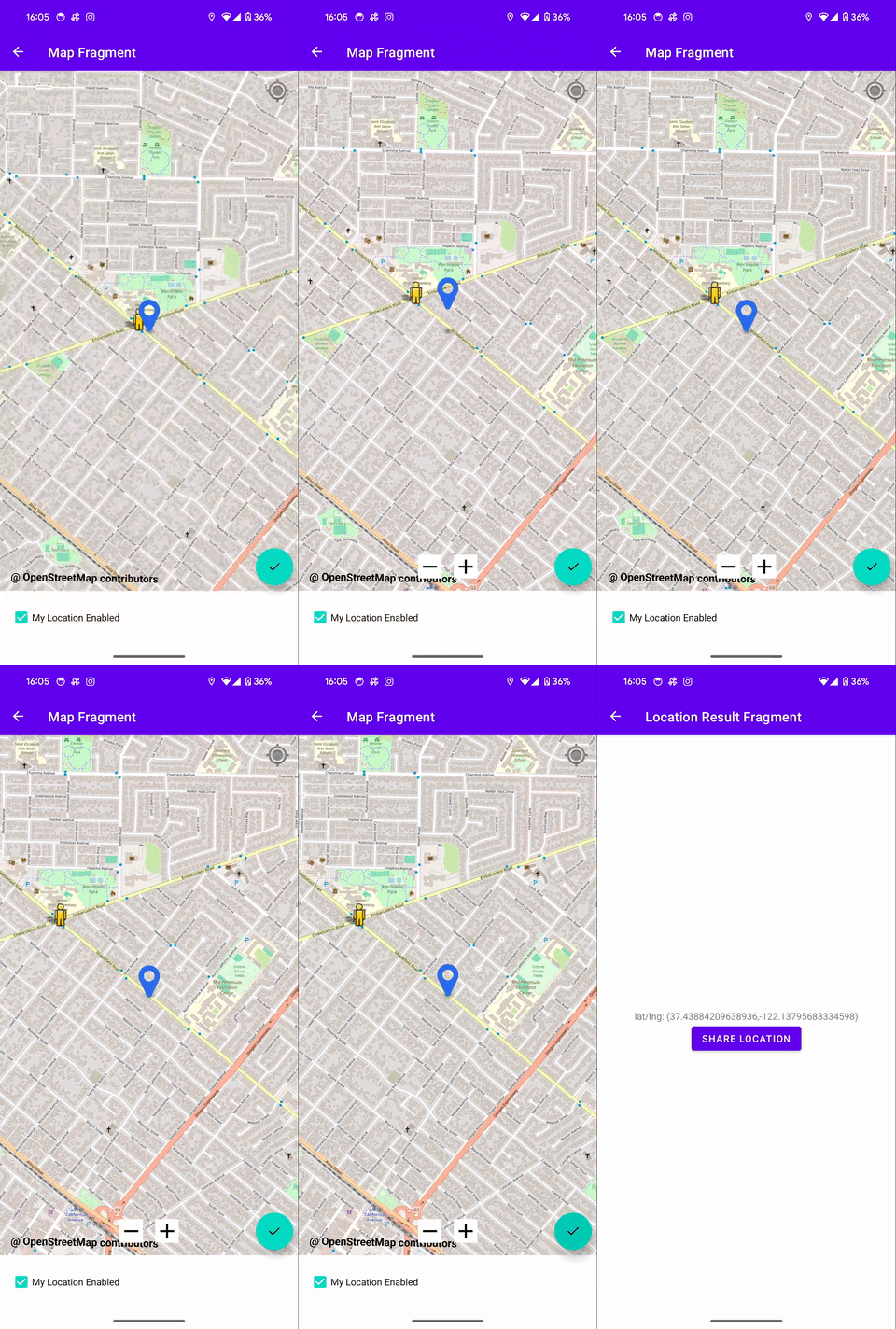
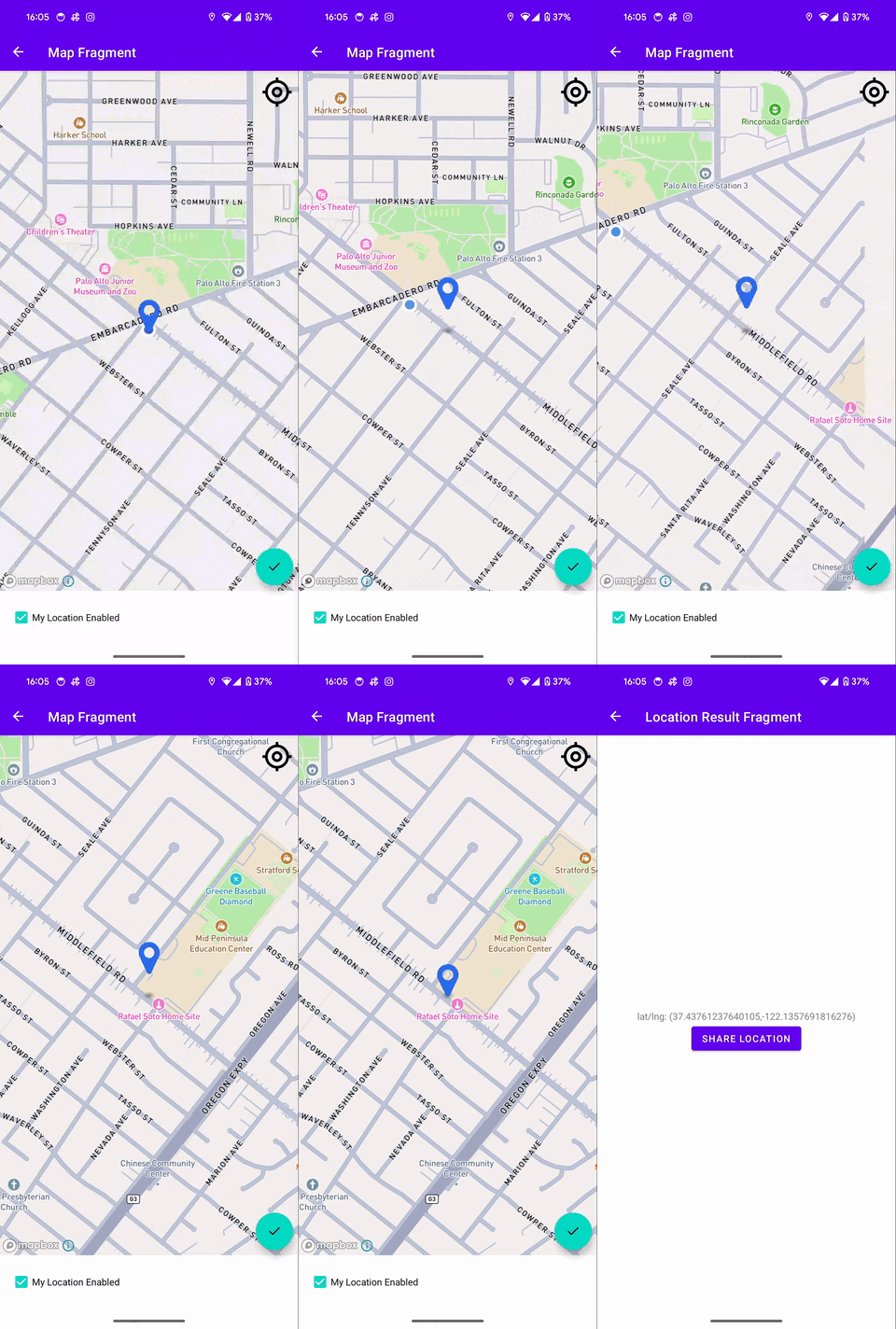
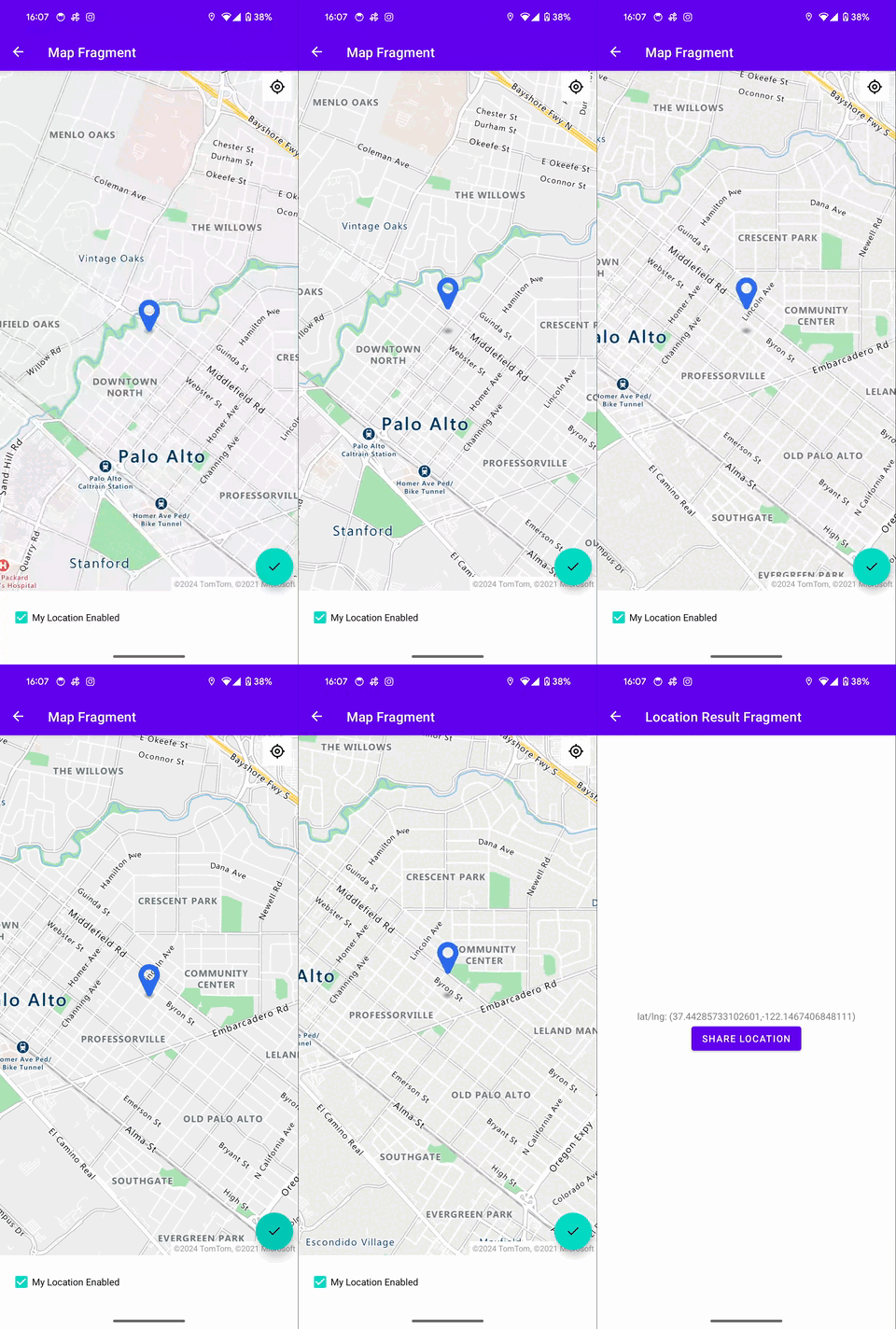
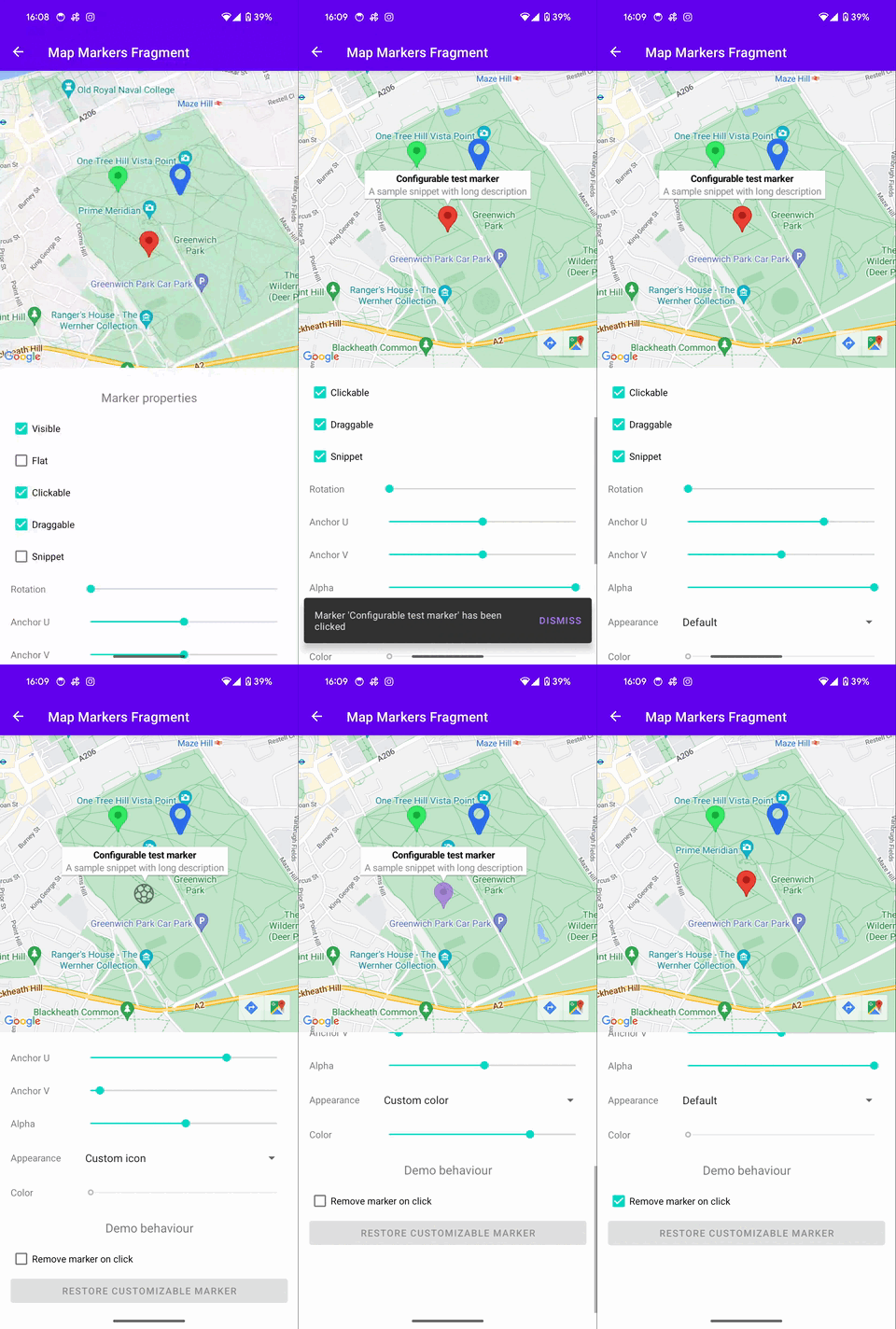
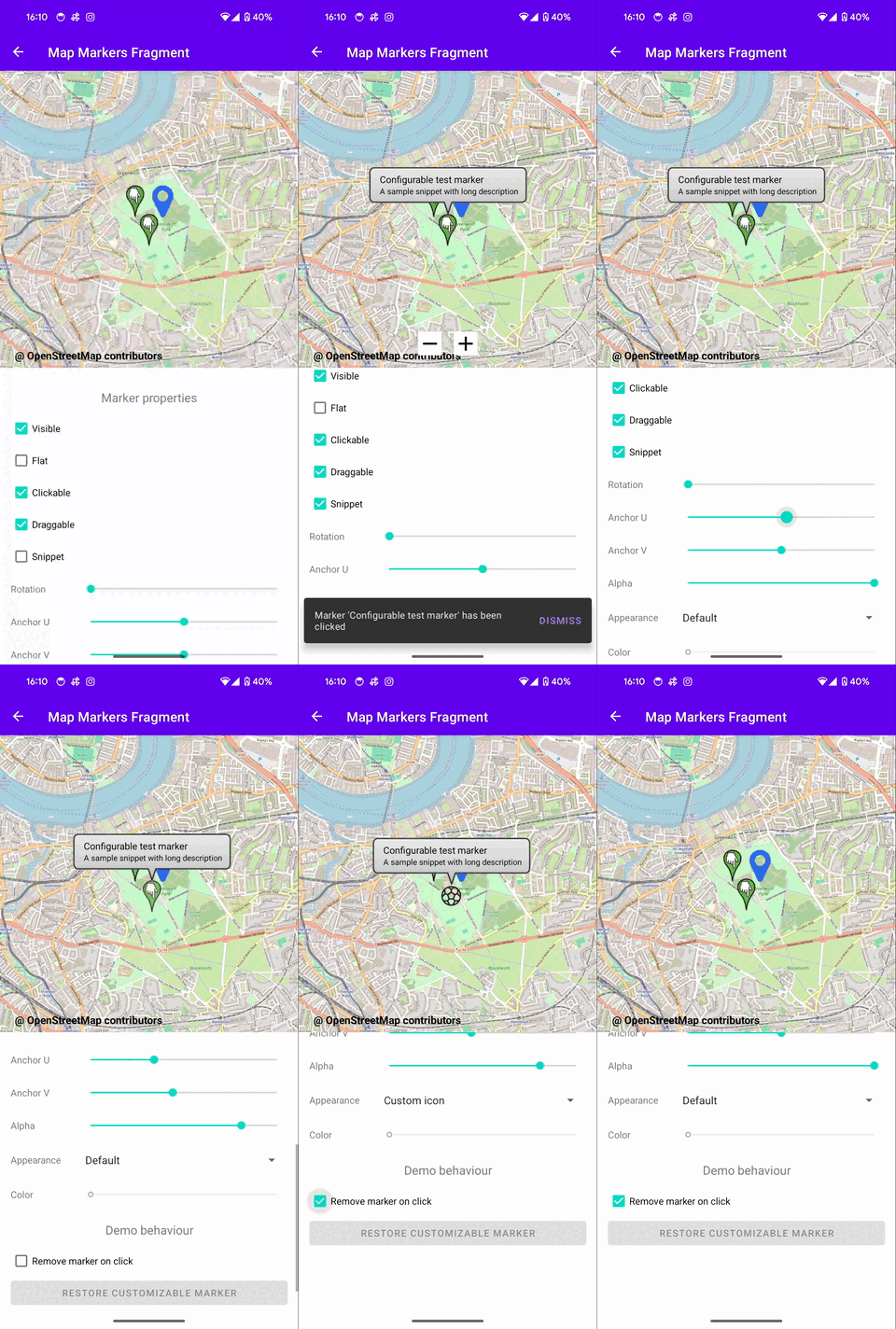
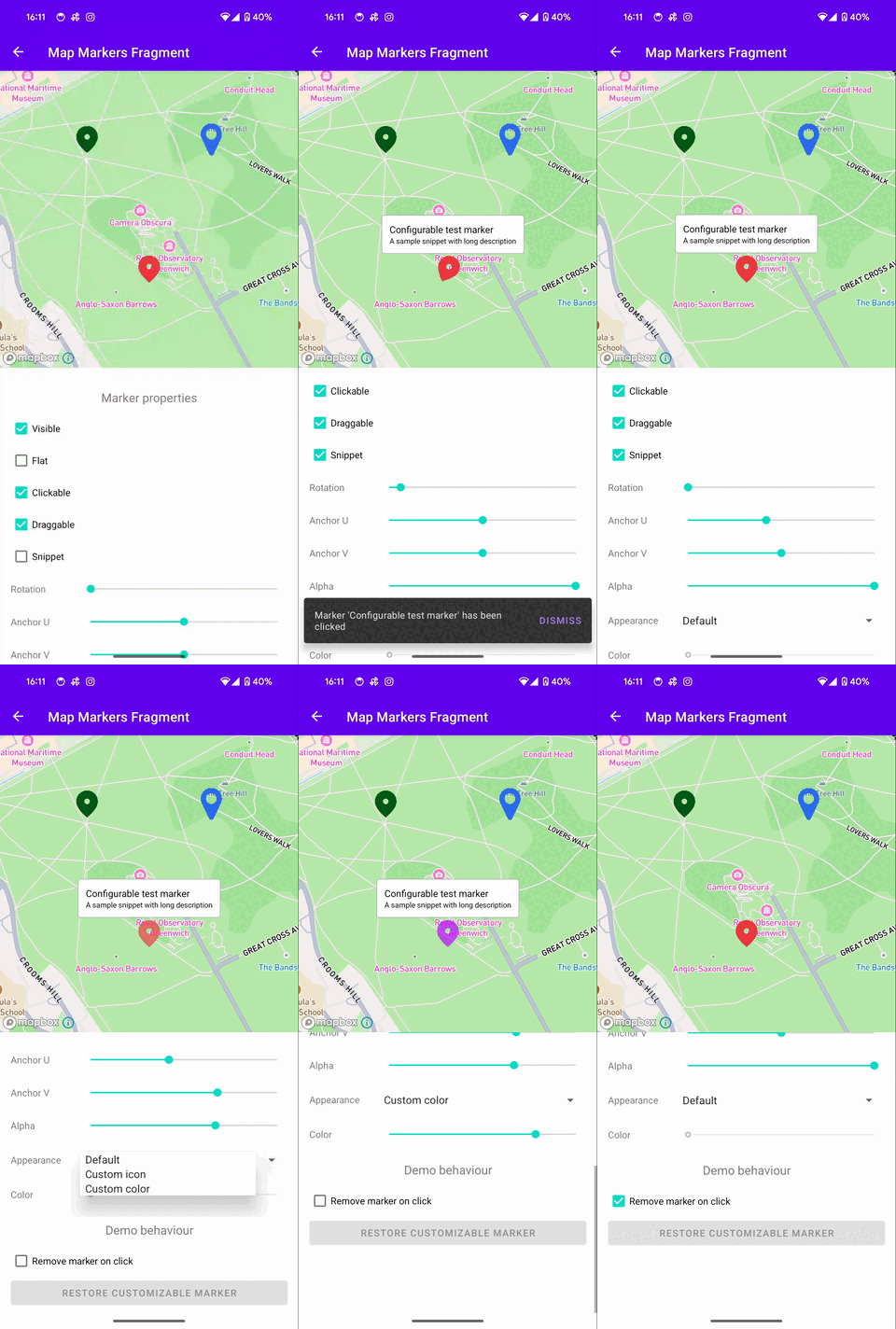
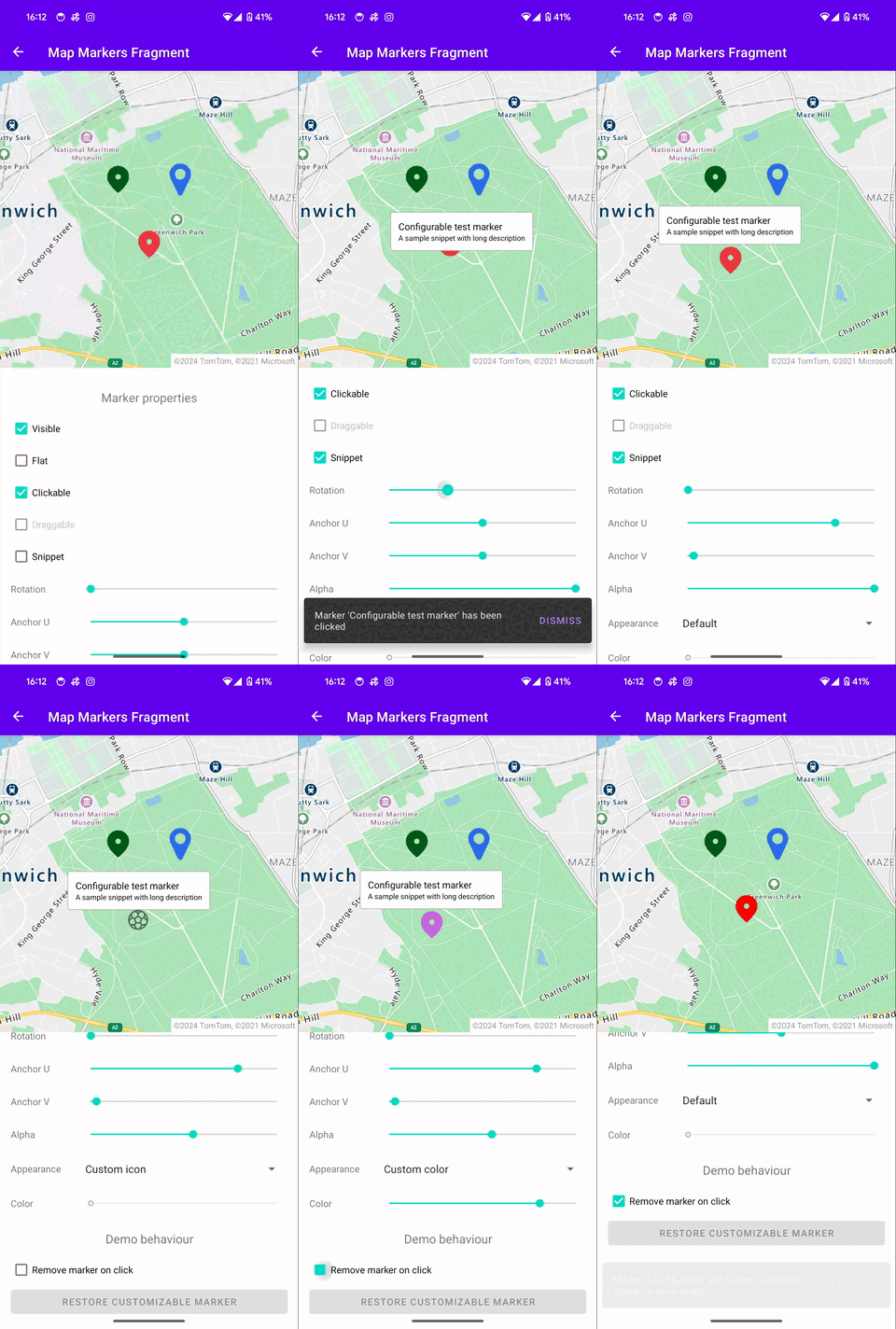
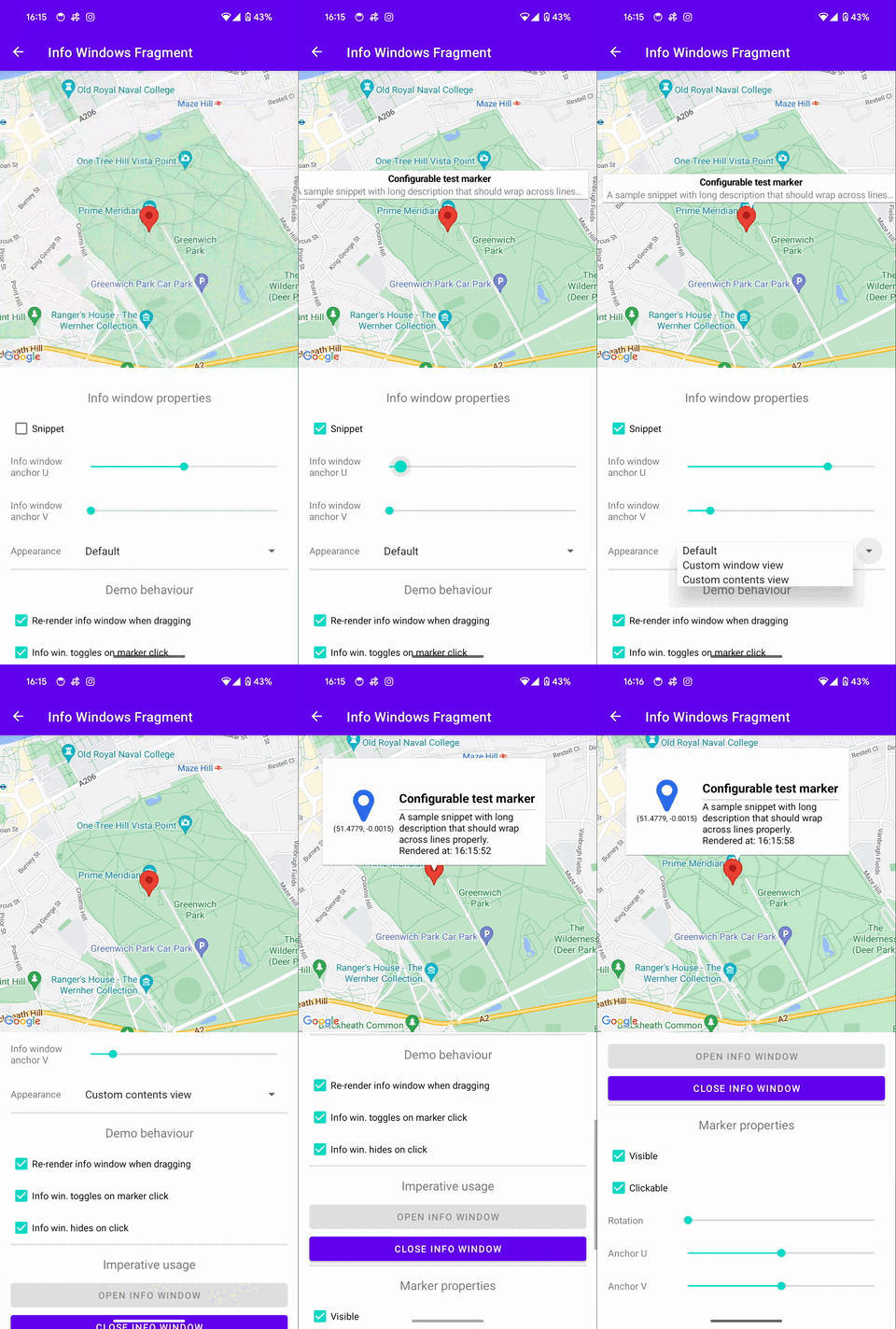
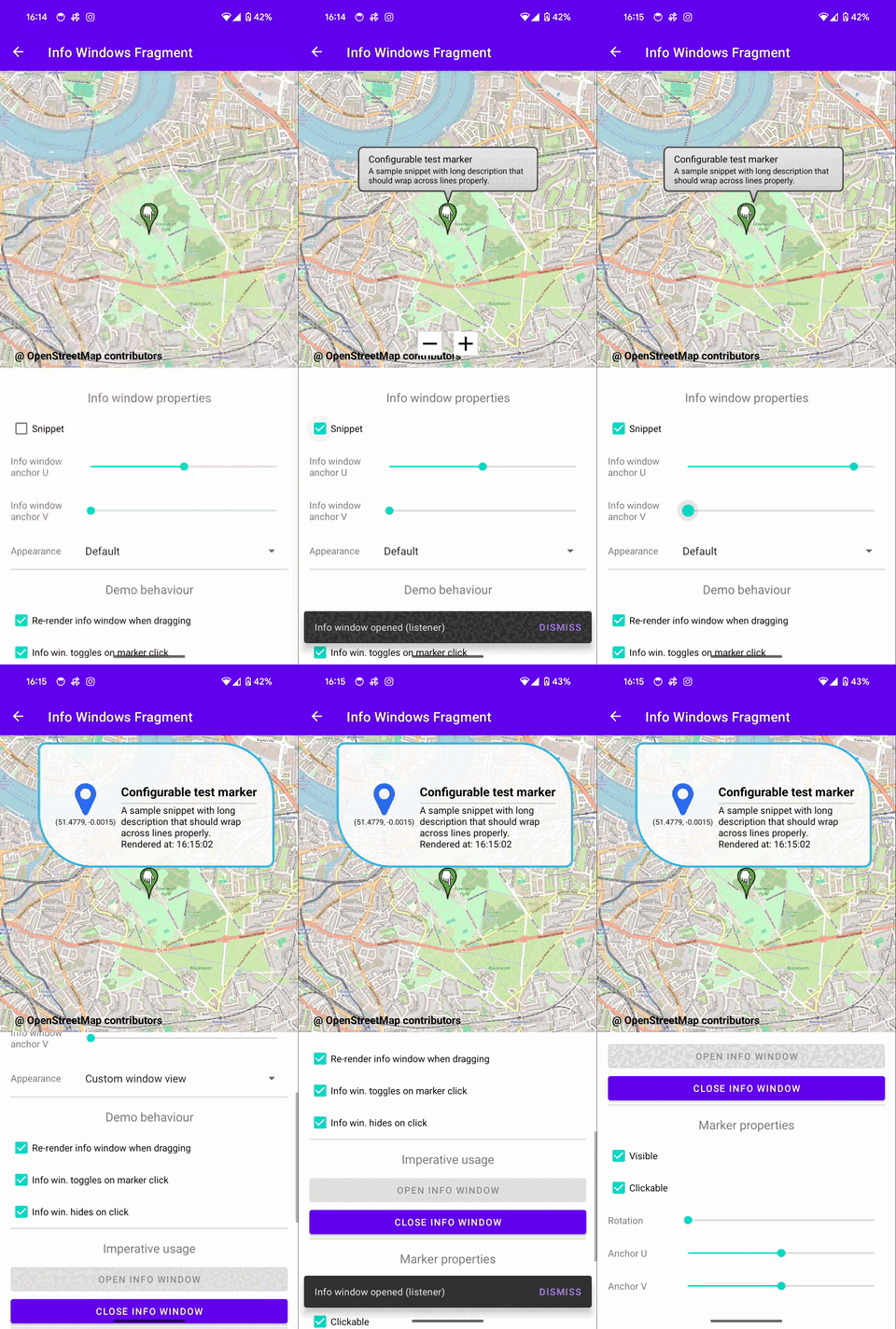
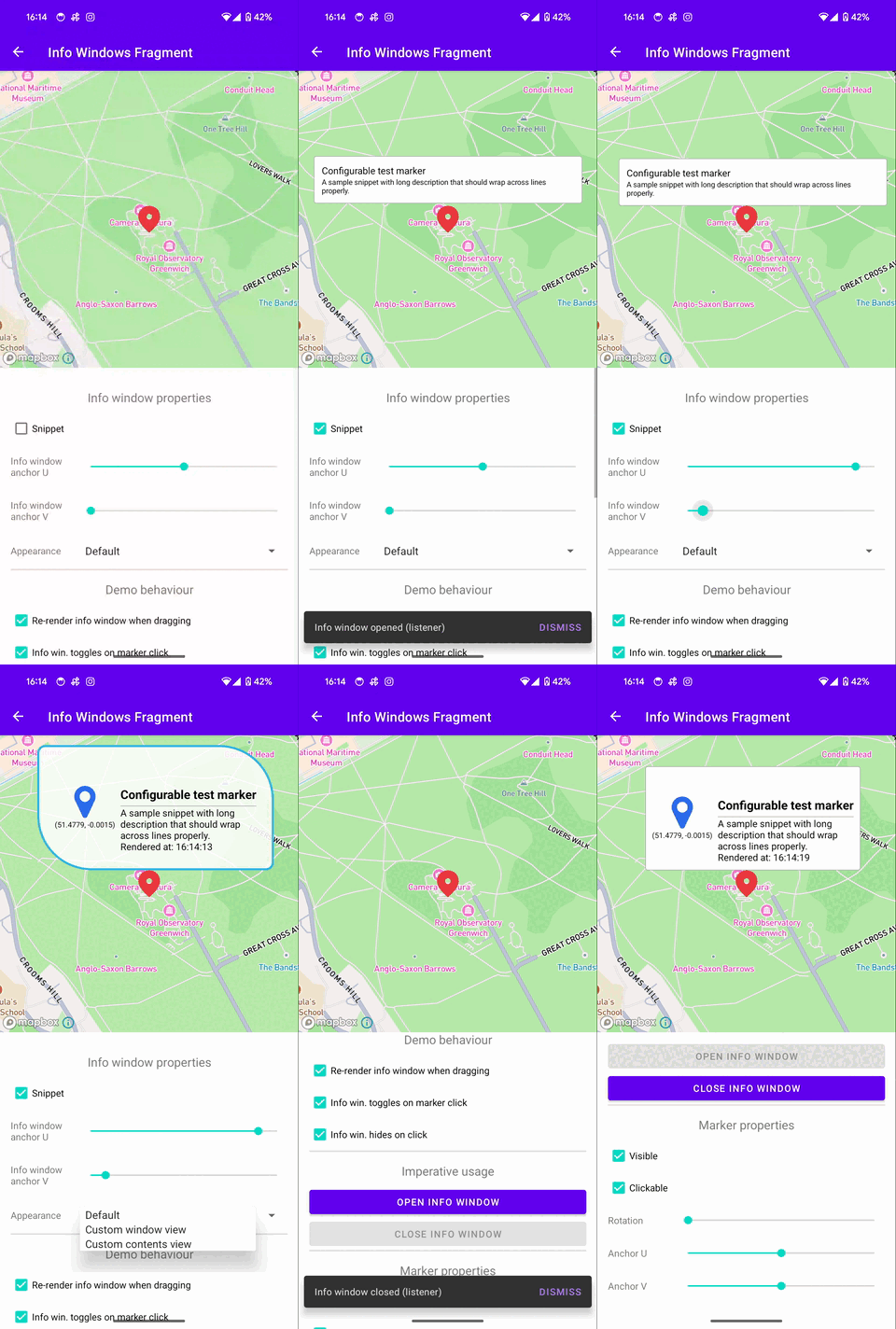
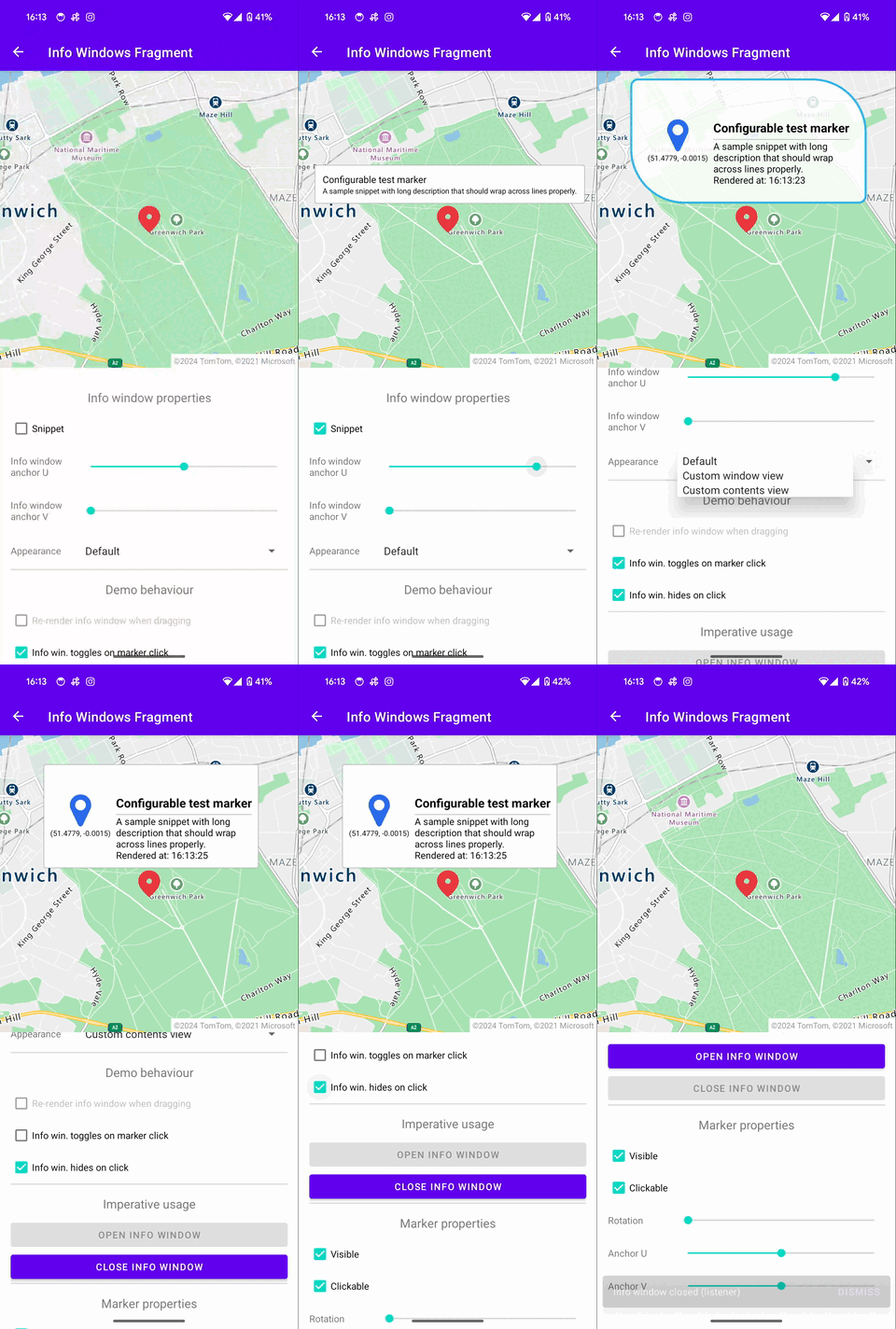
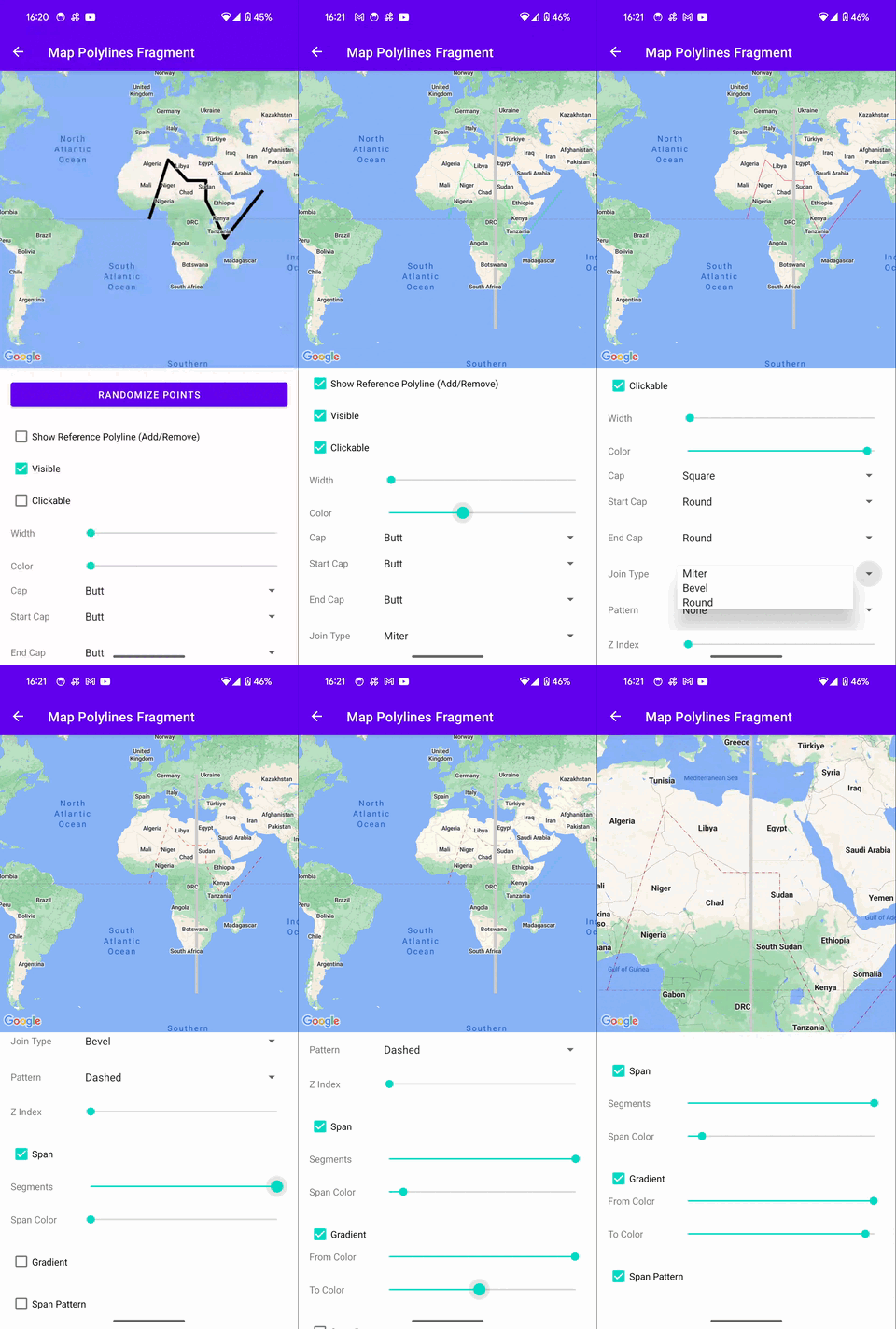
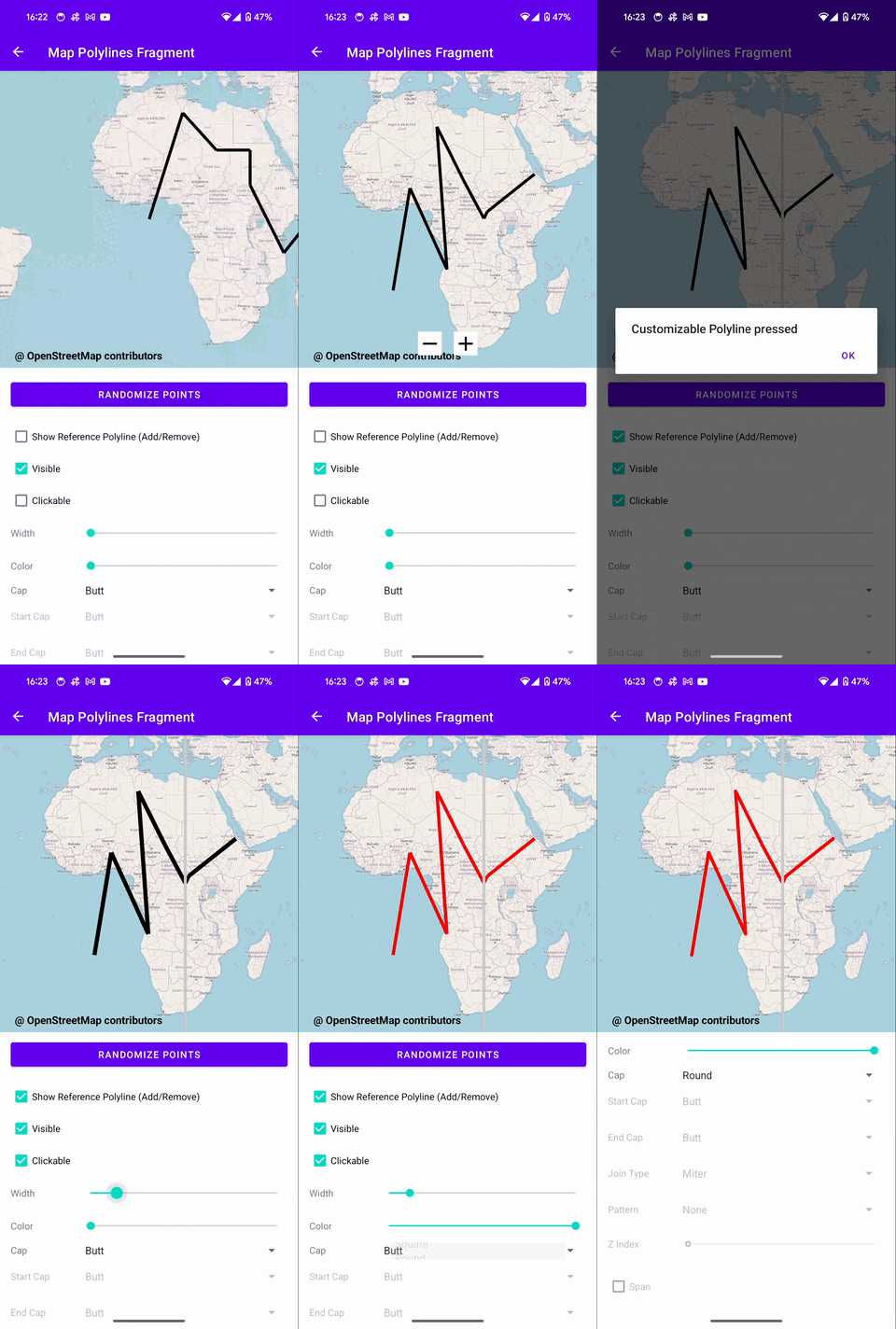
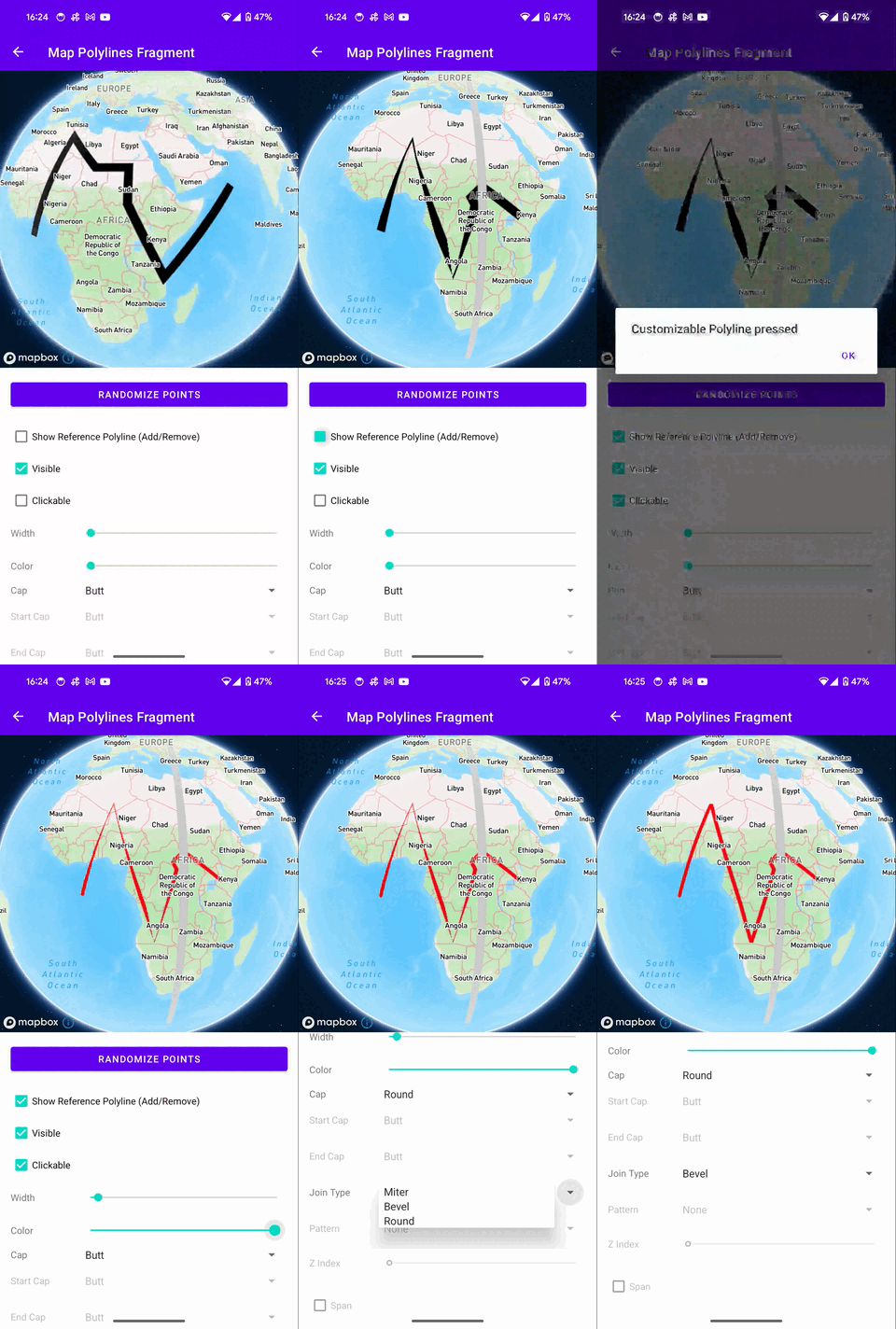
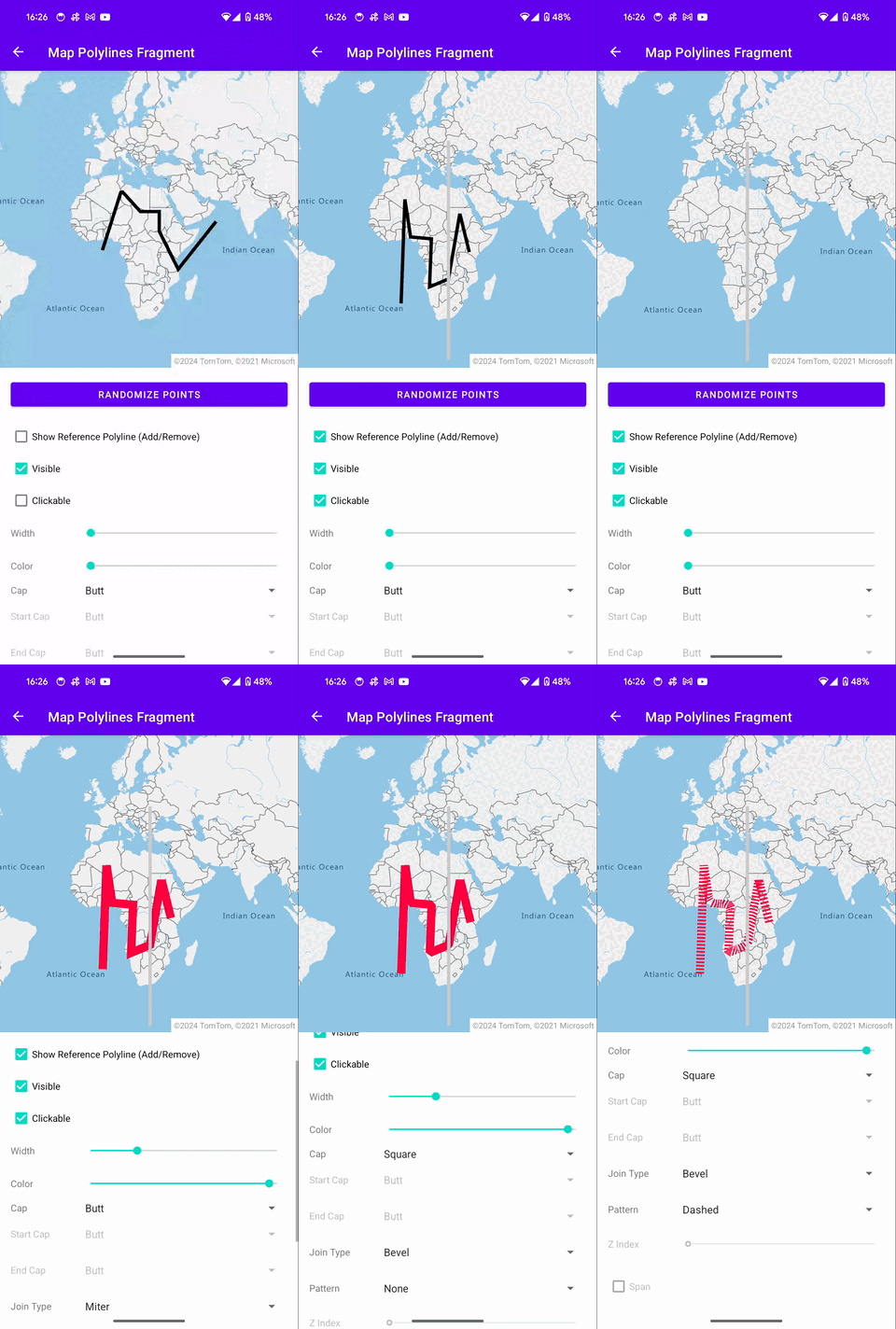
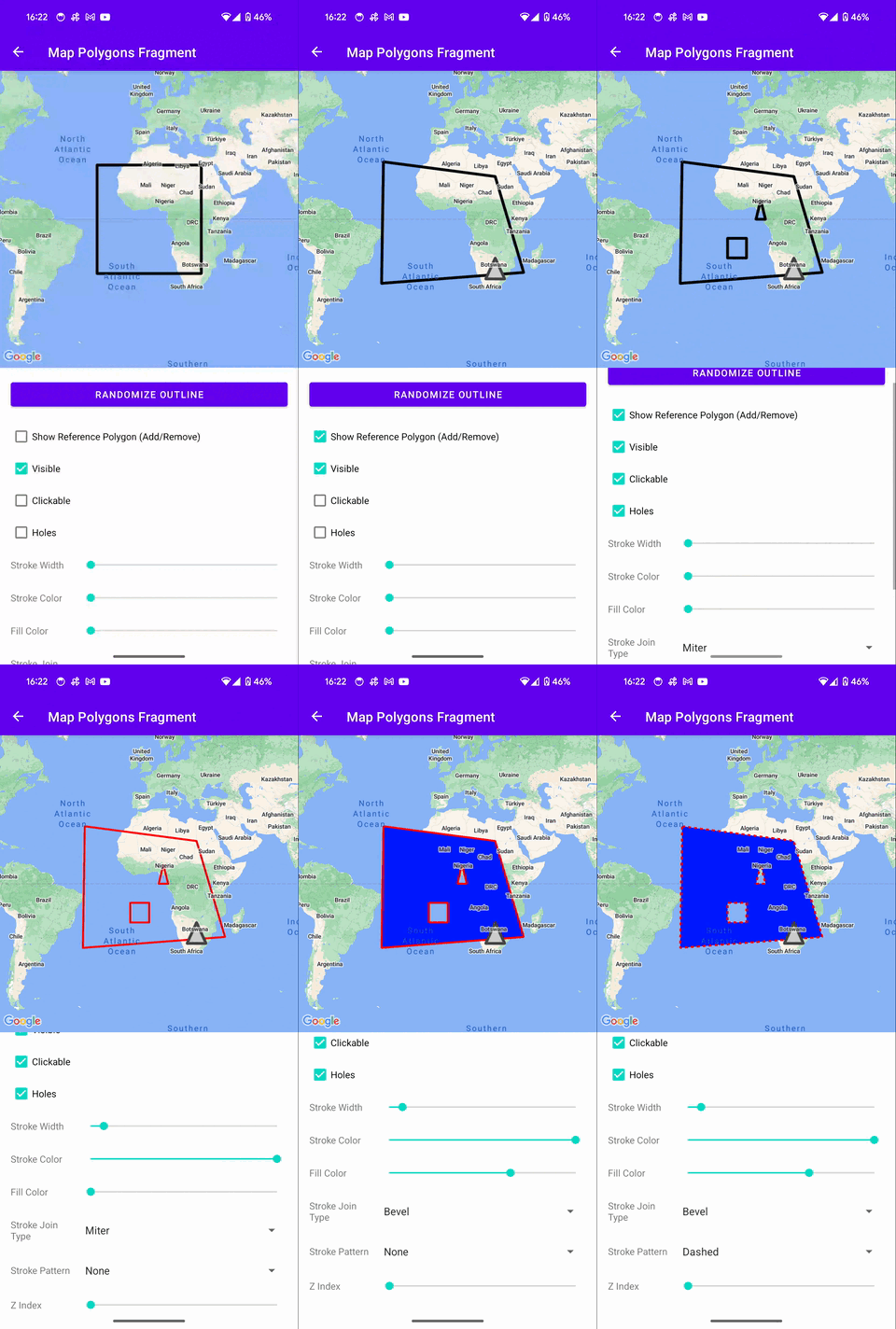
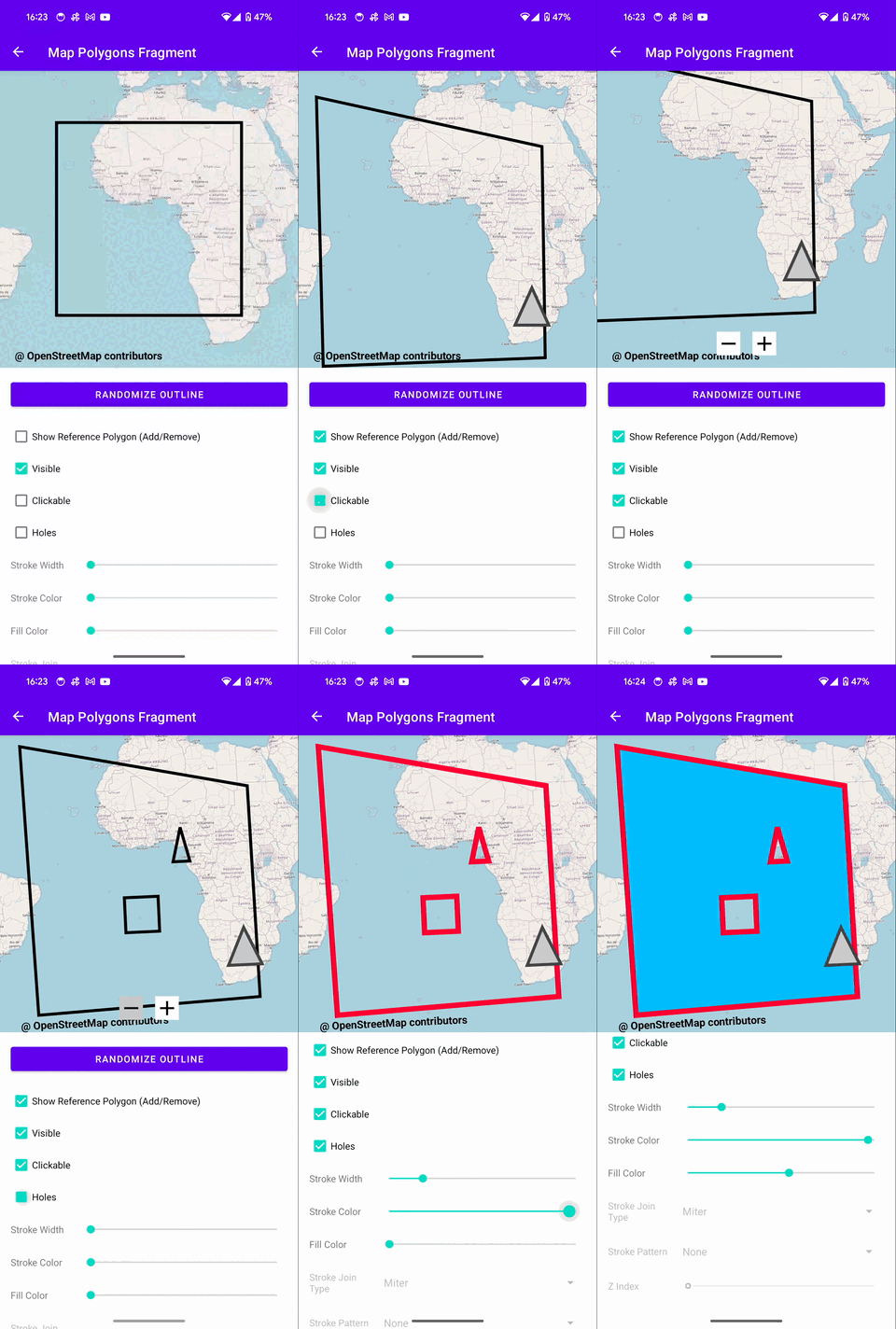
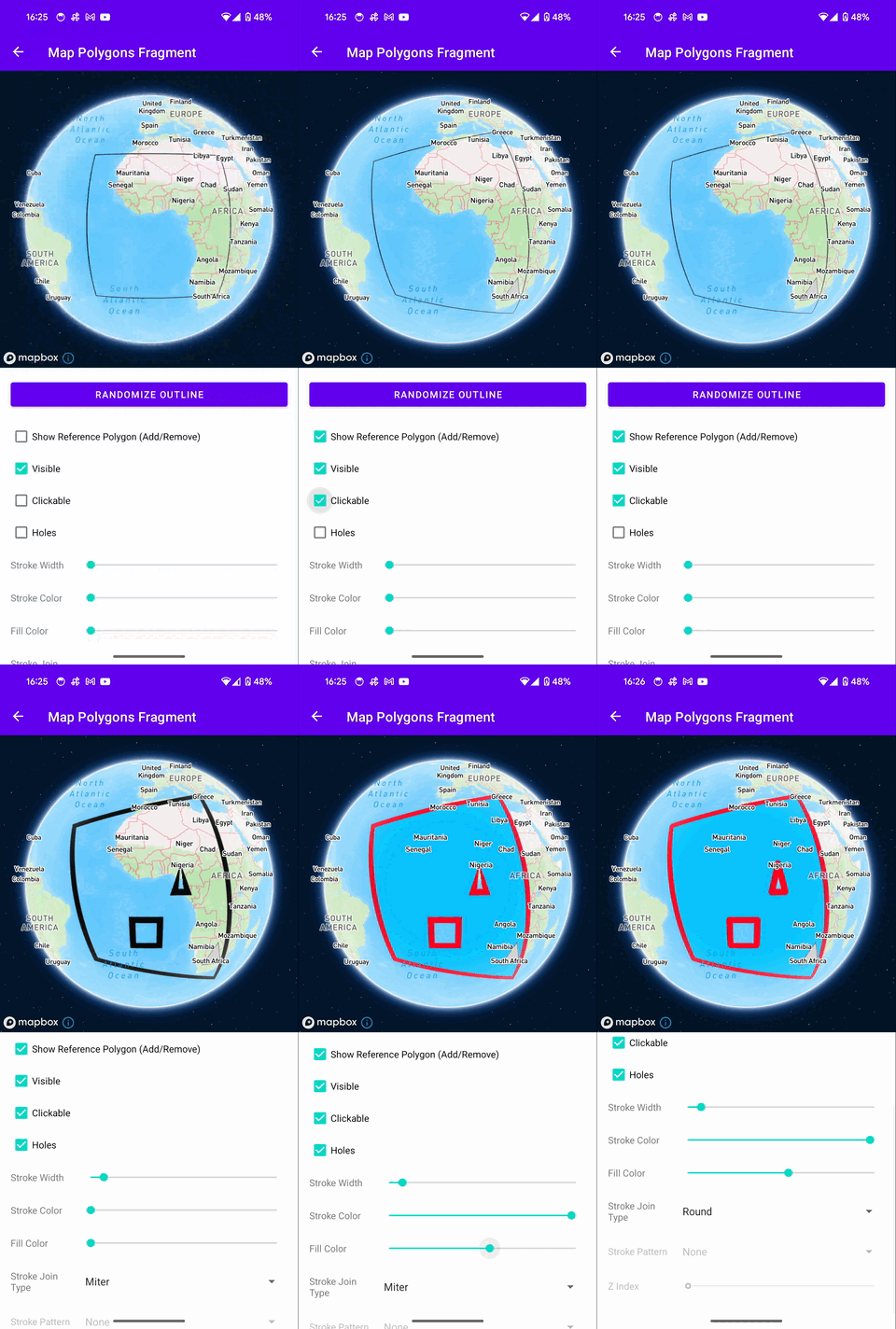
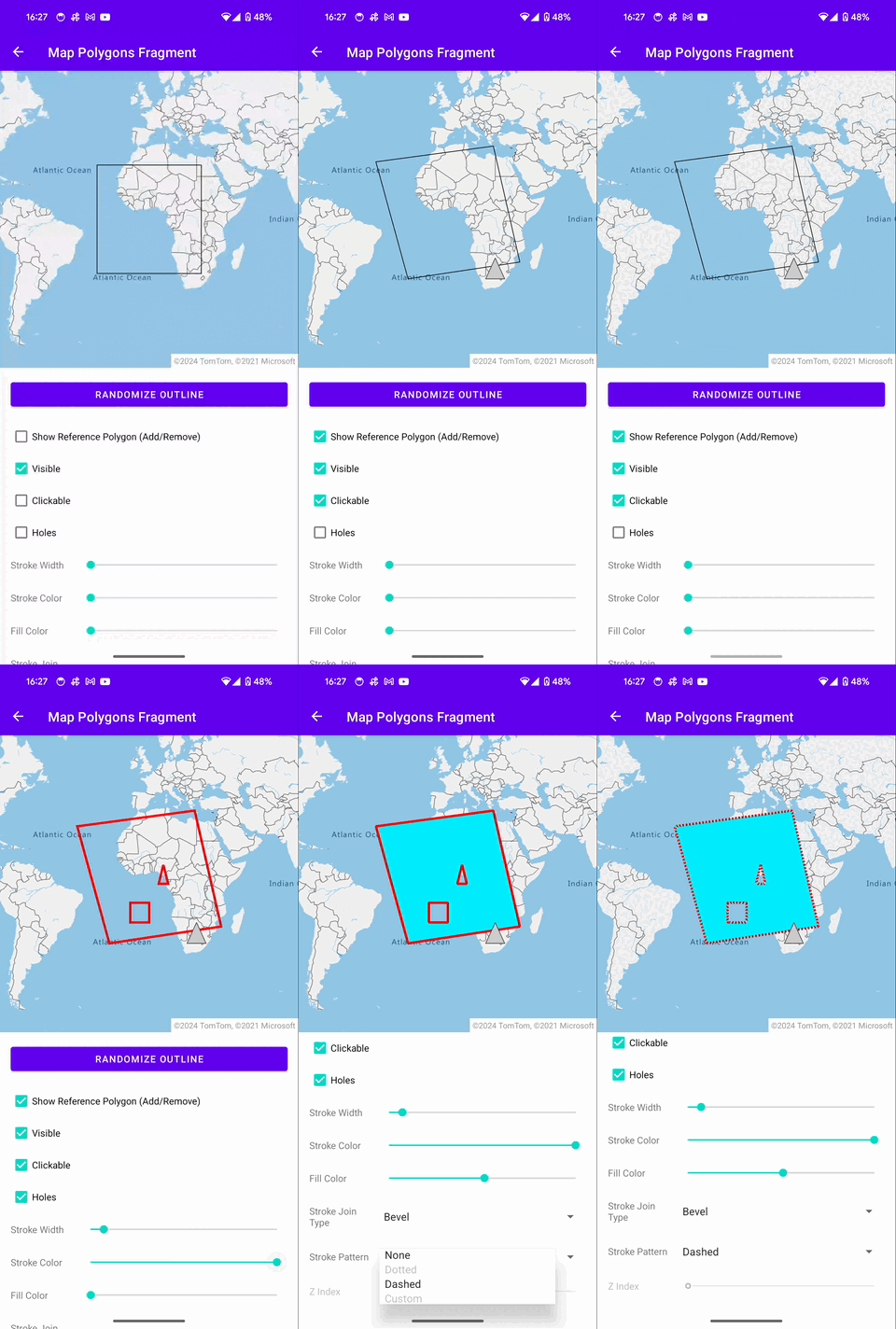
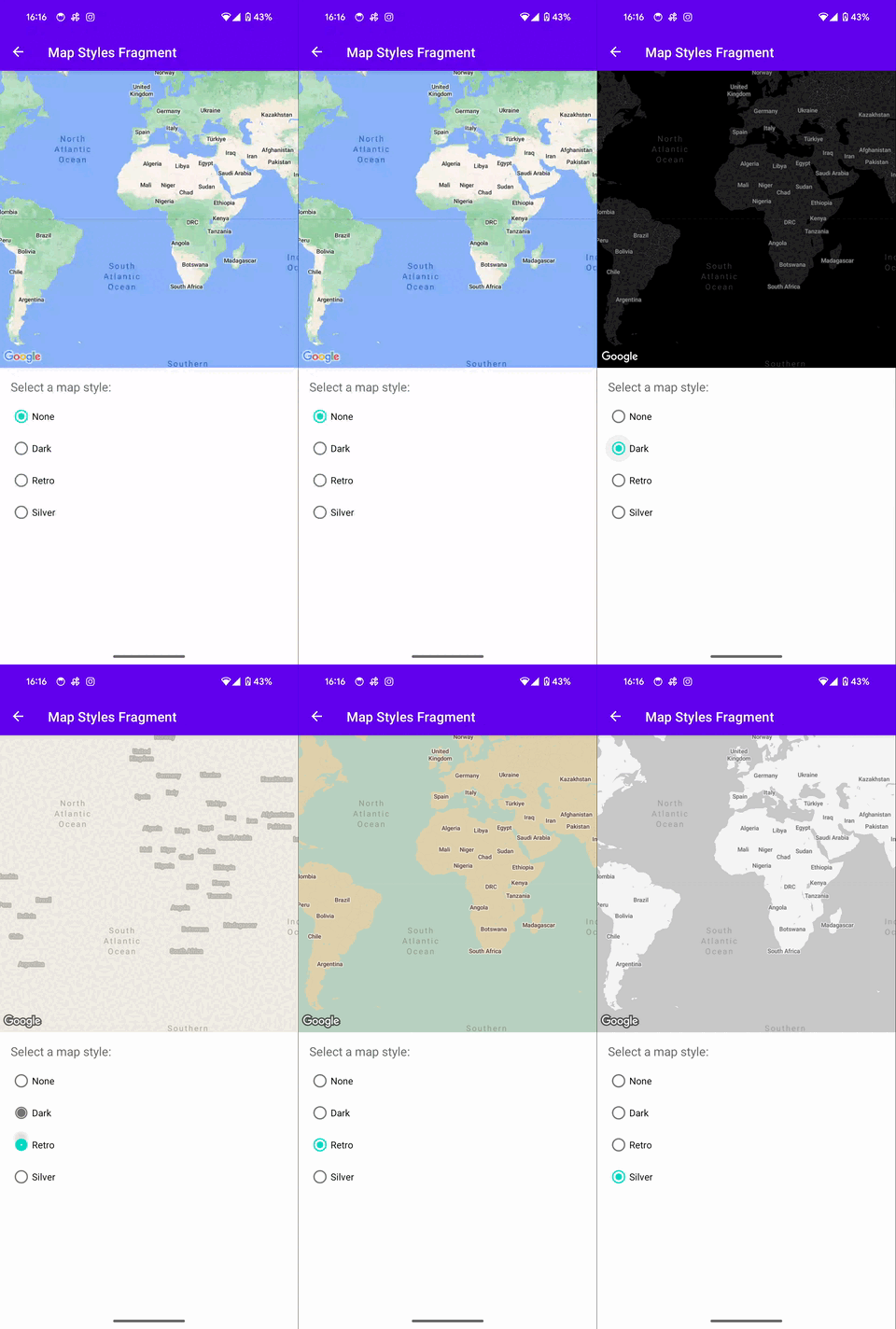
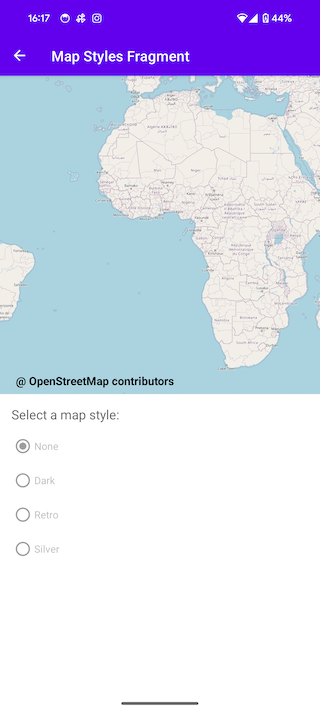
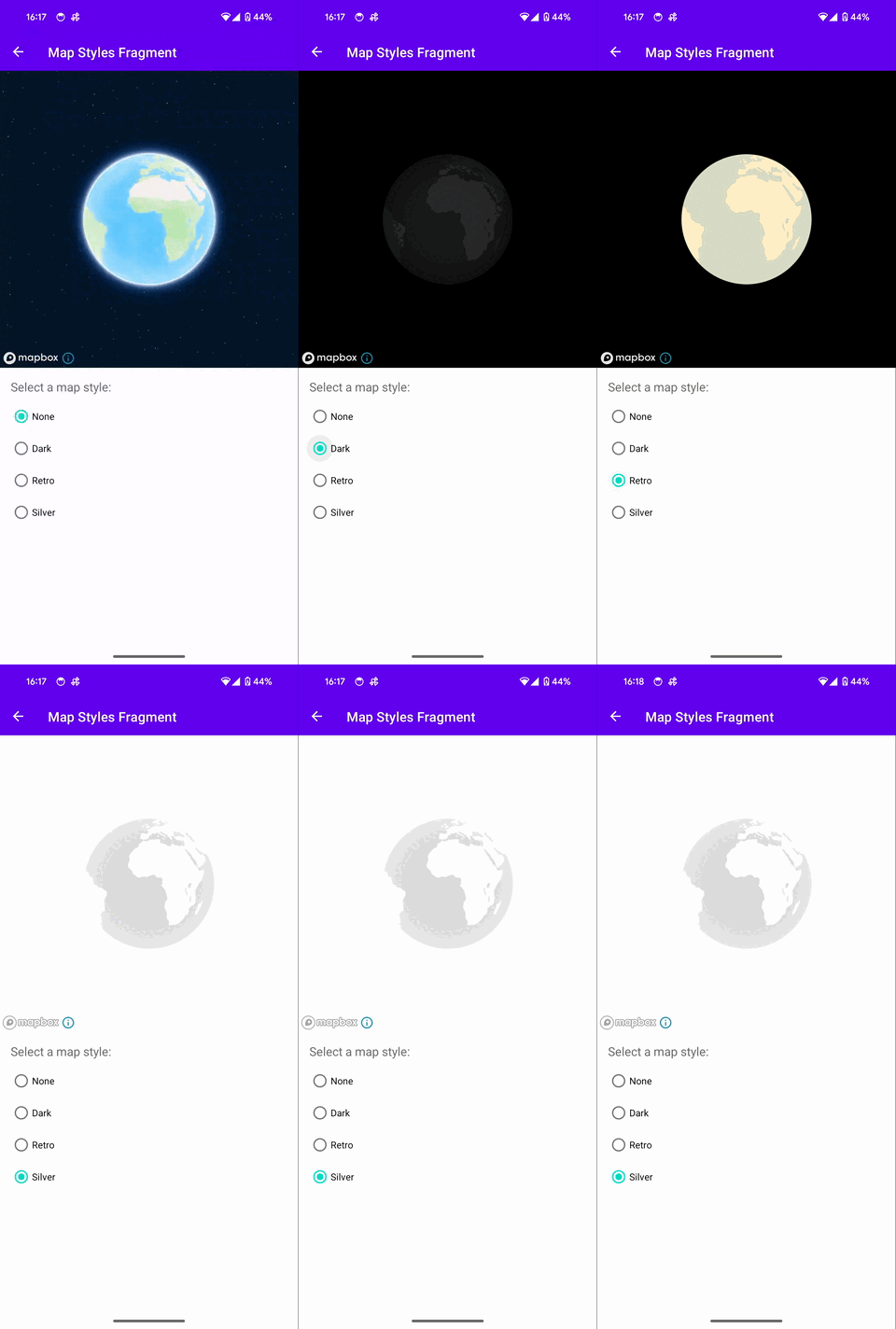
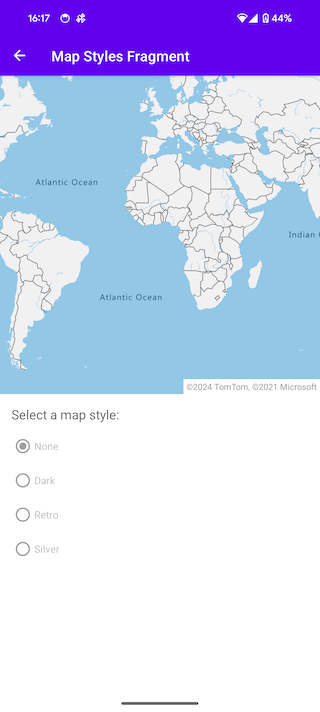
For instance, the following screenshots showcase multiple devices with Android, both with GMS and Non-GMS. The same app works without changing a single line of code, supporting multiple map provider implementations (Google Maps , Mapbox, OpenStreetMap, Azure Maps).
| Google Maps | Open Street Maps | MapBox | Azure Maps |
|---|---|---|---|
| Camera Map | |||
 |
 |
 |
 |
Show more
| Google Maps | Open Street Maps | MapBox | Azure Maps |
|---|---|---|---|
| Location Sharing Map | |||
 |
 |
 |
 |
| Marker Map | |||
 |
 |
 |
 |
| Info Windows Map | |||
 |
 |
 |
 |
| Polyline Map | |||
 |
 |
 |
 |
| Polygon Map | |||
 |
 |
 |
 |
| Custom Styles Map | |||
 |
 |
 |
 |
Getting Started
This section describes how to setup and use the OMH Maps SDK.
There are two possibilities to add and configure the OMH Maps SDK into your project.
We highly encourage you to use our plugin, which offers automatic creation of the separate build variants for GMS and Non-GMS builds, adds needed dependencies and generates BuildConfig fields for you. To learn more click here
Below you will find the basic quick start guide
Note: To quickly run a full-featured app with all OMH Maps functionality, refer to the #sample-app section and follow the provided steps.
Download
OMH Maps Client Library is available on mavenCentral()
Add the plugins you want to use:
//Azure Maps
implementation("com.openmobilehub.android.maps:plugin-azuremaps:2.1.2")

//Google Maps
implementation("com.openmobilehub.android.maps:plugin-googlemaps:2.1.0")

//Mapbox
implementation("com.openmobilehub.android.maps:plugin-mapbox:2.1.0")

//Open Street Map
implementation("com.openmobilehub.android.maps:plugin-openstreetmap:2.1.0")Initial configuration
In your Application class configure initial plugin paths:
    class MainApplication : Application() {

        override fun onCreate() {
            super.onCreate()

        OmhMapProvider.Initiator()
            .addGmsPath("com.openmobilehub.android.maps.plugin.googlemaps.presentation.OmhMapFactoryImpl")
            .addNonGmsPath("com.openmobilehub.android.maps.plugin.mapbox.presentation.OmhMapFactoryImpl")
            .initialize()
        }
}You can find more detailed info here
Provider specific setup
There are different setup requirements based on the provider you will be including into your app. Please find the specific setup instruction for the providers below:
-
/packages/plugin-googlemaps/README.md
-
/packages/plugin-openstreetmap/README.md
-
/packages/plugin-mapbox/README.md
-
/packages/plugin-azuremaps/README.md
Add the map into your app
The main interfaces that you will be interacting with are called OmhMap, OmhMapView and OmhLocation. It contains all your basic maps and location functions like displaying a marker, map gestures, getting current location and more. Additionally a fragment OmhMapFragment is provided, this fragment manages the life cycle of the map.
Add a Map fragment
OmhMapFragment is the simplest way to place a map in an application. Fragment has to declare android:name that sets the class name of the fragment to OmhMapFragment, which is the fragment type used in the maps fragment file.
Insert the XML fragment snippet into your layout xml file.
   ...
       <fragment
           android:id="@+id/fragment_map_container"
           android:name="com.openmobilehub.android.maps.core.presentation.fragments.OmhMapFragment"
       />
...Sample App
This repository includes a /apps/maps-sample that demonstrates the functionality of the OMH Maps Client Library. By cloning the repo and executing the app, you can explore the various features offered by the library.
However, if you prefer a step-by-step approach to learn the SDK from scratch, we recommend following the detailed Getting Started guide provided in this repository. The guide will walk you through the implementation process and help you integrate the OMH Maps Client Library into your projects effectively.
Provider Implementations / Plugins
OMH Maps SDK is open-source, promoting community collaboration and plugin support from other map providers to enhance capabilities and expand supported map services. More details can be found ./packages/core/docs/plugins/PLUGINS.md.
Documentation
-
Check out the API Reference Docs
-
Check out the /packages/core/README.md
-
Check out the /packages/plugin-googlemaps/README.md
-
Check out the /packages/plugin-openstreetmap/README.md
-
Check out the /packages/plugin-azuremaps/README.md
Contributing
Please contribute! We will gladly review any pull requests. Make sure to read the /CONTRIBUTING.md page first though.
License
Copyright 2023 Open Mobile Hub

Licensed under the Apache License, Version 2.0 (the "License");
you may not use this file except in compliance with the License.
You may obtain a copy of the License at

    https://www.apache.org/licenses/LICENSE-2.0

Unless required by applicable law or agreed to in writing, software
distributed under the License is distributed on an "AS IS" BASIS,
WITHOUT WARRANTIES OR CONDITIONS OF ANY KIND, either express or implied.
See the License for the specific language governing permissions and
limitations under the License.All modules:
The Core package is the backbone of the map feature, mainly providing common interfaces that the plugins use. This setup ensures smooth and predictable interactions between the plugins and the rest of the application. Besides these interfaces, the Core package also offers mechanisms for setting up and handling maps. Additionally, it includes utilities for checking network connectivity and for logging activities.
This plugin provides support for Azure Maps by utilizing the Azure Maps Android SDK.
This plugin provides support for Google Maps by utilizing the Google Maps Android SDK.
This plugin provides support for Mapbox by utilizing the Mapbox Android SDK.
This plugin provides support for OpenStreetMap maps by utilizing the osmdroid library.