
Android OMH Storage




Android OMH Storage streamlines the integration of various cloud storage providers into your Android application by offering a unified API for different storage providers. It supports both Google Mobile Services (GMS) and non-GMS configurations, making it easy to incorporate Google Drive, OneDrive and Dropbox storage providers.
Features
-
📱 GMS and non-GMS support for all storage providers
-
🖇️ Identical API across all storage providers
-
📦 Official storage provider SDK integration
-
🚀 Easy configuration and setup
-
💨 Lightweight modules
OMH Storage Modules
This is the main directory of the mono-repo for Android OMH Storage. If you're searching for a particular package, please click on the corresponding package link below.
A single codebase, running seamlessly on any device
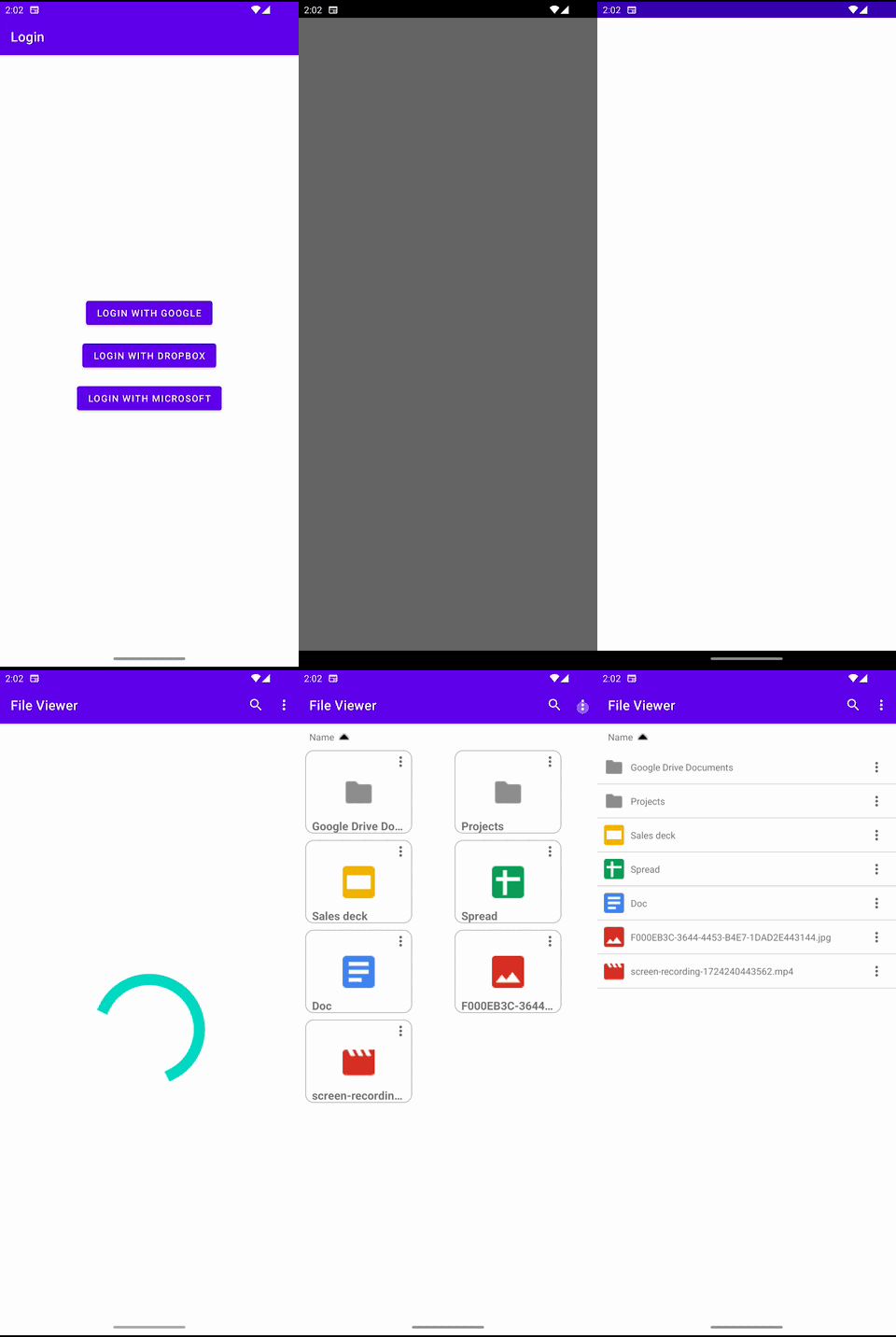
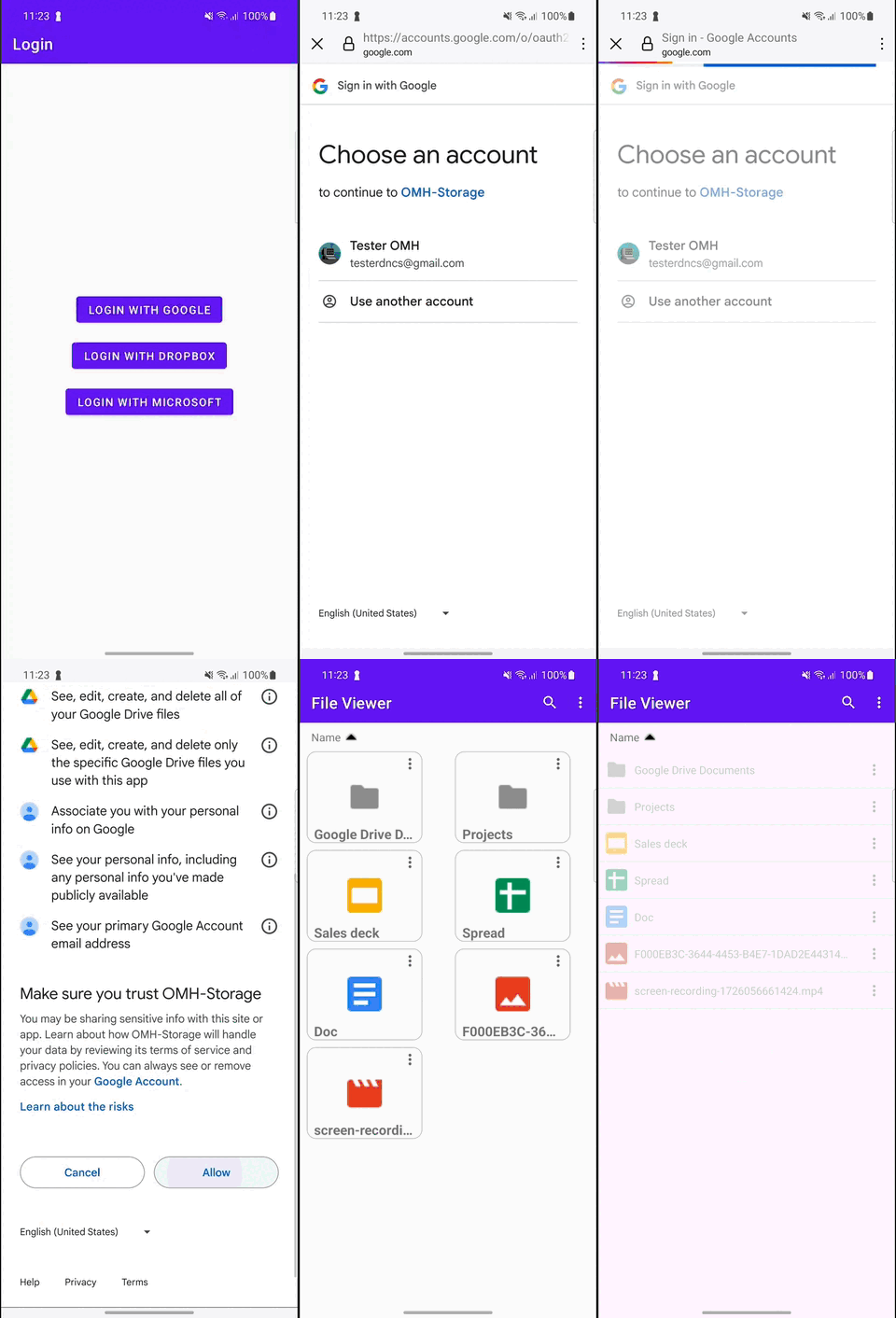
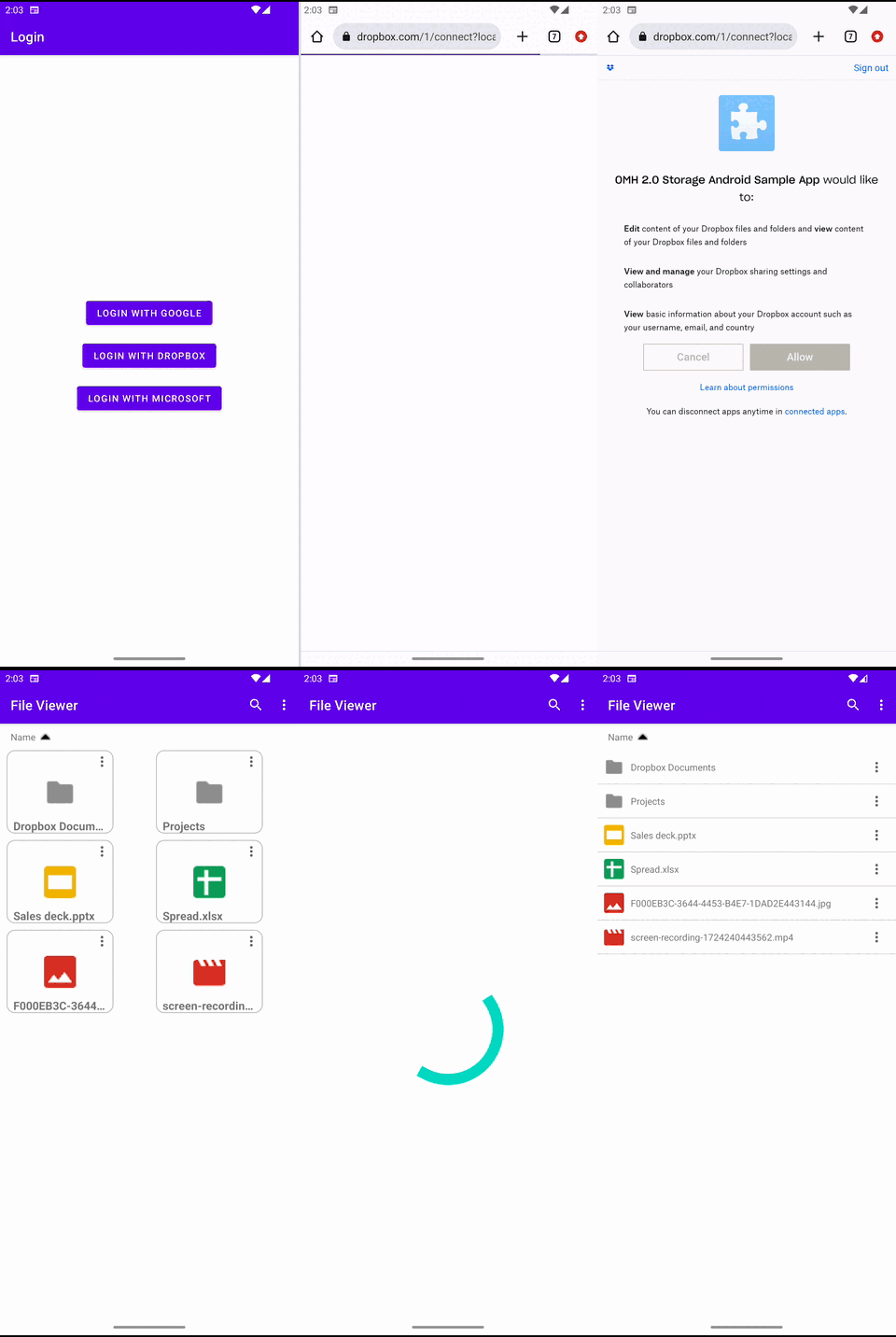
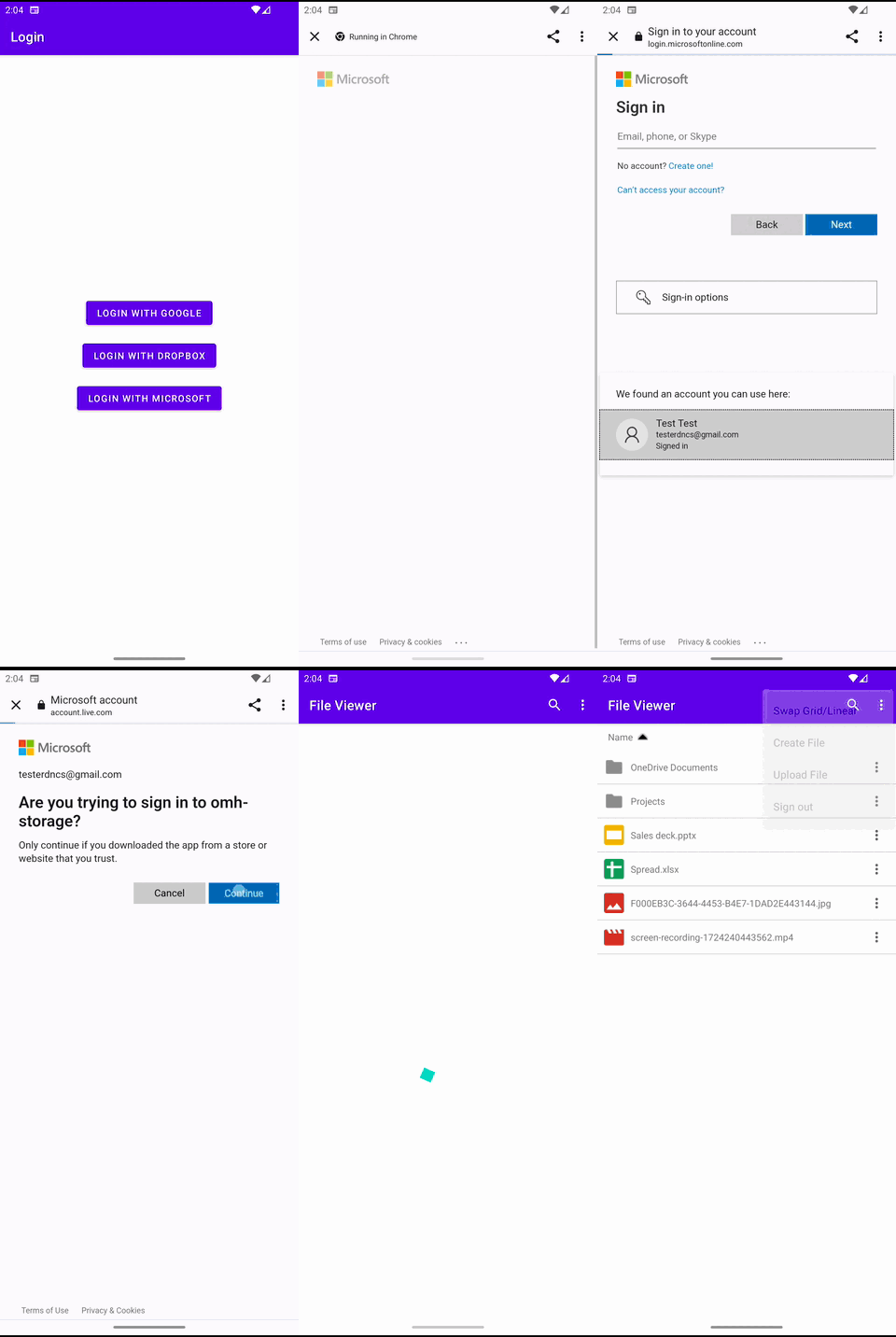
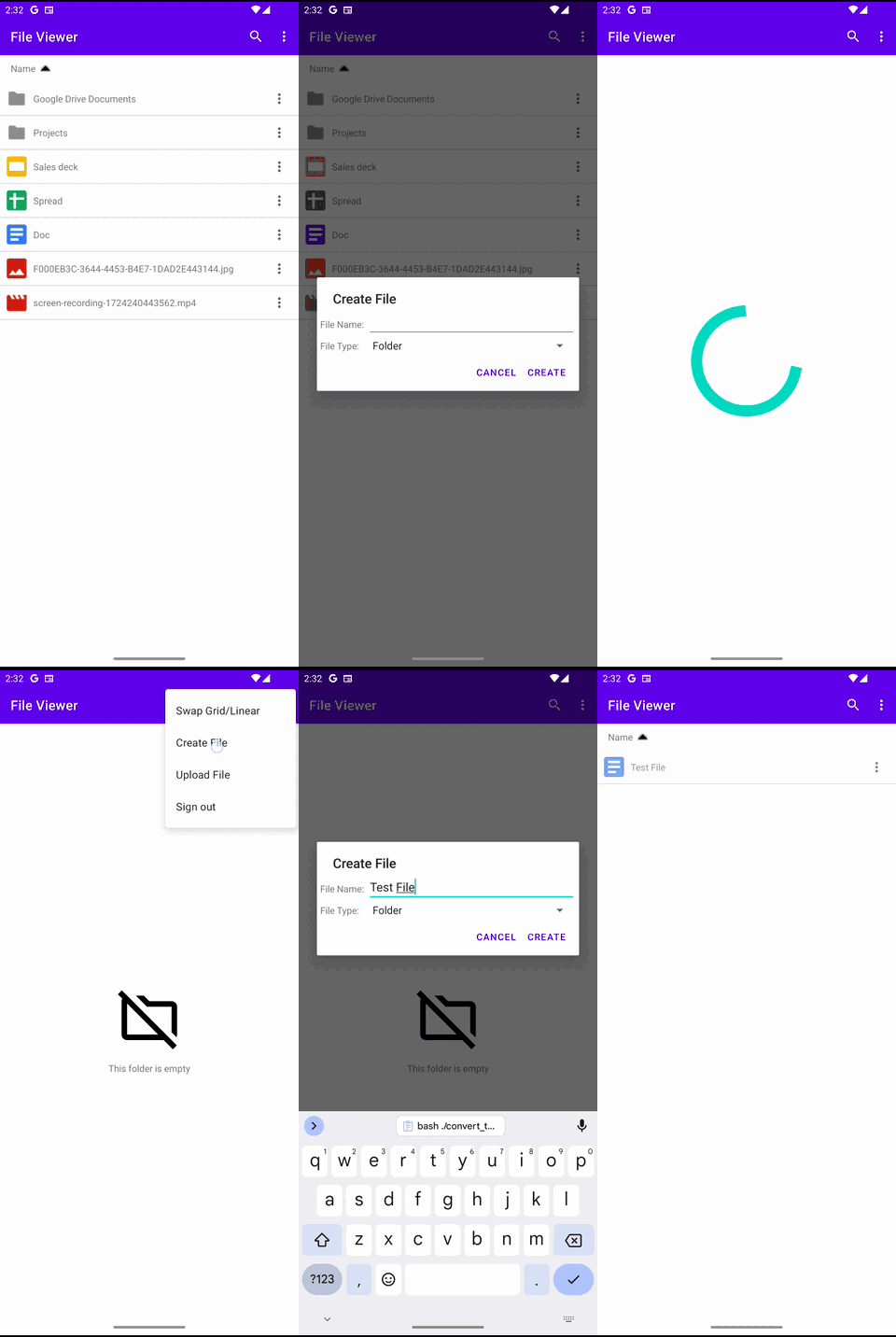
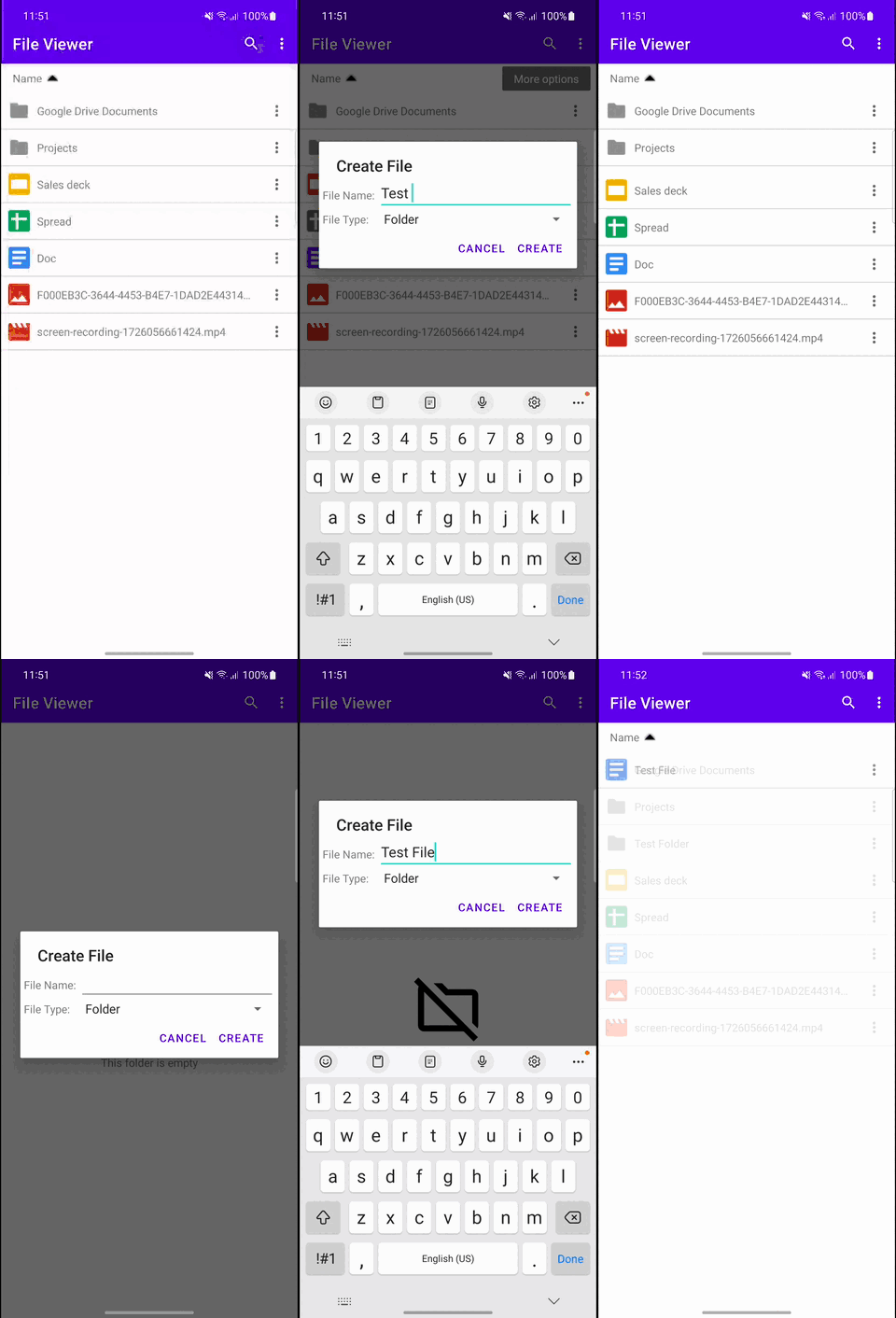
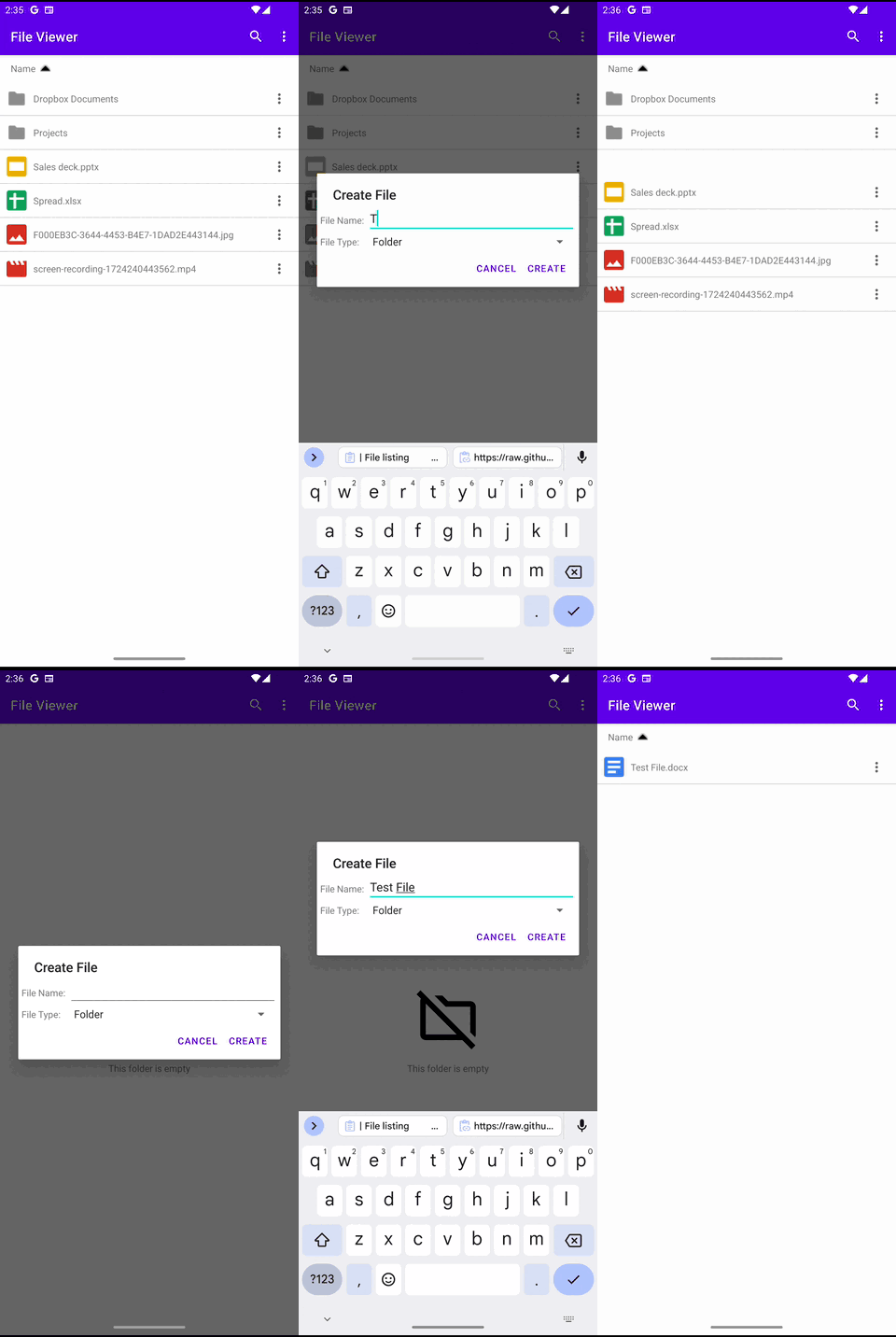
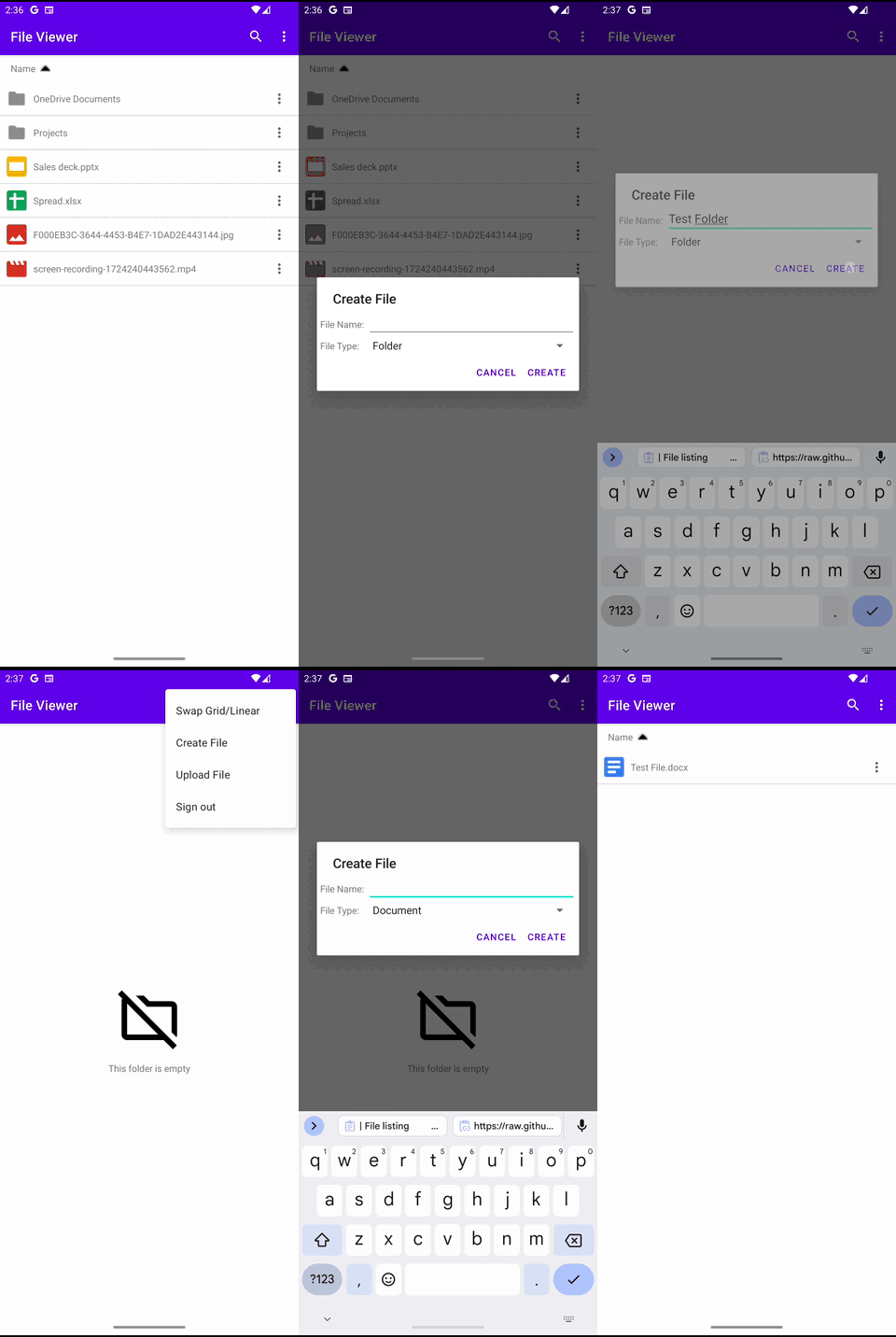
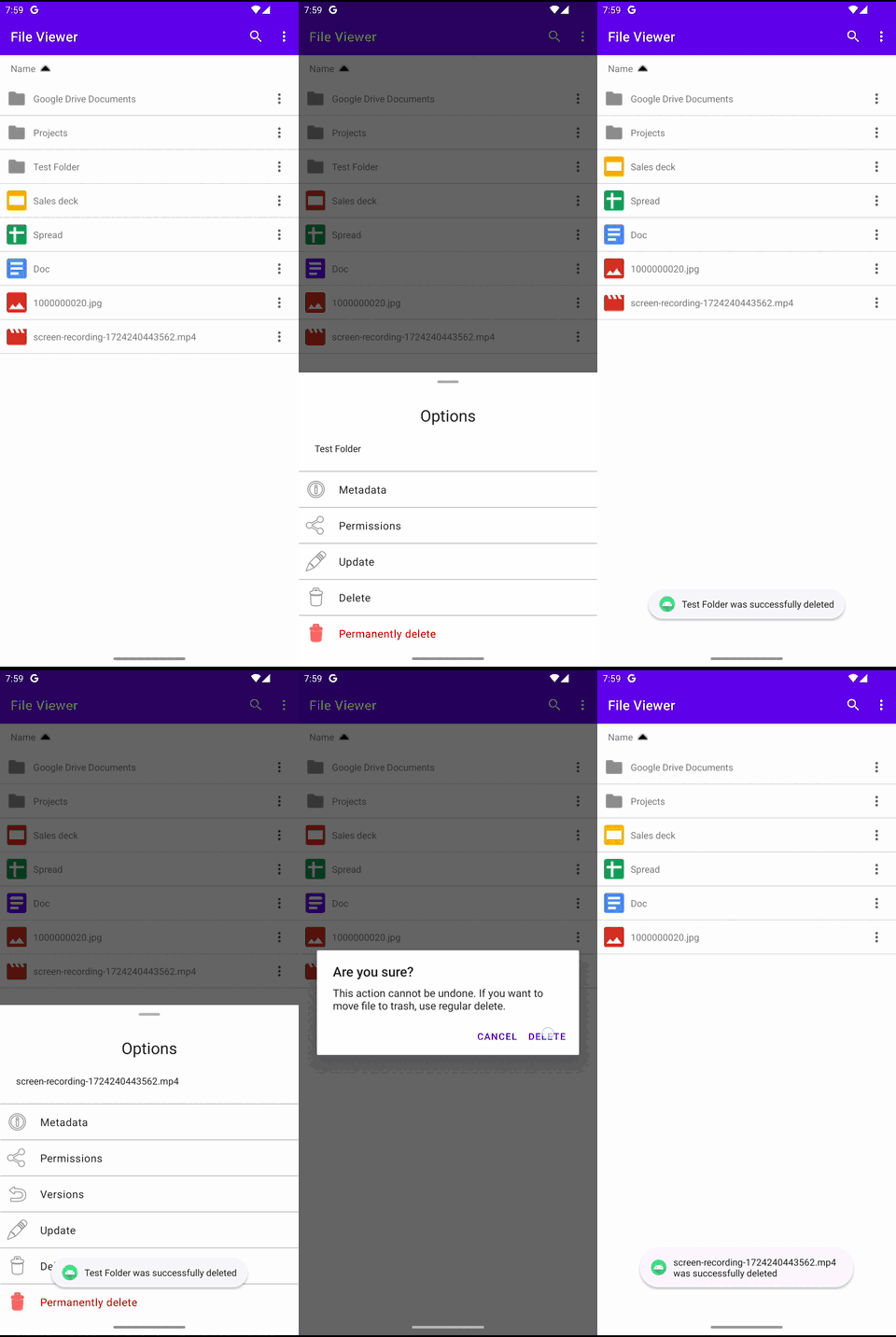
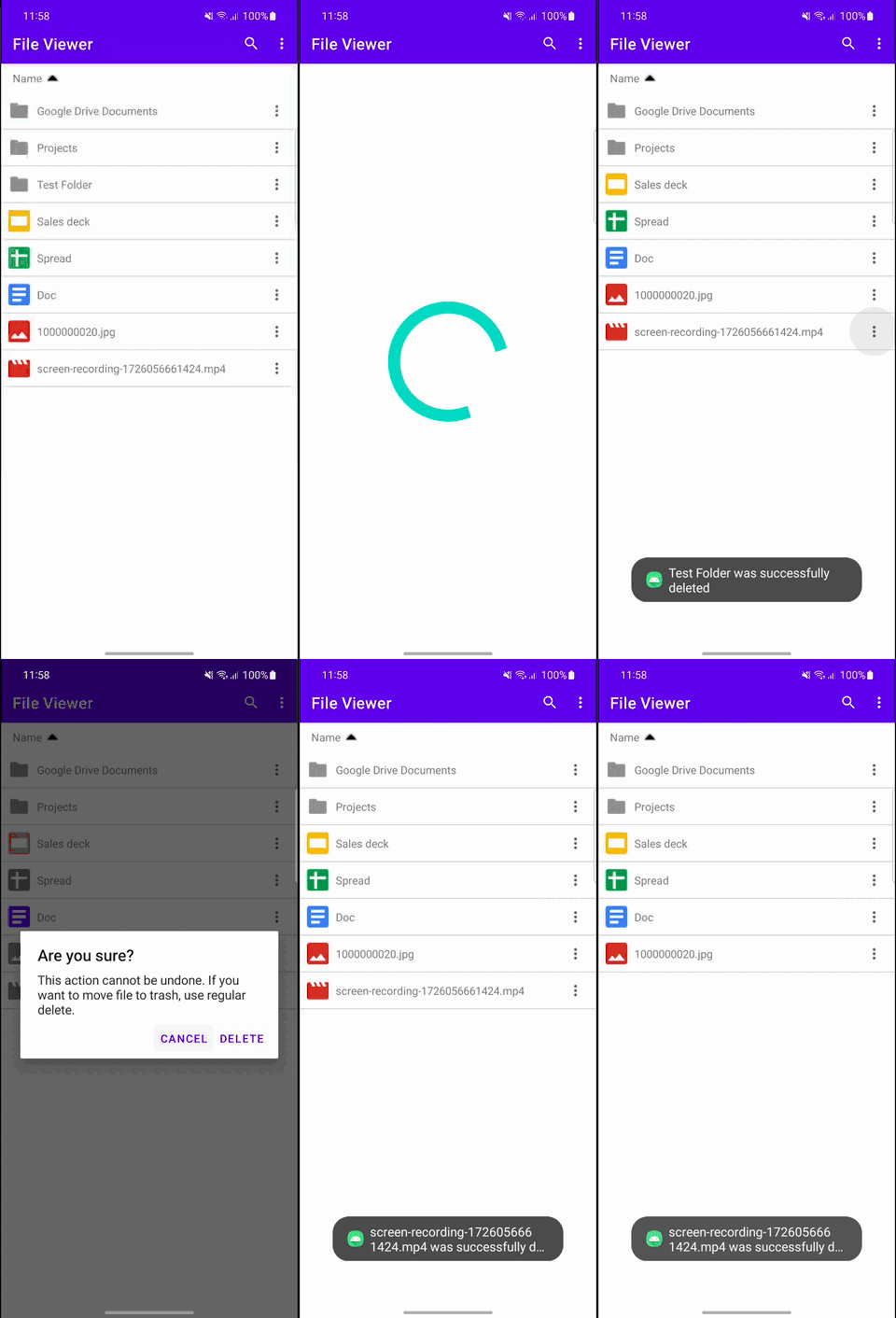
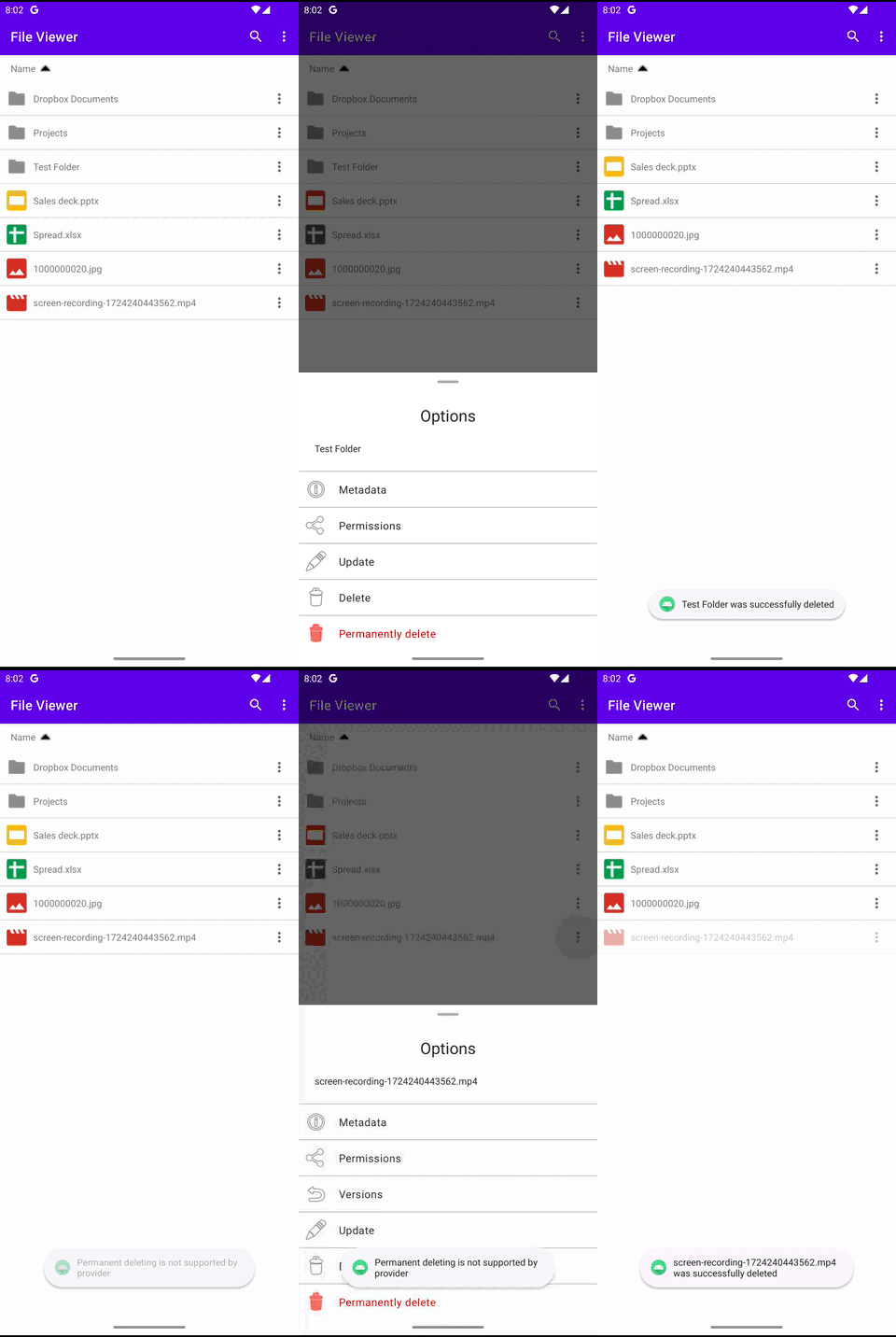
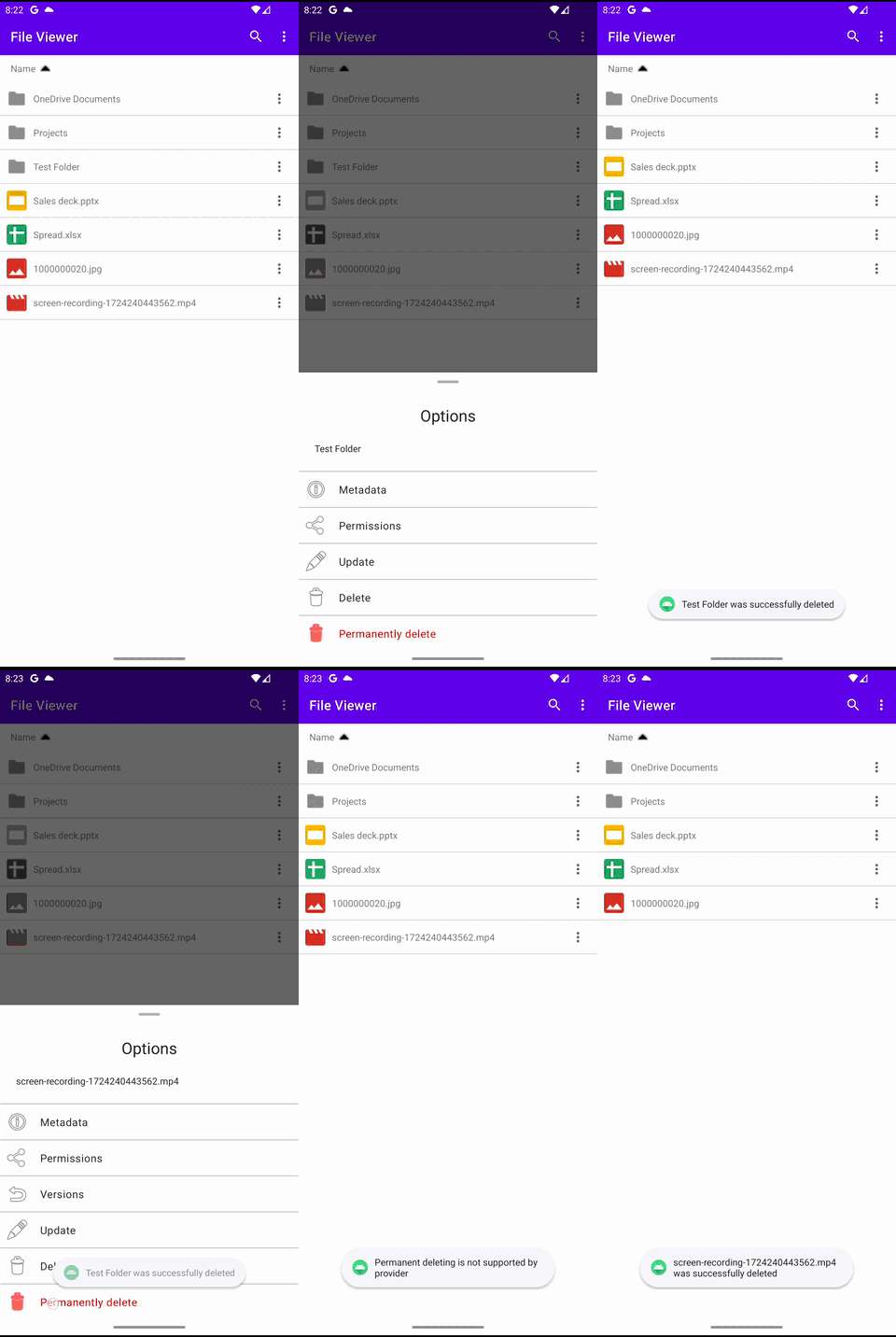
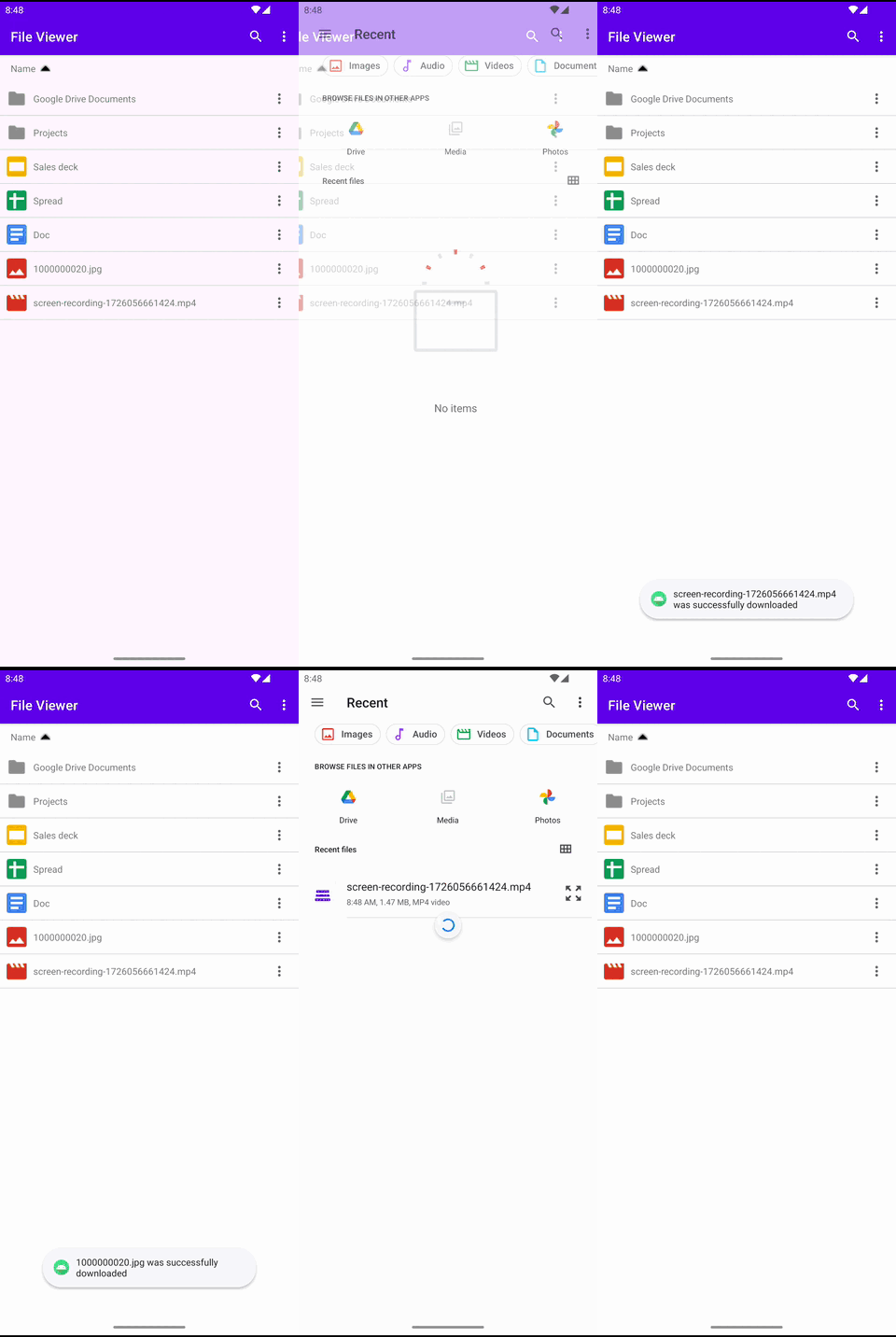
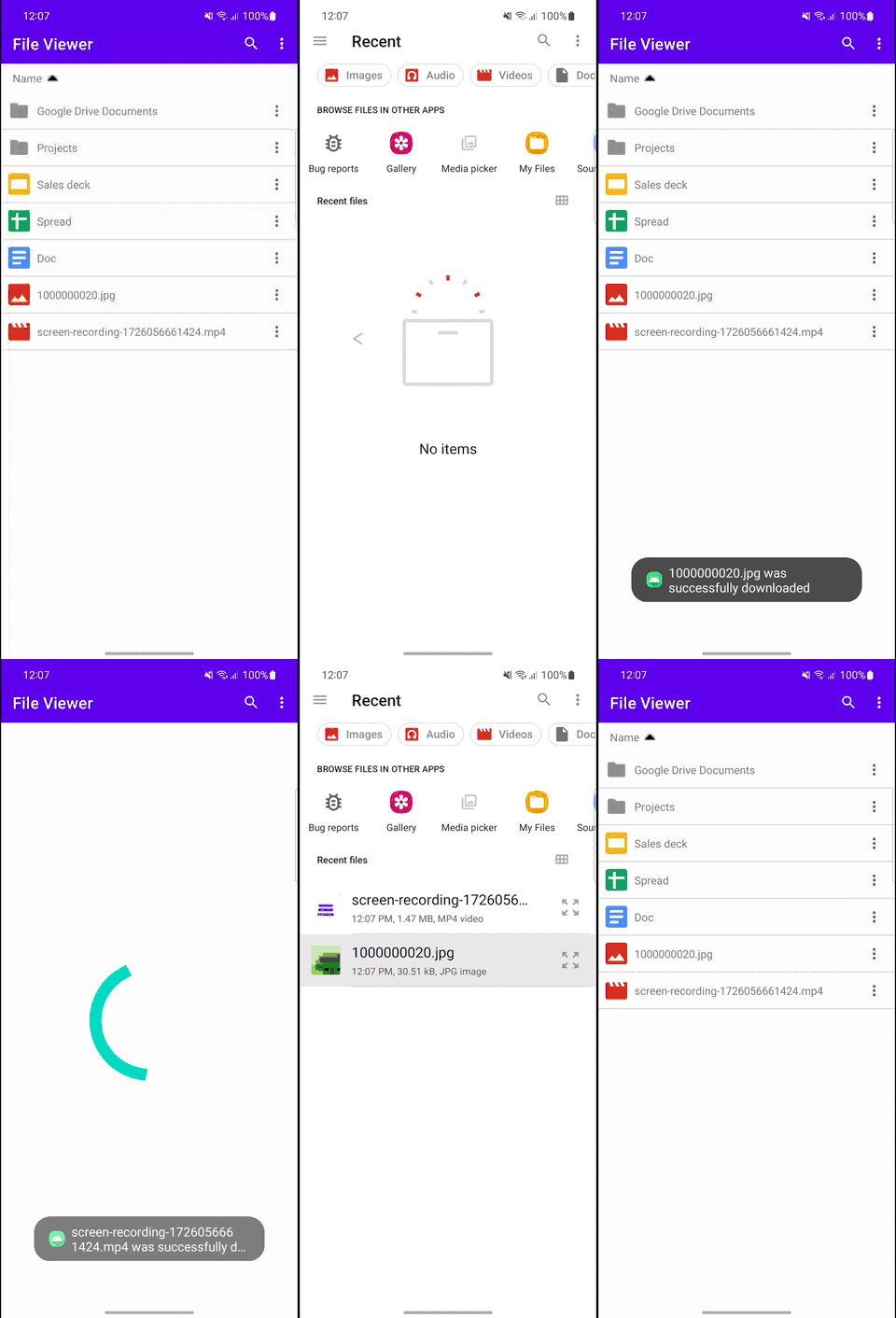
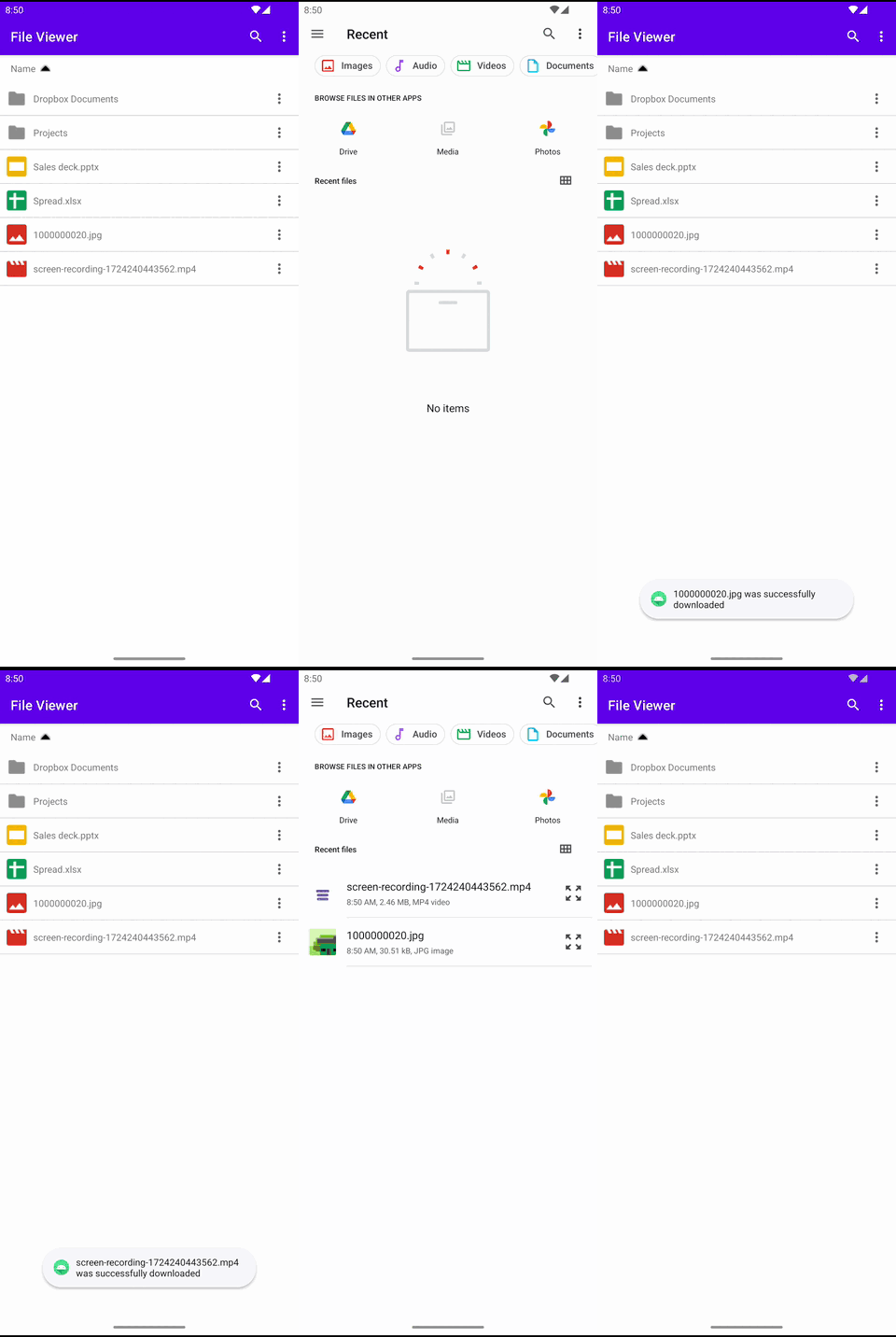
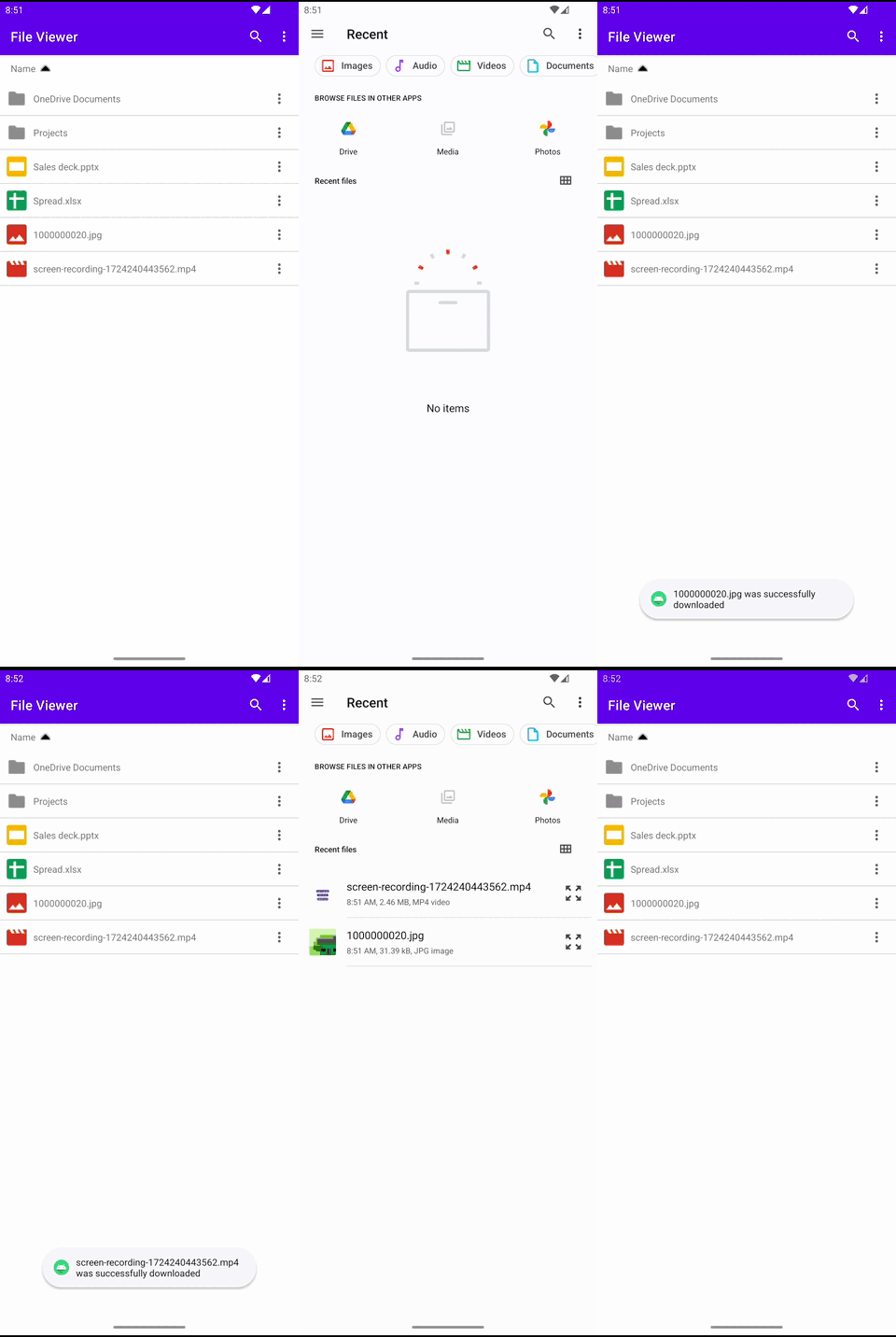
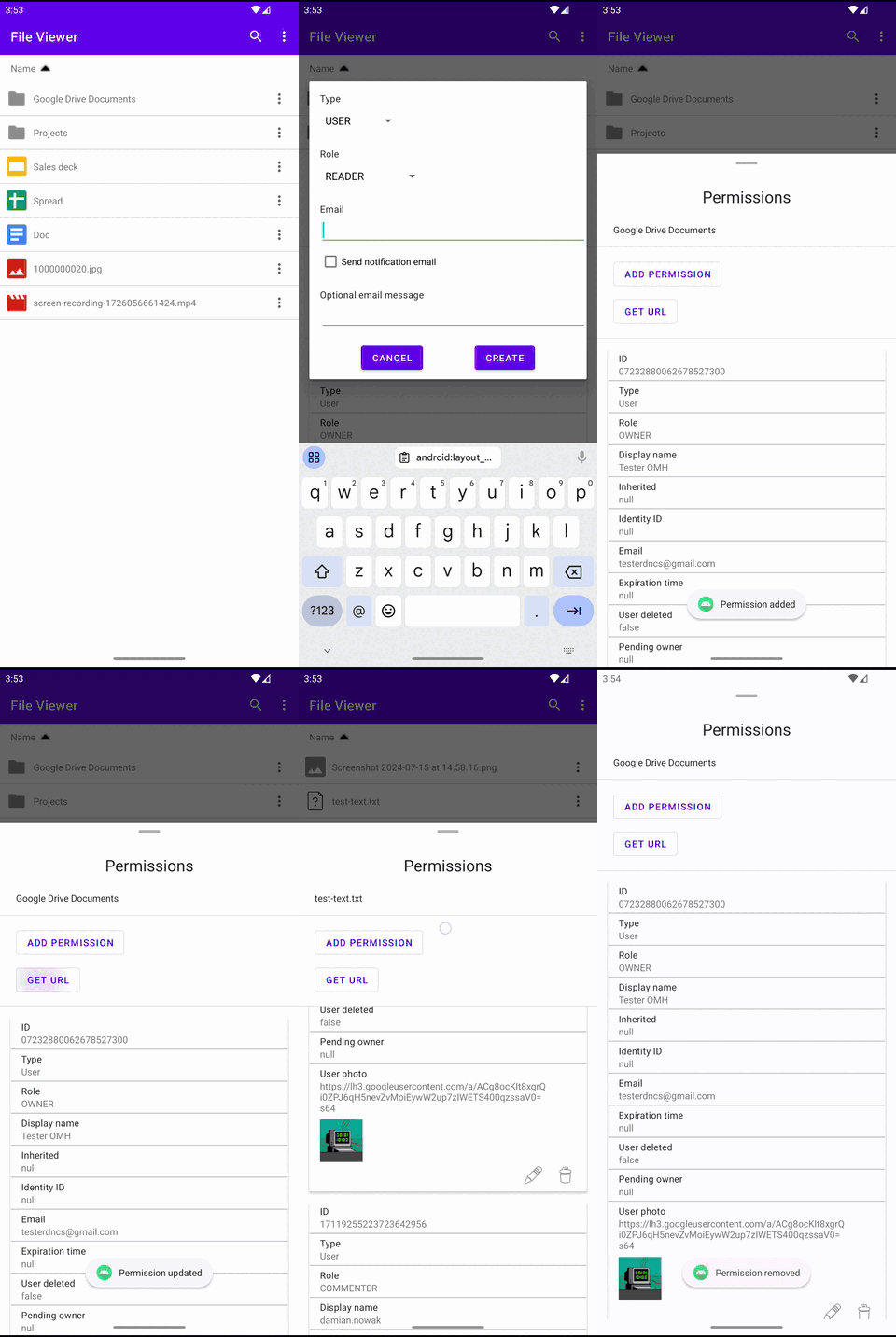
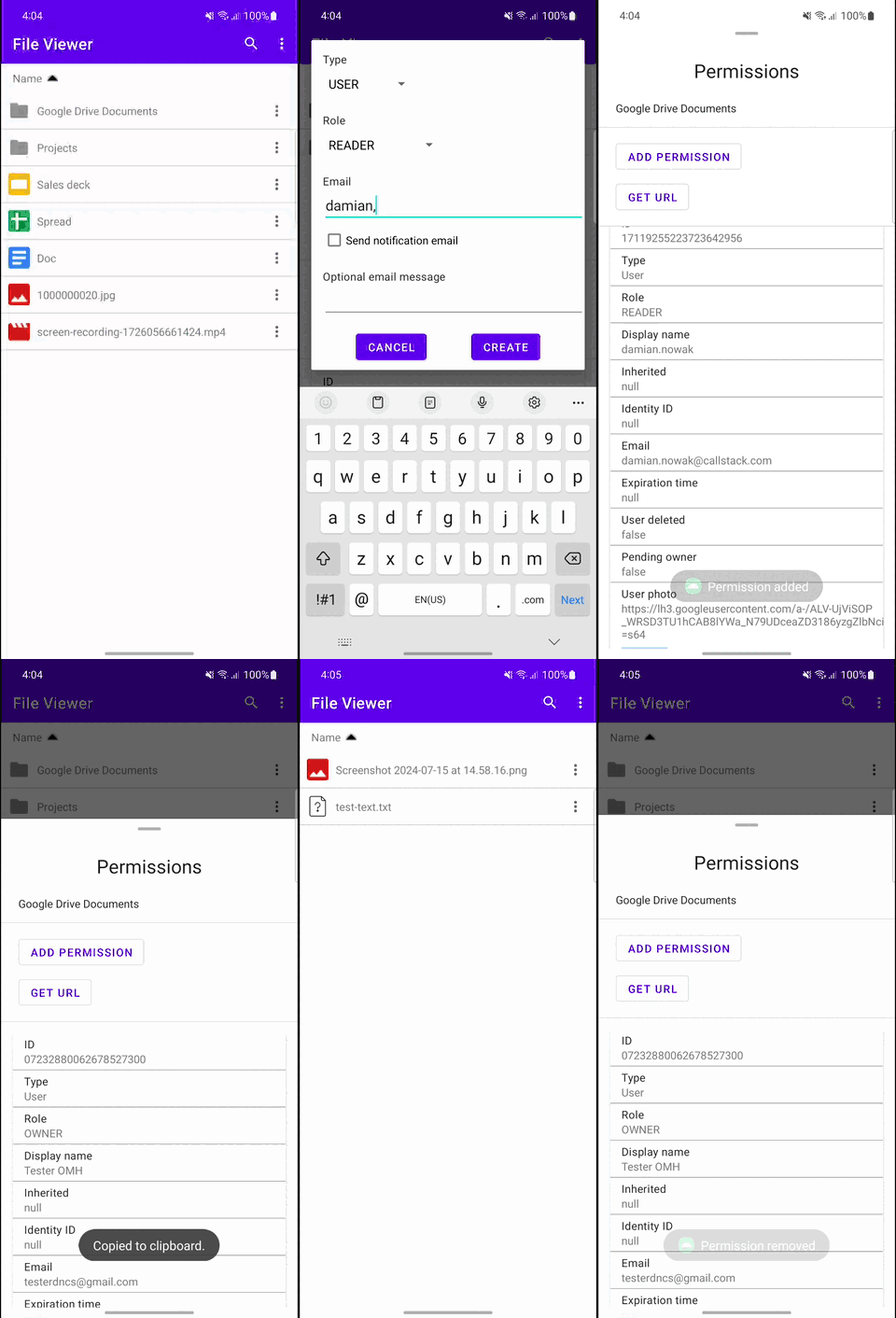
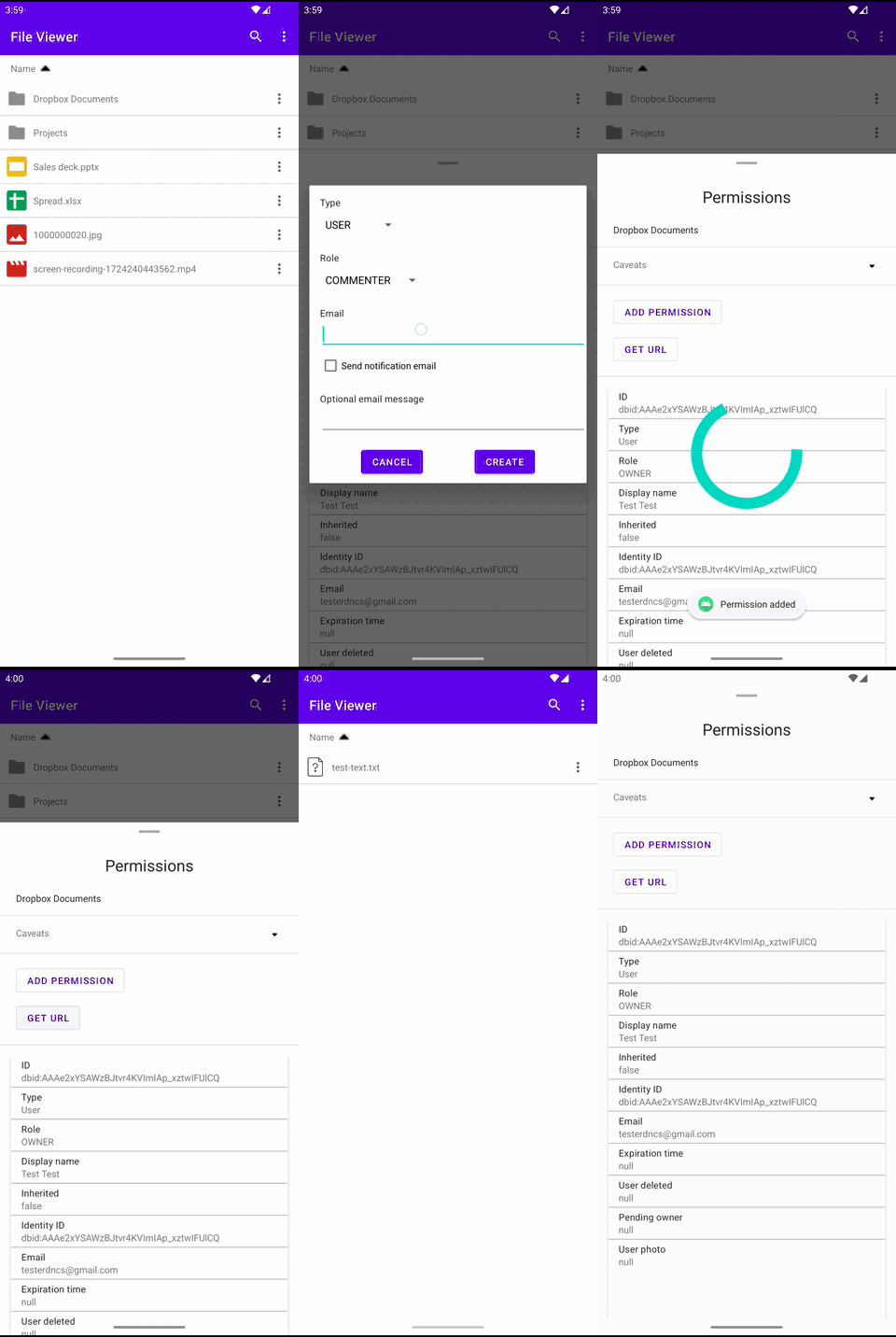
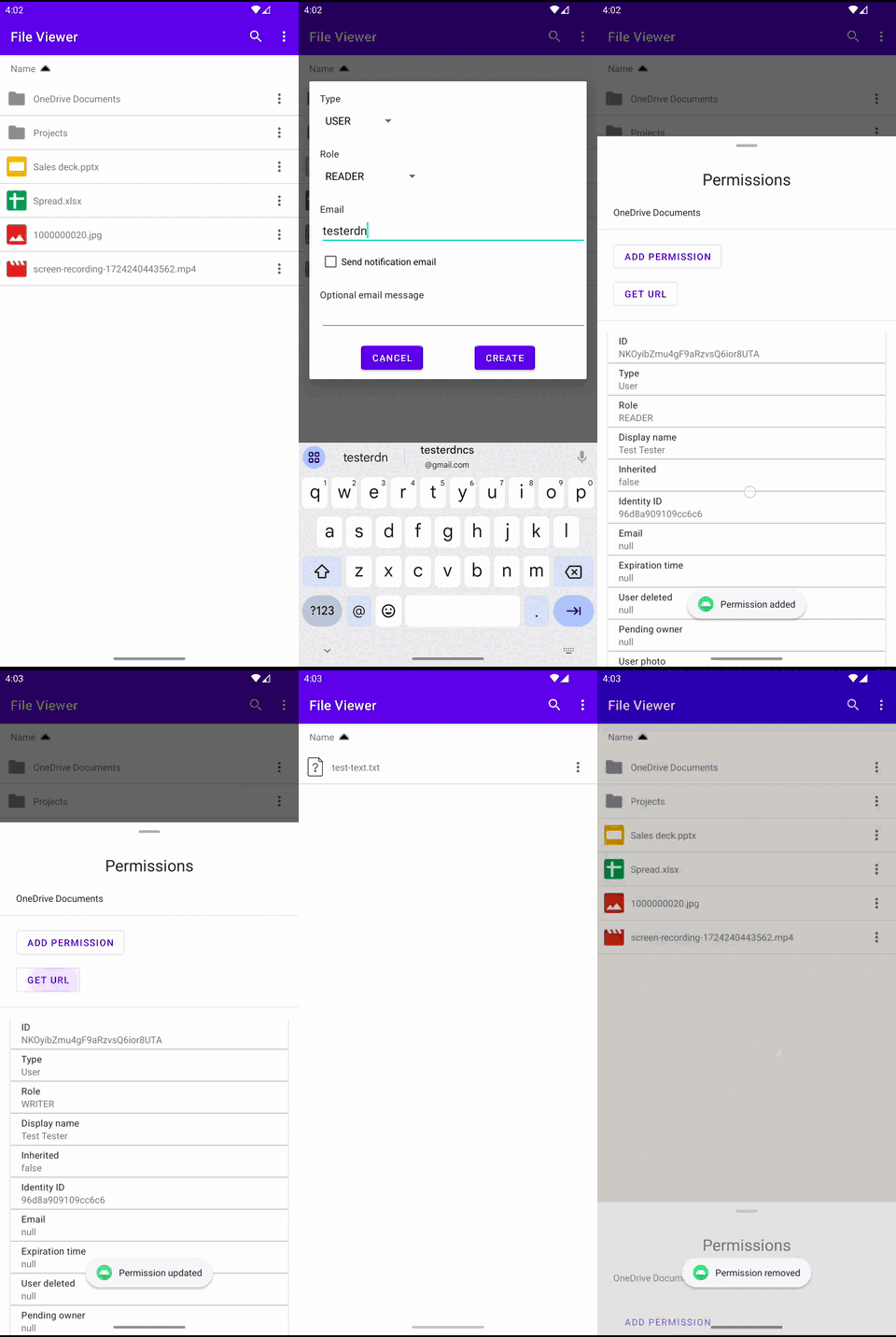
For instance, the following screenshots showcase multiple devices with Android, both with GMS and Non-GMS. The same app works without changing a single line of code, supporting multiple storage provider implementations.
| Google Drive (GMS) | Google Drive (non-GMS) | Dropbox | OneDrive |
|---|---|---|---|
| File listing | |||
 |
 |
 |
 |
Show more
| Google Drive (GMS) | Google Drive (non-GMS) | Dropbox | OneDrive |
|---|---|---|---|
| File searching | |||
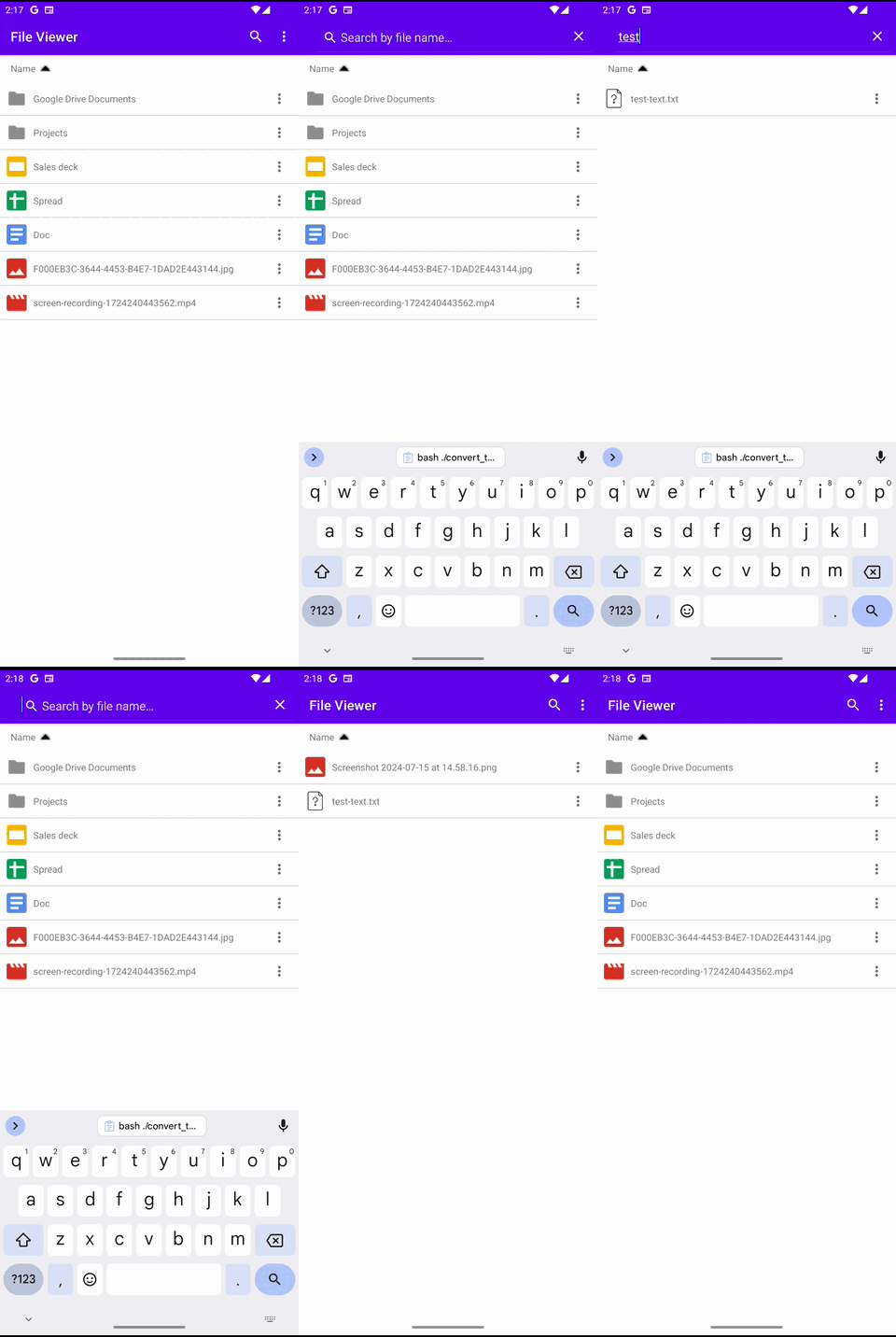 |
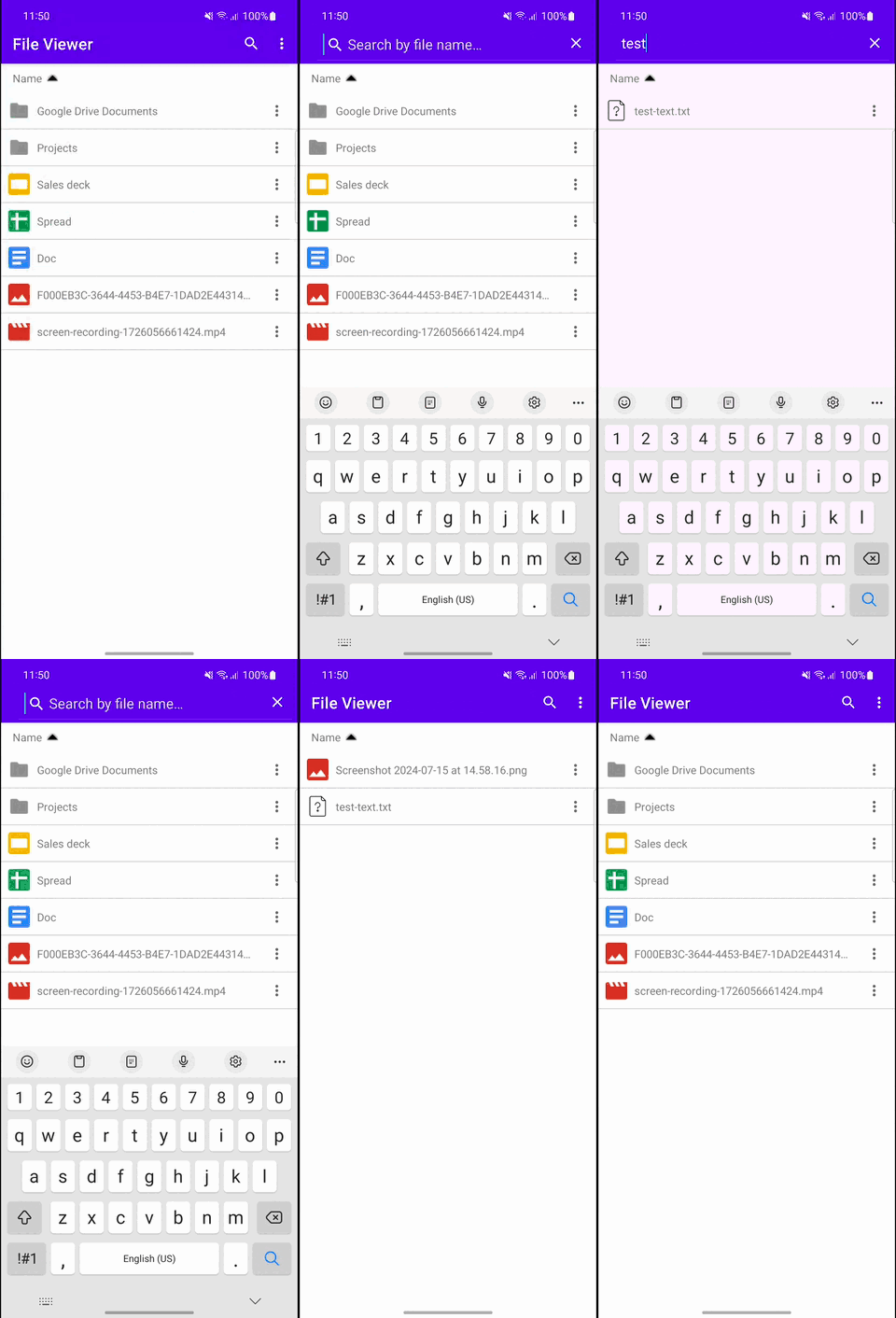 |
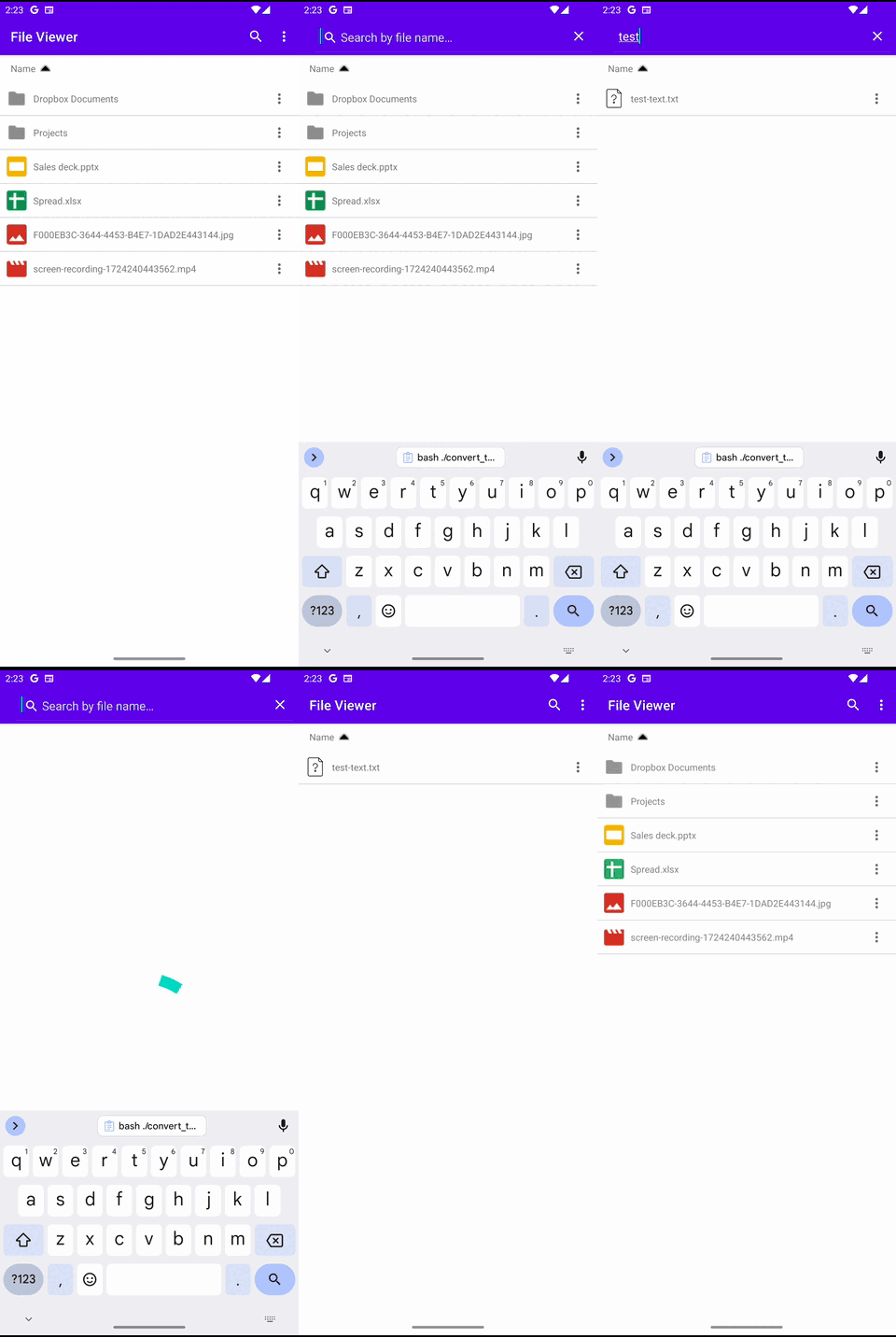 |
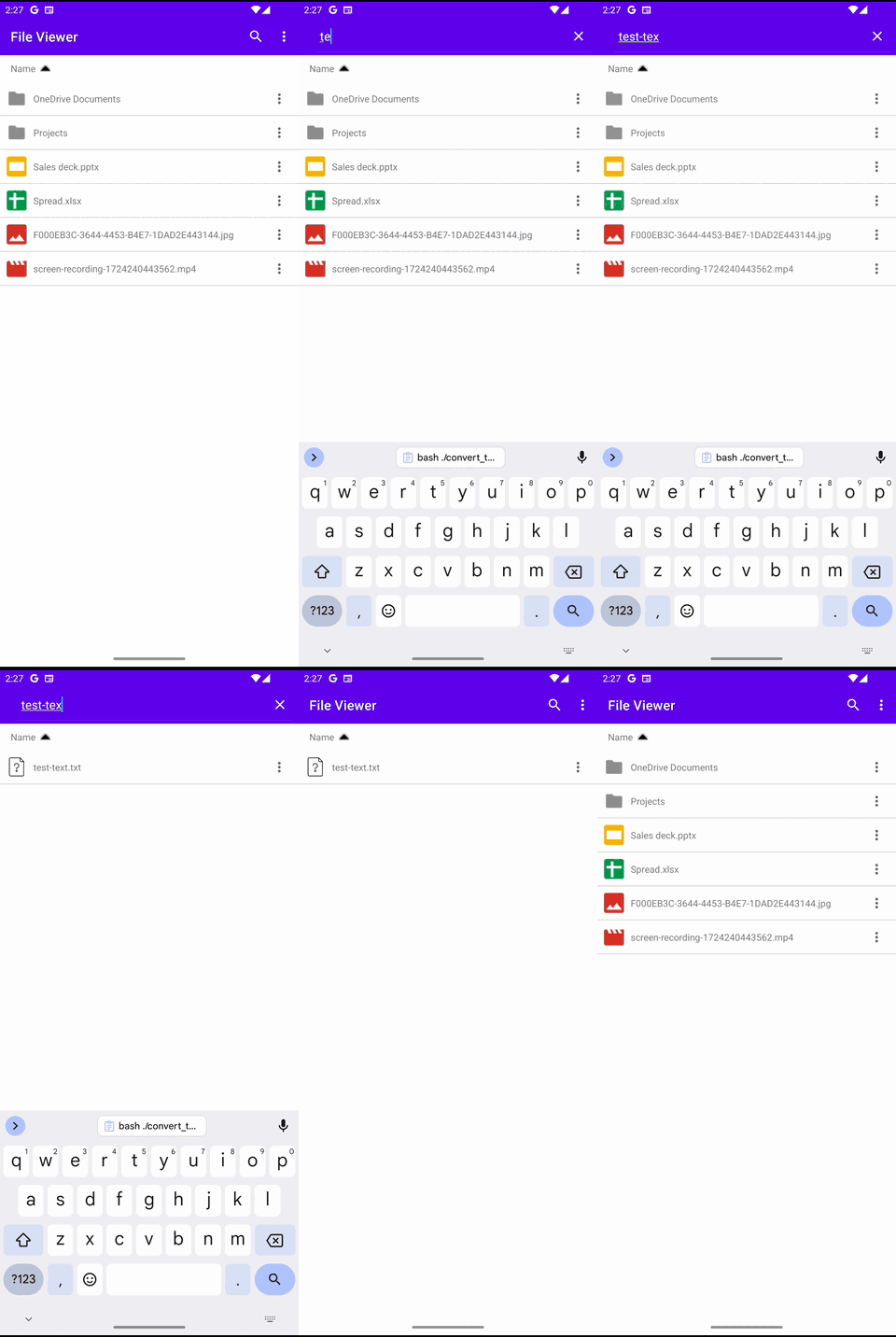 |
| File creation | |||
 |
 |
 |
 |
| File update | |||
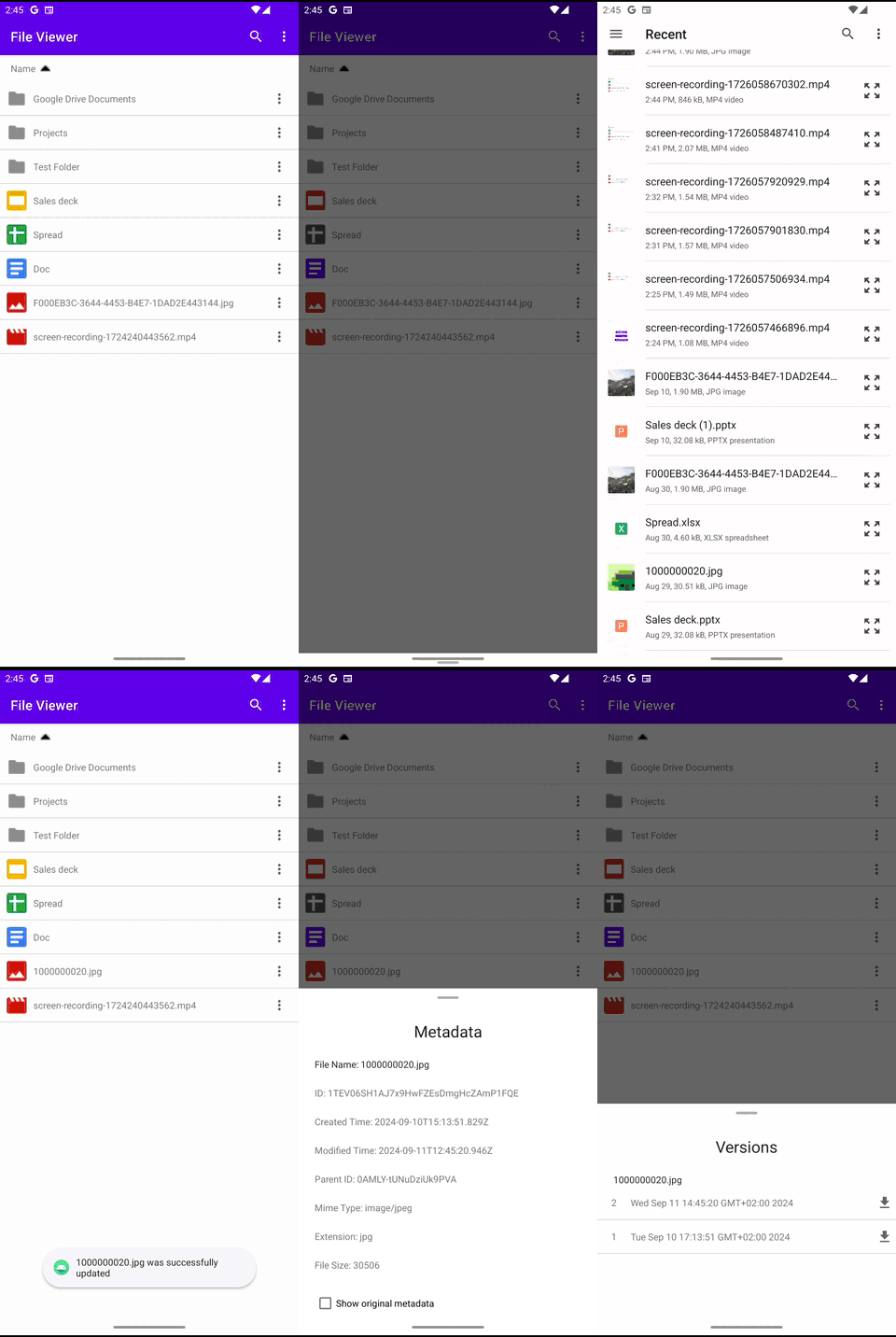 |
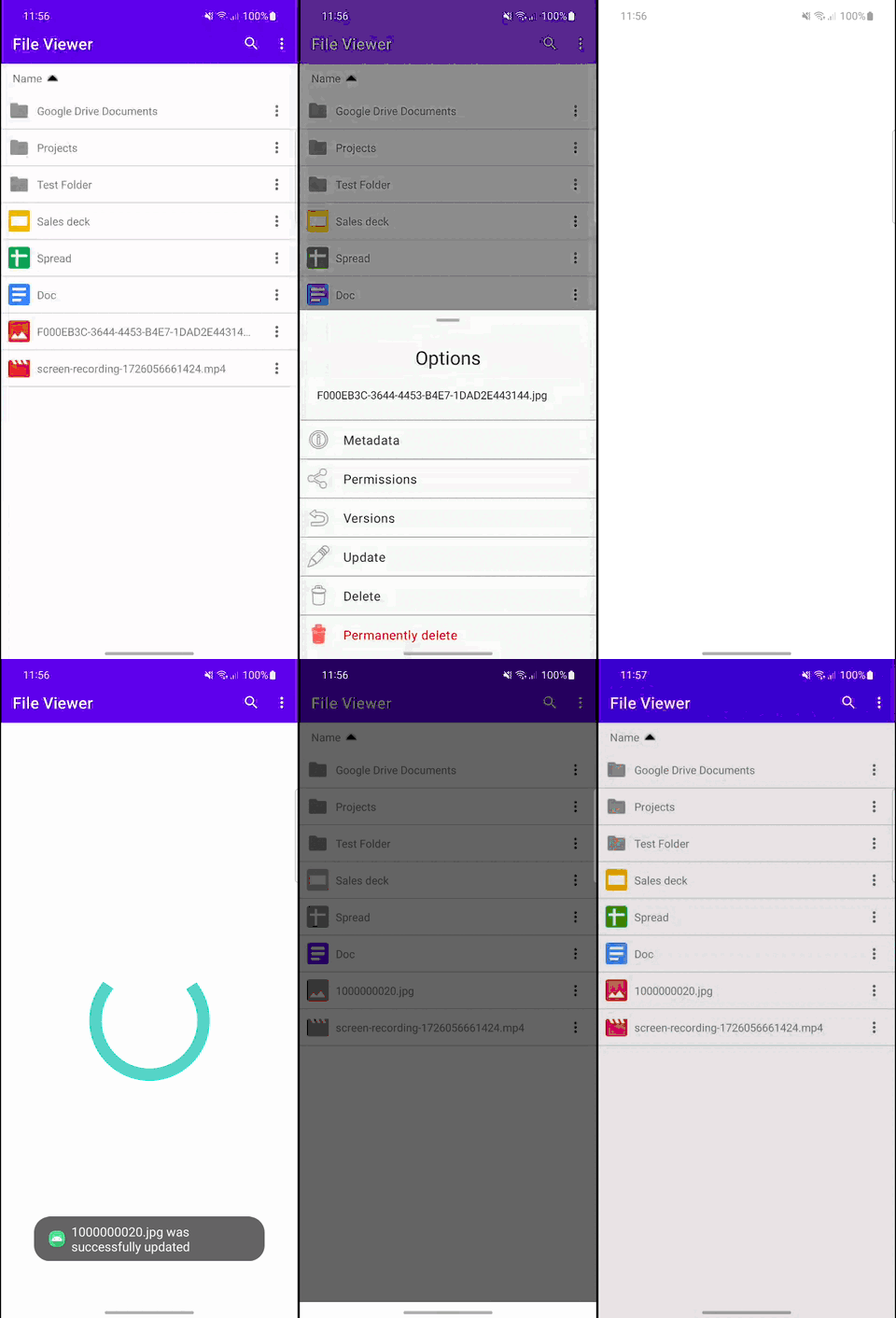 |
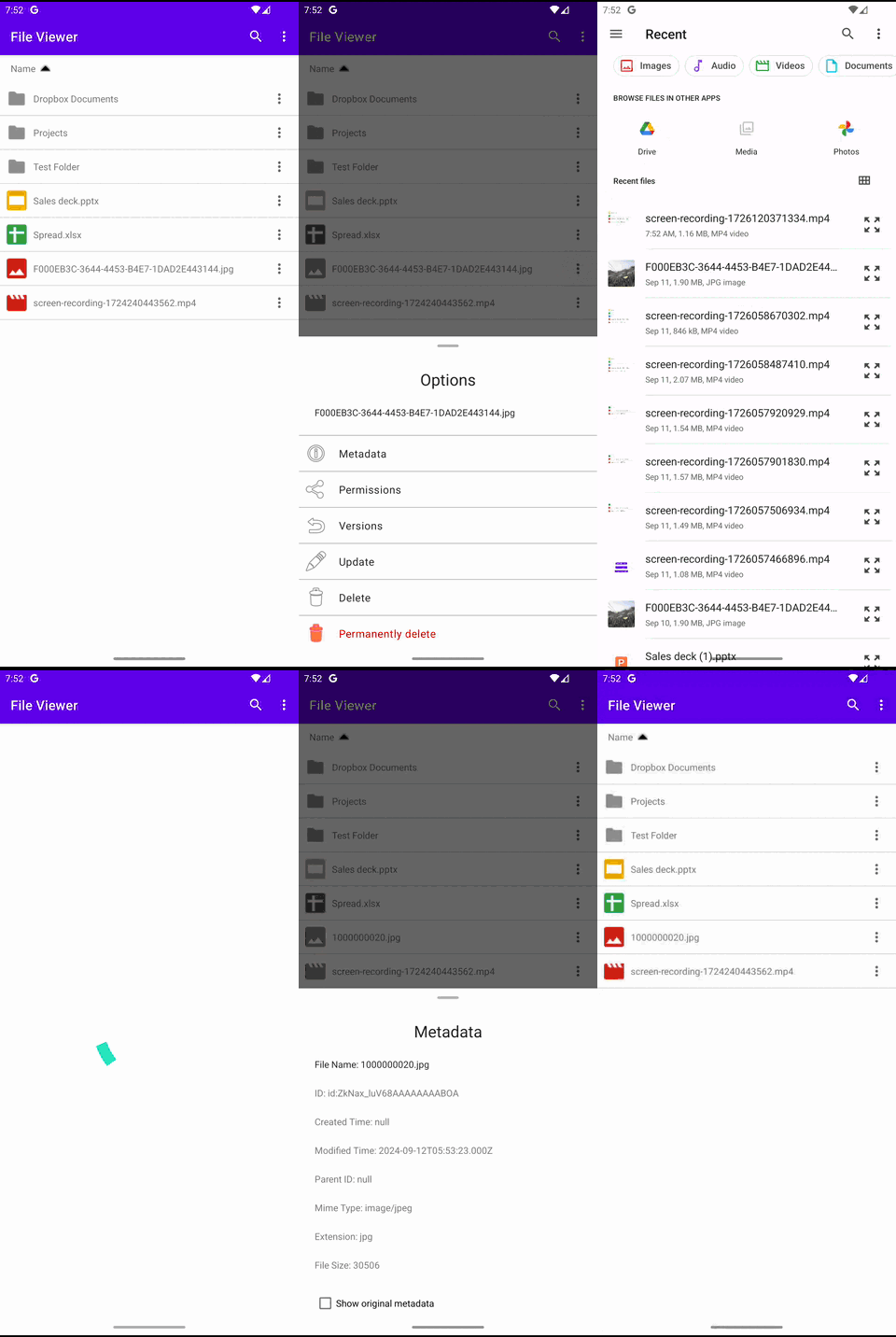 |
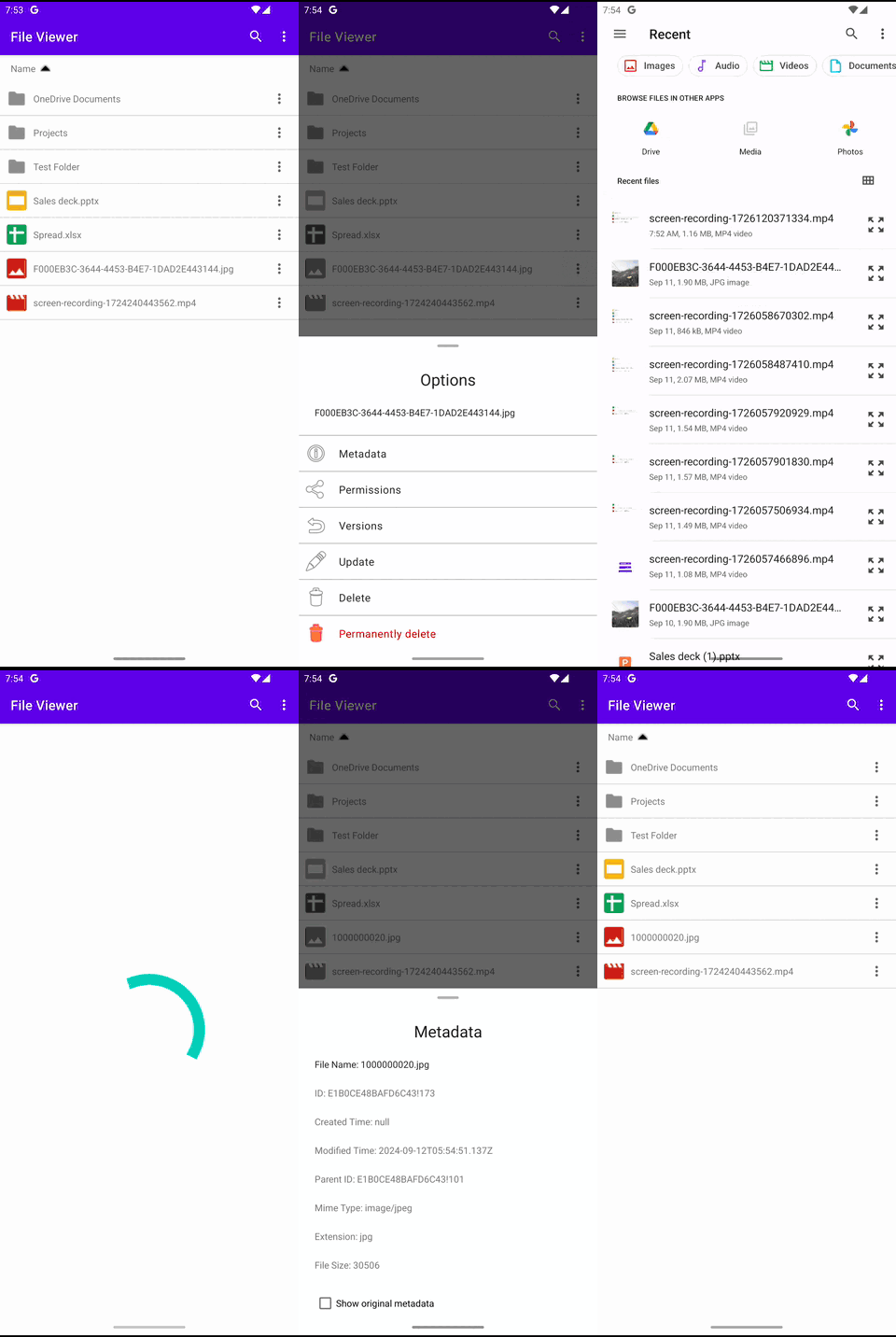 |
| File deletion | |||
 |
 |
 |
 |
| File upload | |||
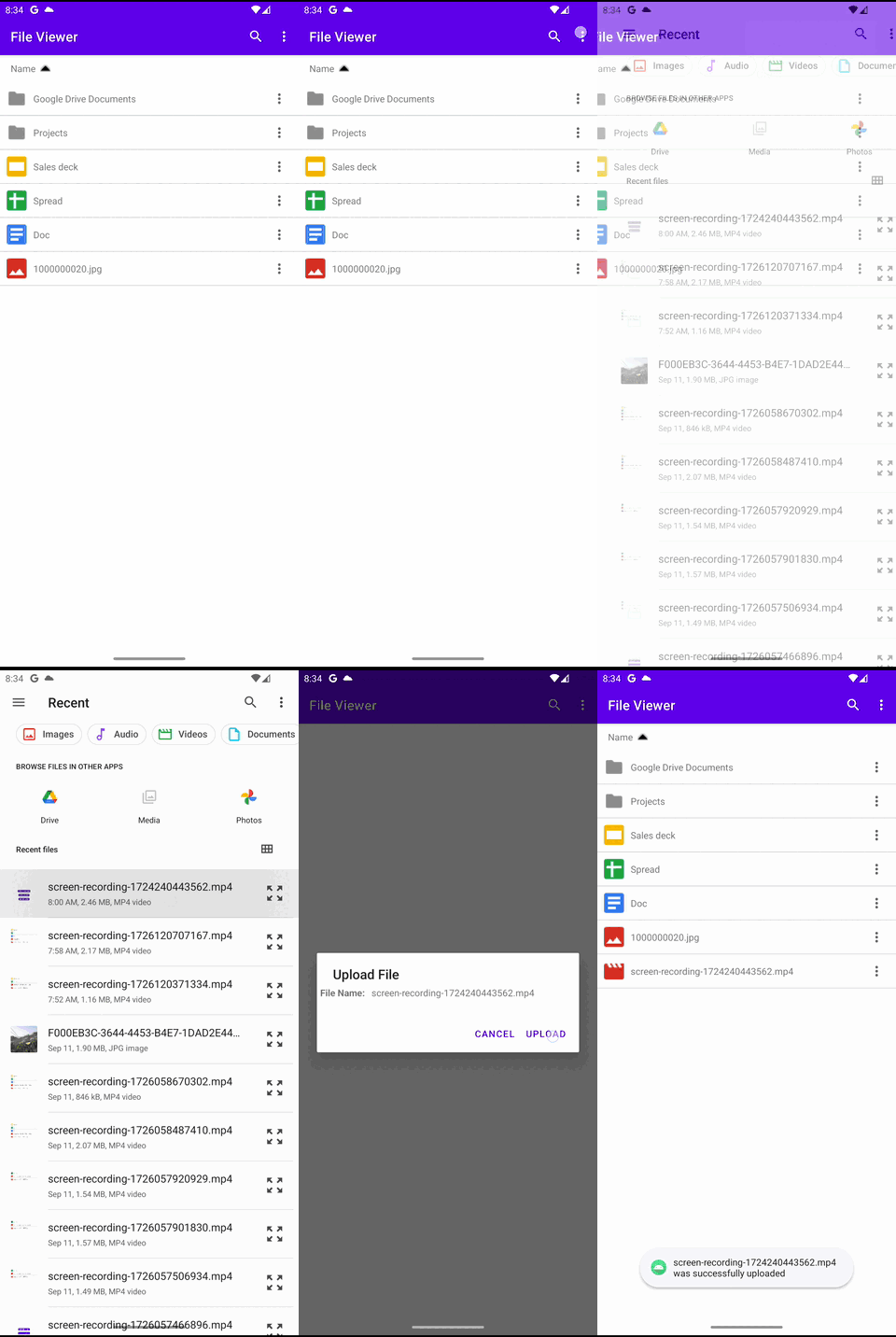 |
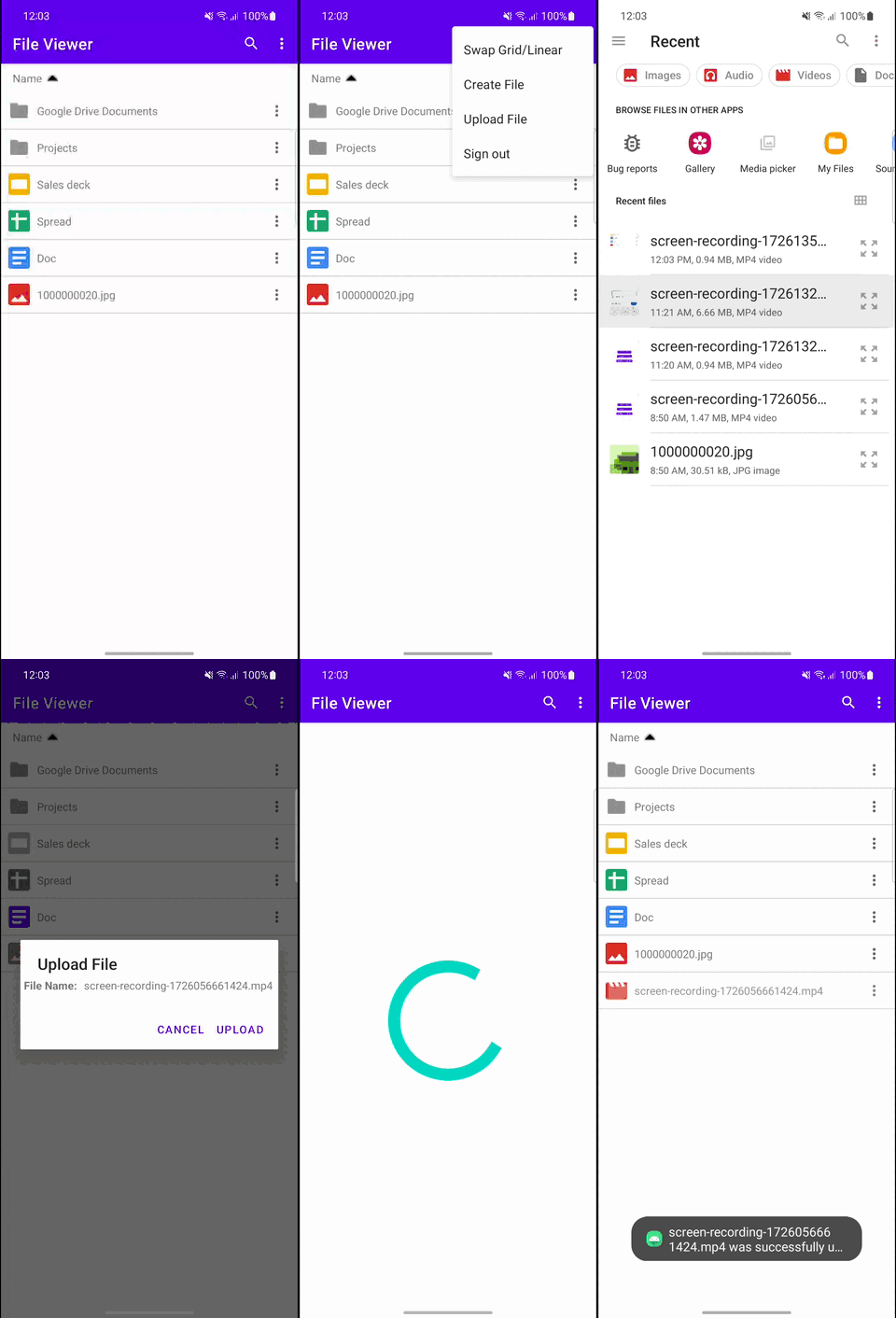 |
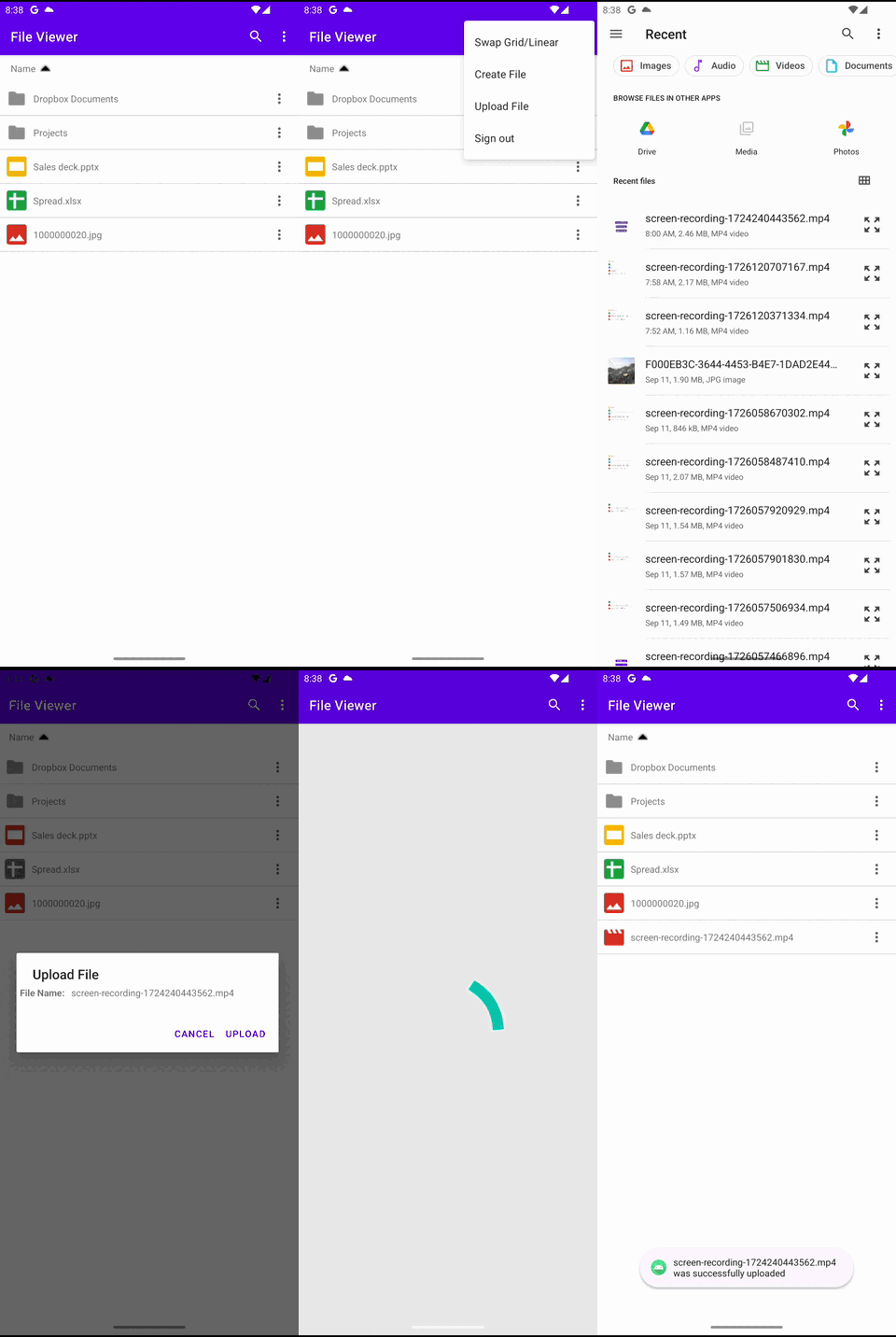 |
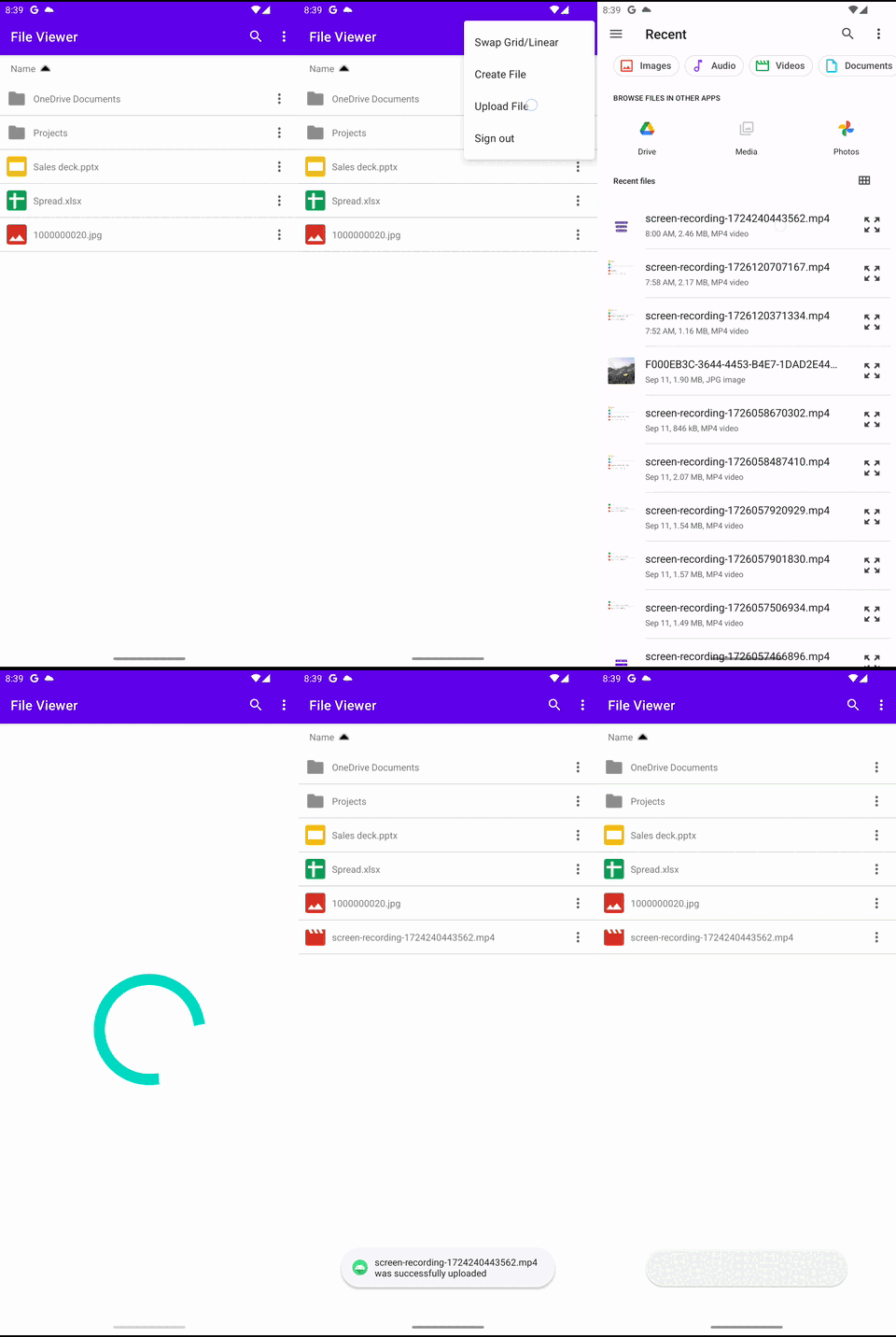 |
| File download | |||
 |
 |
 |
 |
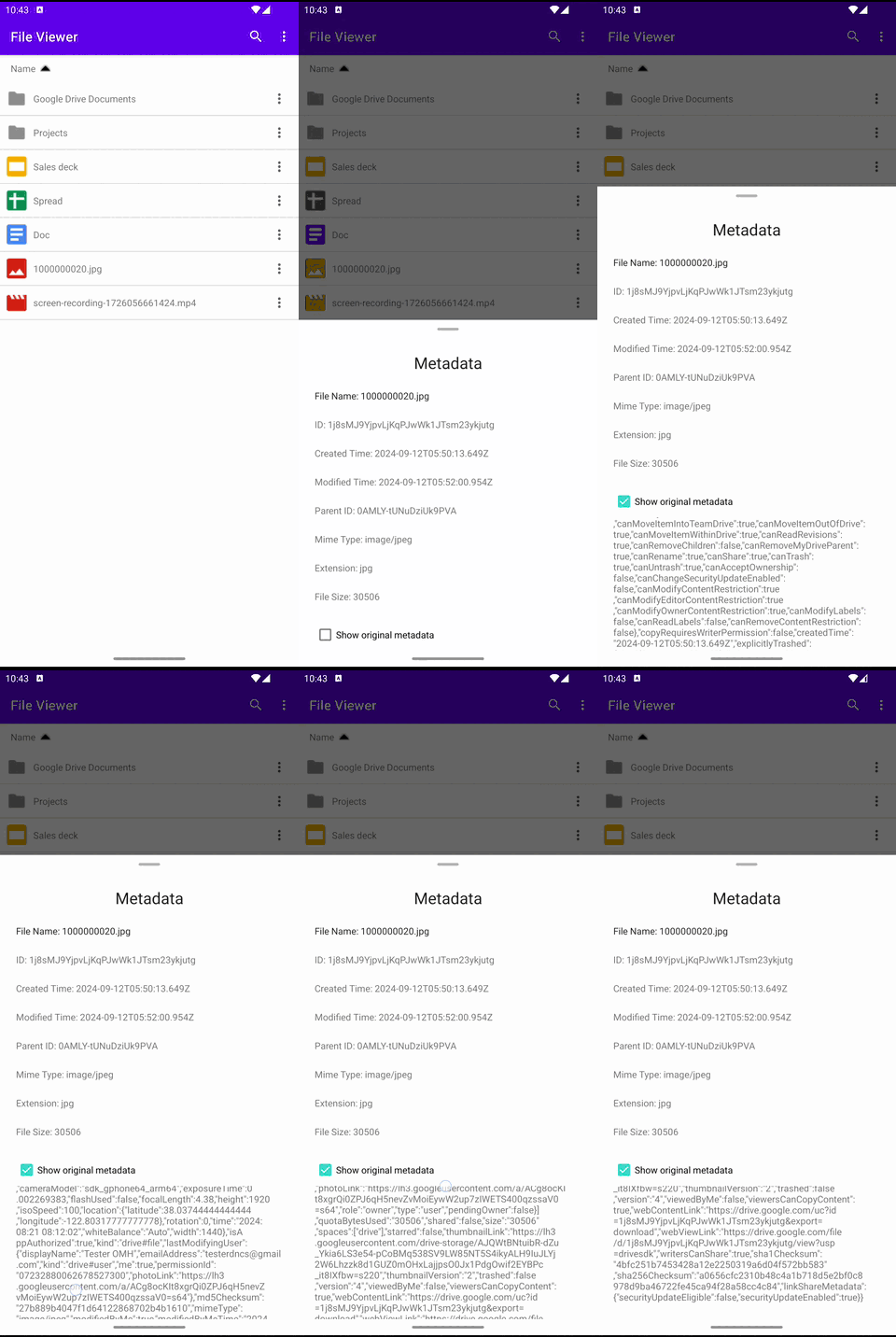
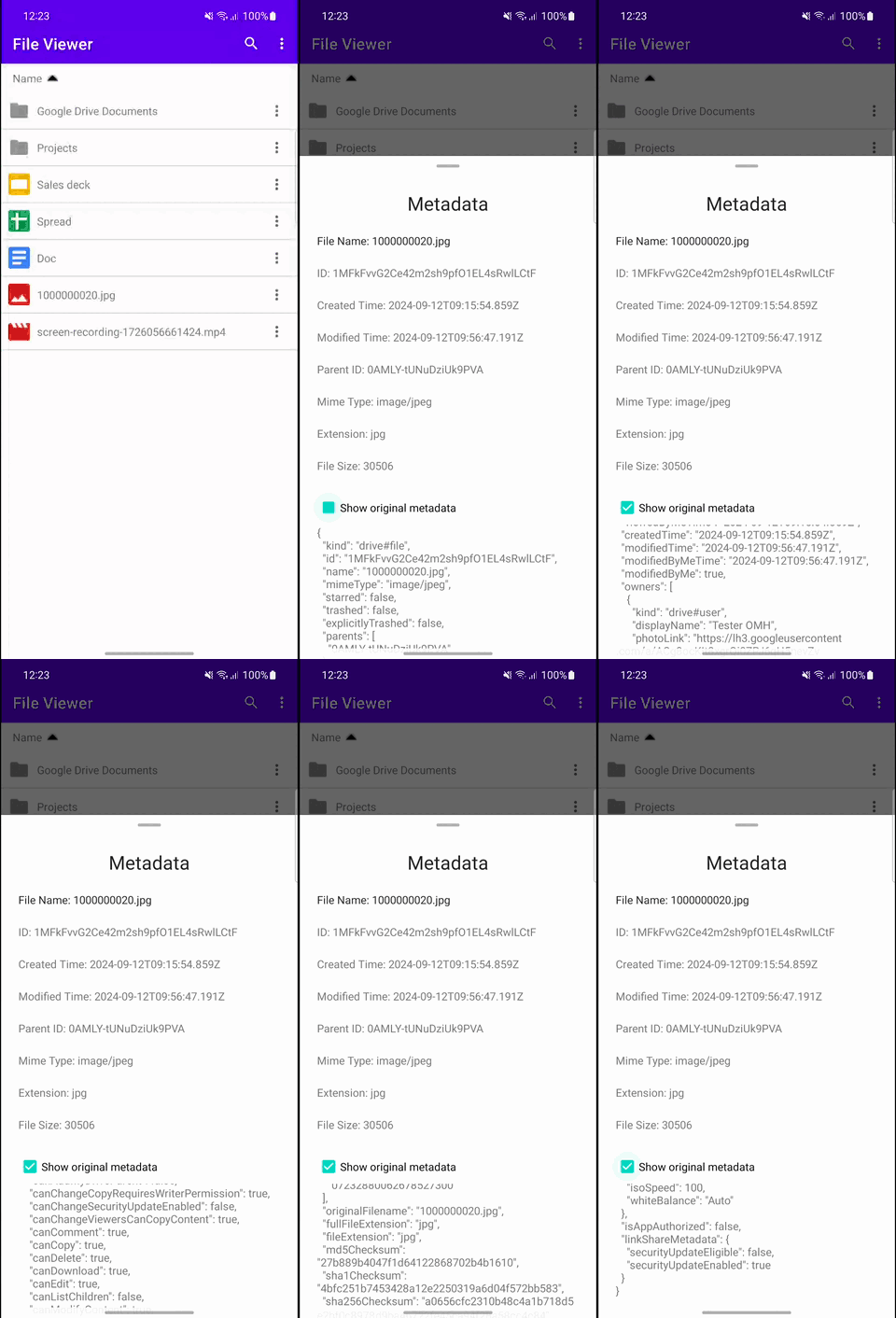
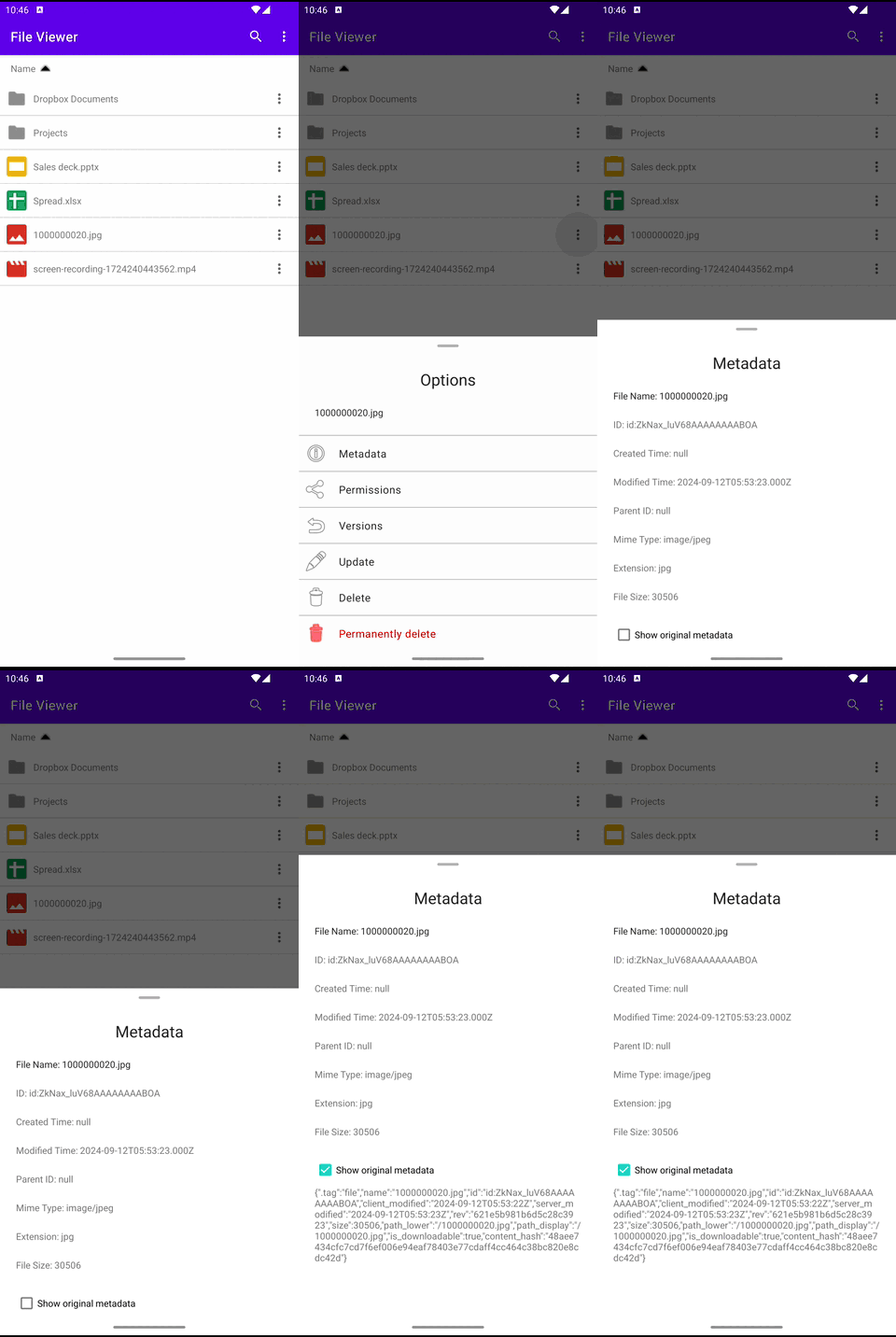
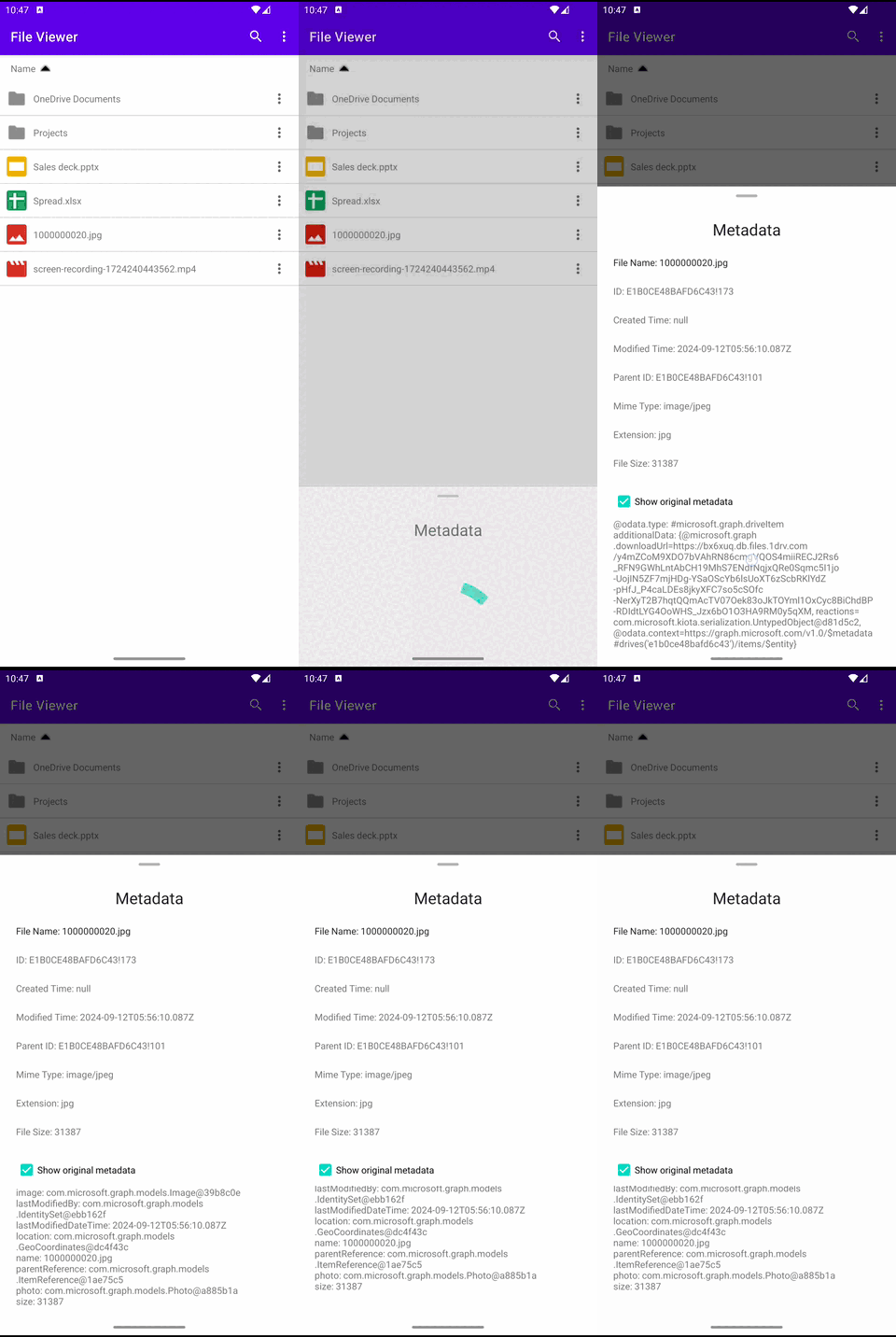
| File metadata | |||
 |
 |
 |
 |
| File versioning | |||
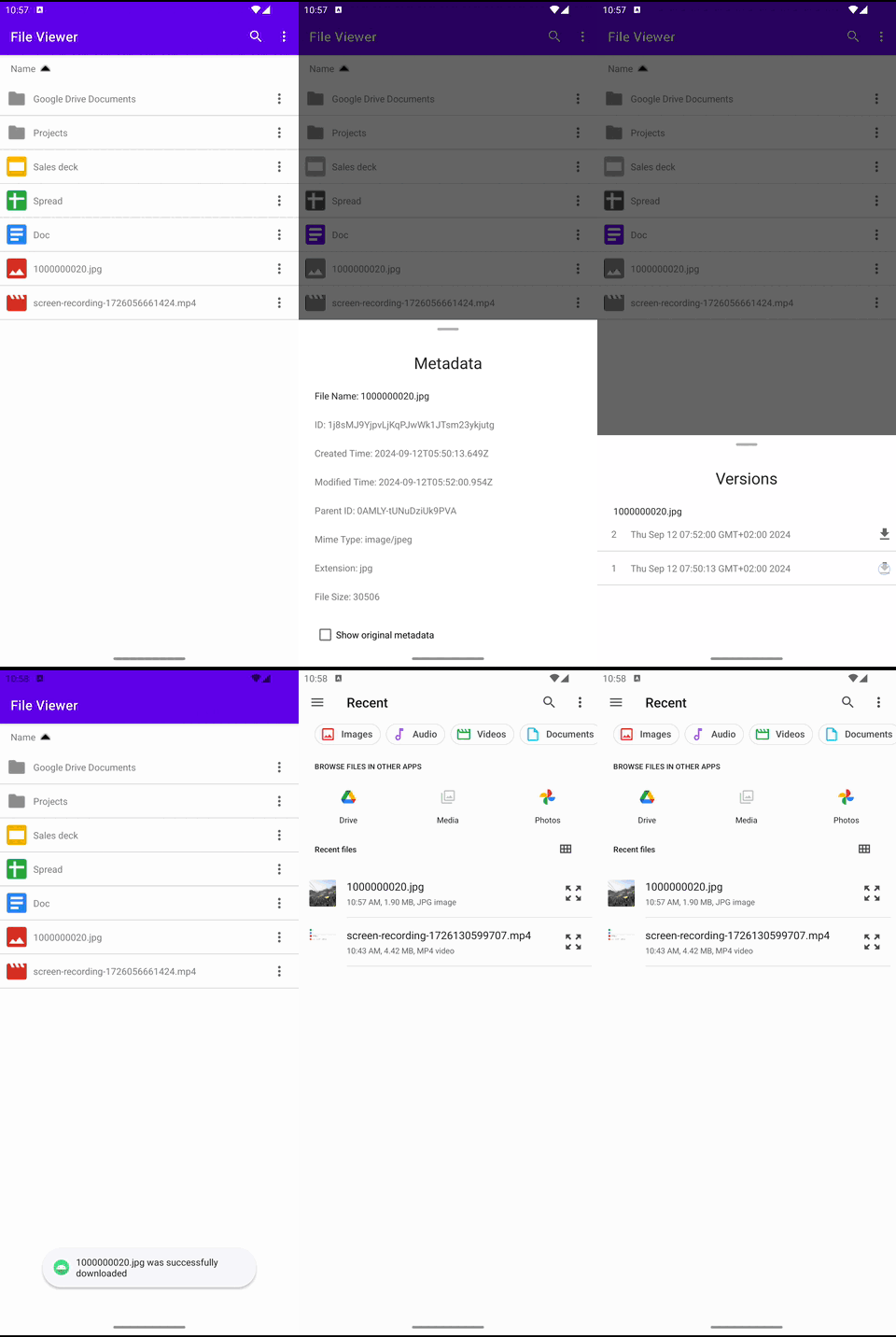 |
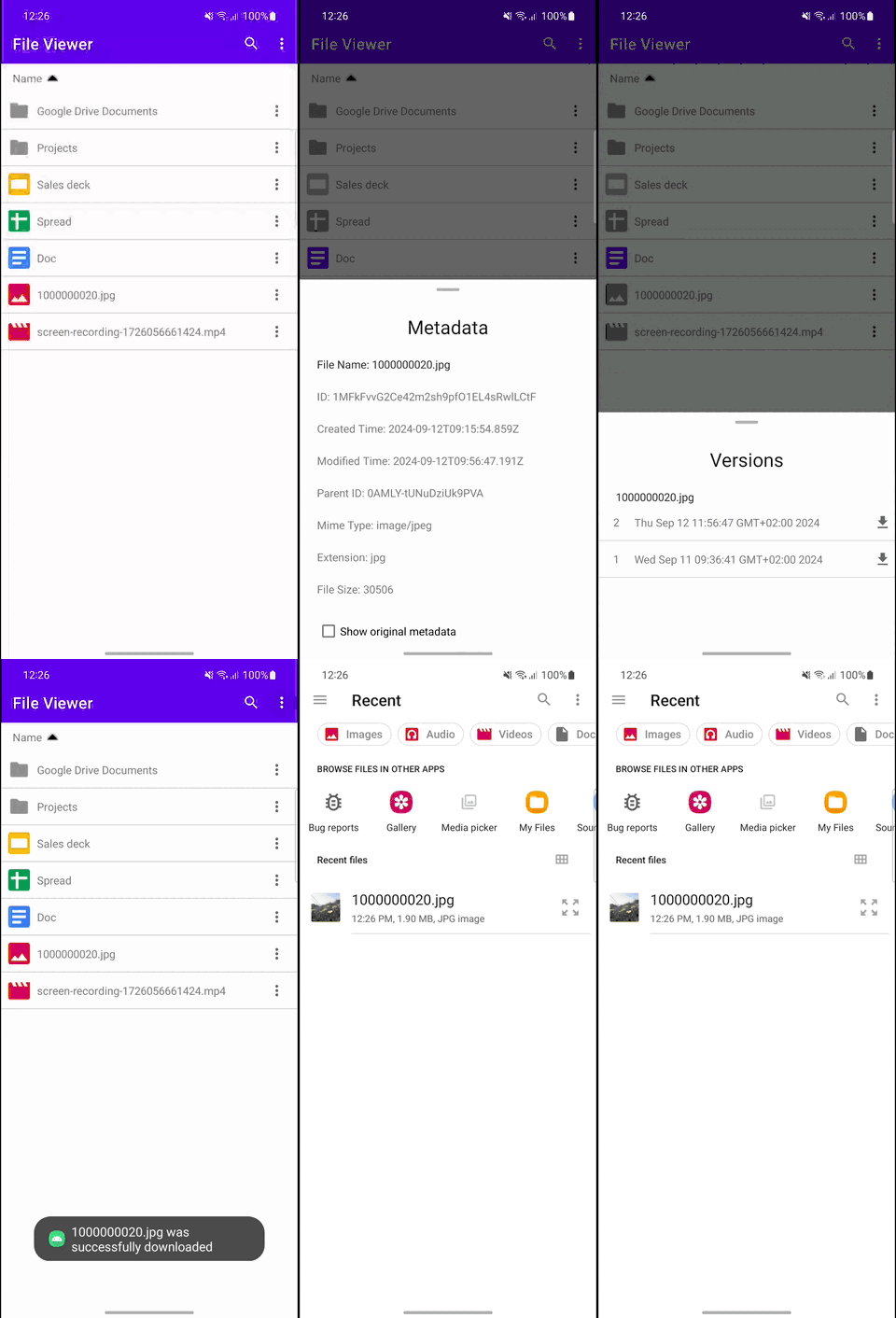 |
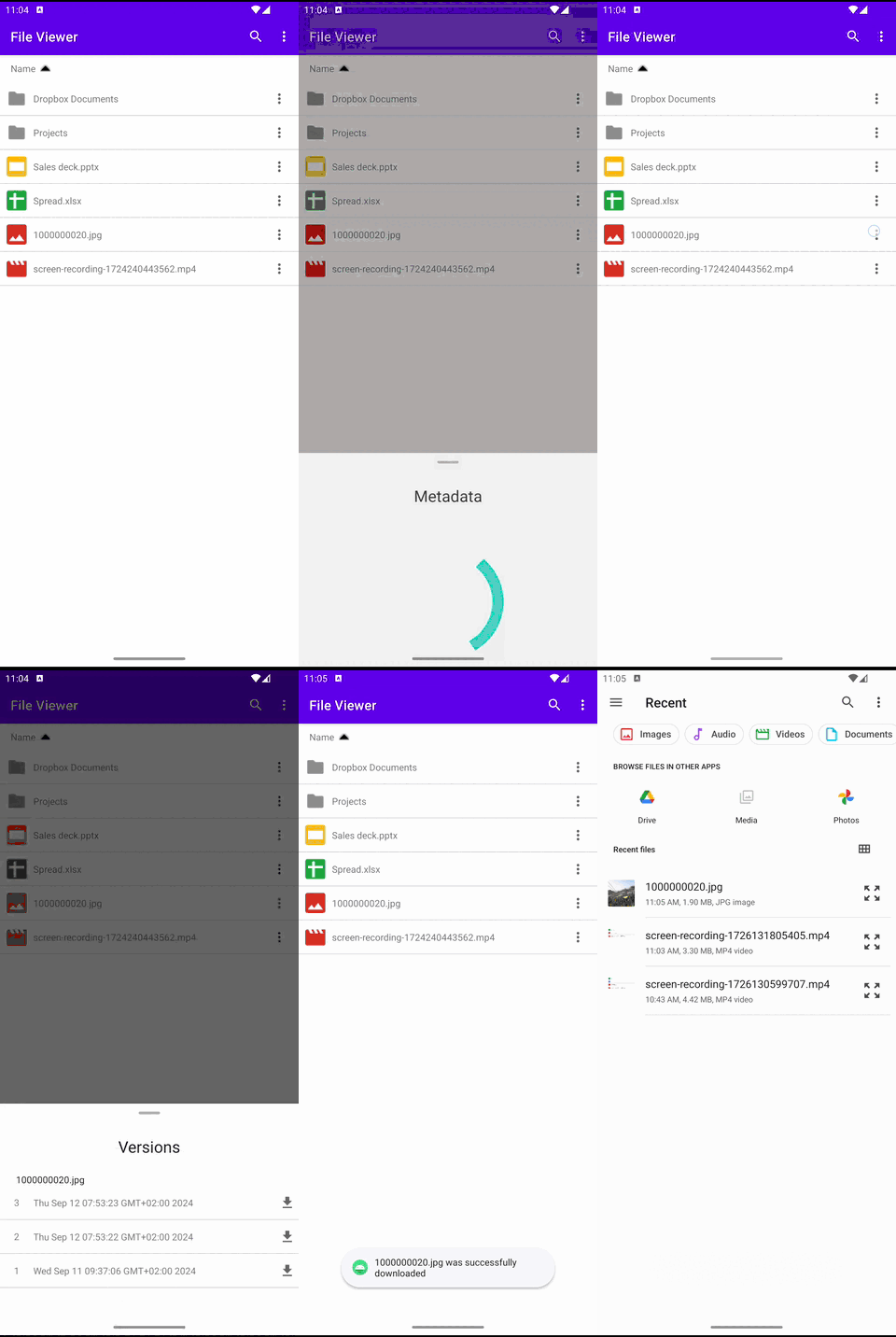 |
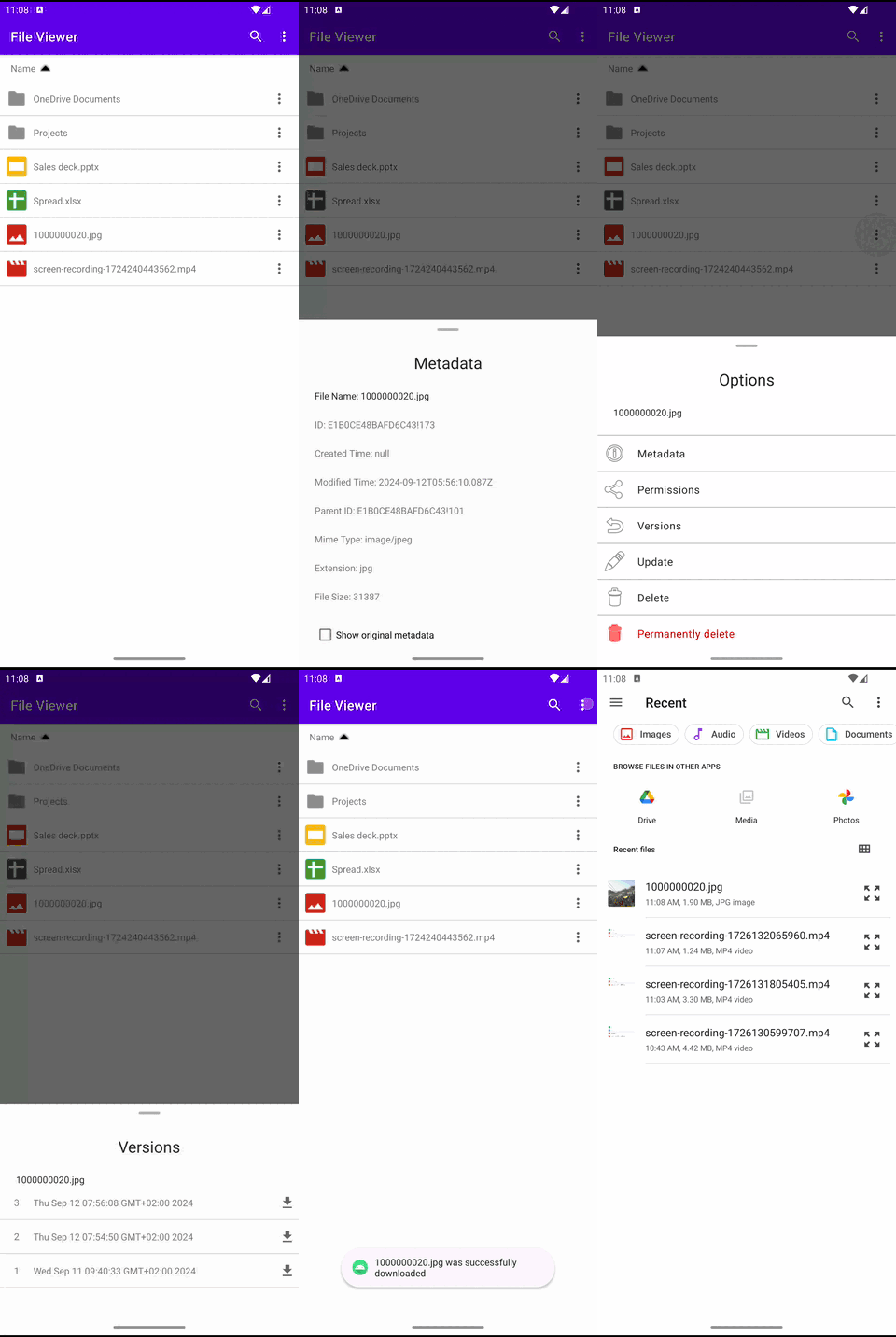 |
| File permissions | |||
 |
 |
 |
 |
Documentation
Supported functionality
-
✅ - supported
-
🟨 - partially supported
-
❌ - not supported
| Features | Google Drive (GMS) | Google Drive (non-GMS) | OneDrive | Dropbox |
|---|---|---|---|---|
| File listing | ✅ | ✅ | ✅ | ✅ |
| File searching | ✅ | ✅ | ✅ | ✅ |
| Folder creation | ✅ | ✅ | ✅ | ✅ |
| File creation (by mime type) | ✅ | ✅ | ❌ | ❌ |
| File creation (by extension) | ❌ | ❌ | ✅ | ✅ |
| File update | ✅ | ✅ | ✅ | ✅ |
| File deletion | ✅ | ✅ | ✅ | ✅ |
| File permanent deletion | ✅ | ✅ | ❌ | ❌ |
| File upload | ✅ | ✅ | ✅ | ✅ |
| File download | ✅ | ✅ | ✅ | ✅ |
| File export | ✅ | ✅ | ❌ | ❌ |
| File metadata | ✅ | ✅ | 🟨 | 🟨 |
| File versioning | ✅ | ✅ | ✅ | ✅ |
| File permissions | 🟨 | 🟨 | 🟨 | 🟨 |
| File URL | ✅ | ✅ | ✅ | ✅ |
| Escape hatch (get provider SDK) | ✅ | ❌ | ✅ | ✅ |
File metadata
Show details
| Property | Google Drive (GMS) | Google Drive (non-GMS) | OneDrive | Dropbox |
|---|---|---|---|---|
| id | ✅ | ✅ | ✅ | ✅ |
| name | ✅ | ✅ | ✅ | ✅ |
| createdTime | ✅ | ✅ | ❌ | ❌ |
| modifiedTime | ✅ | ✅ | ✅ | ✅ |
| parentId | ✅ | ✅ | ✅ | ✅ |
| mimeType | ✅ | ✅ | ✅ | ✅ |
| extension | ✅ | ✅ | ✅ | ✅ |
| size | ✅ | ✅ | ✅ | ✅ |
| Property | Google Drive (GMS) | Google Drive (non-GMS) | OneDrive | Dropbox |
|---|---|---|---|---|
| id | ✅ | ✅ | ✅ | ✅ |
| name | ✅ | ✅ | ✅ | ✅ |
| createdTime | ✅ | ✅ | ❌ | ❌ |
| modifiedTime | ✅ | ✅ | ✅ | ❌ |
| parentId | ✅ | ✅ | ✅ | ✅ |
OmhStorageMetadata.originalMetadata
| Storage provider | Type |
|---|---|
| Google Drive (GMS) | com.google.api.services.drive.model.File |
| Google Drive (non-GMS) | String |
| OneDrive | com.microsoft.graph.models.DriveItem |
| Dropbox | com.dropbox.core.v2.files.Metadata |
File permissions
Show details
OmhPermission.IdentityPermission
| Property | Google Drive (GMS) | Google Drive (non-GMS) | OneDrive | Dropbox |
|---|---|---|---|---|
| id | ✅ | ✅ | ✅ | 🟨 |
| role | ✅ | ✅ | ✅ | ✅ |
| isInherited | 🟨 | 🟨 | ✅ | ✅ |
| identity | ✅ | ✅ | ✅ | ✅ |
Google Drive: The
isInheritedproperty is available only for items in shared drives.
Dropbox: The
idcorresponds to the underlying identity ID.
| Type | Google Drive (GMS) | Google Drive (non-GMS) | OneDrive | Dropbox |
|---|---|---|---|---|
| User | ✅ | ✅ | ✅ | ✅ |
| Group | ✅ | ✅ | ✅ | ✅ |
| Domain | ✅ | ✅ | ❌ | ❌ |
| Anyone | ✅ | ✅ | ❌ | ❌ |
| Device | ❌ | ❌ | ✅ | ❌ |
| Application | ❌ | ❌ | ✅ | ❌ |
| Property | Google Drive (GMS) | Google Drive (non-GMS) | OneDrive | Dropbox |
|---|---|---|---|---|
| id | ❌ | ❌ | ✅ | ✅ |
| displayName | ✅ | ✅ | ✅ | 🟨 |
| emailAddress | ✅ | ✅ | ❌ | ✅ |
| expirationTime | ✅ | ✅ | ✅ | ❌ |
| deleted | ✅ | ✅ | ❌ | ❌ |
| photoLink | ✅ | ✅ | ❌ | ❌ |
| pendingOwner | ❌ | ✅ | ❌ | ❌ |
Dropbox: Invited users who do not have a Dropbox account will not have a
displayName.
| Property | Google Drive (GMS) | Google Drive (non-GMS) | OneDrive | Dropbox |
|---|---|---|---|---|
| id | ❌ | ❌ | ✅ | ✅ |
| displayName | ✅ | ✅ | ✅ | ✅ |
| emailAddress | ✅ | ✅ | ❌ | ❌ |
| expirationTime | ✅ | ✅ | ✅ | ❌ |
| deleted | ✅ | ✅ | ❌ | ❌ |
| Role | Google Drive (GMS) | Google Drive (non-GMS) | OneDrive | Dropbox |
|---|---|---|---|---|
| OWNER | ✅ | ✅ | ✅ | ✅ |
| WRITER | ✅ | ✅ | ✅ | 🟨 |
| COMMENTER | ✅ | ✅ | ❌ | ✅ |
| READER | ✅ | ✅ | ✅ | 🟨 |
Dropbox:
While the
READERrole is documented in the API, Dropbox does not support granting this role. Attempting to do so will throw an exception with the user message:viewer_no_comment isn’t yet supported.Dropbox also does not support granting the
WRITERrole for uploaded files. Any attempt will result in an exception with the user message:You don’t have permission to perform this action.
| Type | Google Drive (GMS) | Google Drive (non-GMS) | OneDrive | Dropbox |
|---|---|---|---|---|
| User | ✅ | ✅ | ✅ | ✅ |
| Group | ✅ | ✅ | ✅ | ❌ |
| Domain | ✅ | ✅ | ❌ | ❌ |
| Anyone | ✅ | ✅ | ❌ | ❌ |
| WithObjectId | ❌ | ❌ | ✅ | ✅ |
| WithAlias | ❌ | ❌ | ✅ | ❌ |
Dropbox: To invite a group, use
WithObjectIdand provide the group ID.
Contributing
License
-
See LICENSE
All modules:
To integrate the Core package into your Android project, follow these steps:
Ensure you have the following packages installed before proceeding with the integration:
Ensure you have the following packages installed before proceeding with the integration:
This plugin does not provides an escape hatch to access the native Google Drive Android SDK, as it uses REST API instead. If needed, you can use credentials from OmhAuthClient to authorise your own REST API client.
Ensure you have the following packages installed before proceeding with the integration: